Have any questions? Contact us!
Join our team!
Request a free quote or consultation

Scan to BIM is the process of turning 3D laser scans of a real-world building into a digital Building Information Model. It helps teams understand the exact structure of a space, especially when working with existing buildings or planning renovations. By capturing accurate site conditions, this method reduces guesswork and improves coordination across design and construction teams.
Why Scan to BIM Matters Today
In construction and renovation projects, having access to reliable and up-to-date information about an existing building is essential. Scan to BIM provides a way to capture real-world conditions quickly and with high accuracy. Using 3D laser scanners, it creates a detailed digital model often called a digital twin that reflects the true geometry of a space. This model is built from point clouds, which contain millions of spatial data points that are processed and converted into a structured BIM model in software like Revit.
This approach eliminates the uncertainty often found in outdated drawings or manual site measurements. For architects, engineers, and facility managers, it offers a dependable foundation for planning, analysis, and decision-making. Whether the goal is to renovate an aging structure, manage assets more effectively, or coordinate complex building systems, Scan to BIM allows teams to work with real conditions rather than assumptions, saving time, avoiding errors, and improving overall project outcomes.
Powerkh: Converting Point Clouds into Actionable BIM Models

Powerkh is a UK-based company with offices in the United States and Ukraine and, specializing in digital design and Building Information Modeling (BIM) services. Our core focus is on Scan to BIM, where we convert Point Cloud data into detailed 3D as-built models. These models accurately represent construction projects, aiding in design planning, constructability analysis, and project execution.
We provide precise architectural, structural, and MEP (Mechanical, Electrical, and Plumbing) modeling services. Using data from industry-standard laser scanners, we deliver BIM models at various Levels of Development (LOD 100 to LOD 500). Our team ensures seamless integration into Revit software and supports applications like clash detection, refurbishment planning, and building lifecycle management. We also offer cloud-based visualization tools for better team collaboration.
Our services include Point Cloud data processing, 3D BIM modeling, and 2D as-built drawings. By combining global expertise and localized insights, we help clients streamline construction workflows and improve project outcomes.
How Scan to BIM Works: Step-by-Step
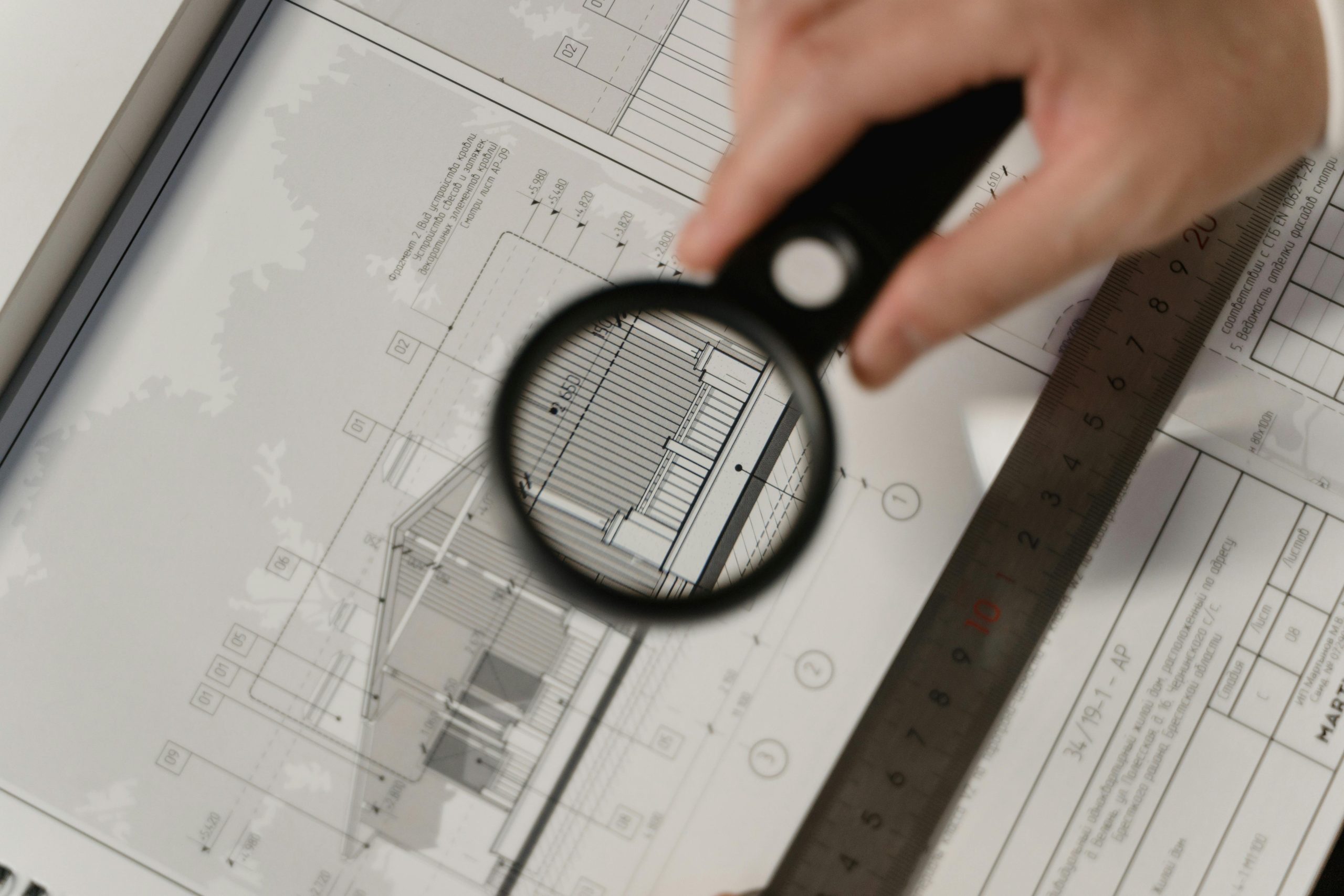
The Scan to BIM process unfolds in several distinct stages, each contributing to the accurate transformation of real-world environments into data-rich digital models. Here’s a breakdown of how it works:
1. Laser Scanning on Site
The process begins with on-site 3D laser scanning, where specialized equipment captures the physical geometry of a building or environment. Depending on the complexity and access to the site, scanners may be mounted on tripods, carried by hand, or attached to drones. The scanner emits laser beams that bounce off surfaces and return to the device, measuring the exact distance between the scanner and each point. These measurements form a point cloud, a high-density collection of spatial coordinates that represent the scanned area in three dimensions.
2. Point Cloud Registration
Once scanning is complete, the collected data is transferred to a computer for processing. Multiple scans taken from different angles or locations must be aligned correctly to form a cohesive 3D view. This is achieved through a process called registration, which merges the scans based on overlapping features or reference targets. If required, the data is also georeferenced using project-specific coordinates to ensure it fits into a larger context, such as a site plan or GIS system.
3. Cleaning and Optimizing the Data
After registration, the point cloud undergoes optimization to prepare it for modeling. This includes removing unnecessary or irrelevant points such as those representing people, vehicles, or reflective surfaces and organizing the dataset into logical sections or levels. The goal is to reduce complexity without losing critical details. At this stage, the data is also converted into a file format compatible with modeling platforms, such as RCP or RCS files for Autodesk Revit.
4. Importing and Modeling in BIM Software
The optimized point cloud is imported into BIM software, where the actual modeling begins. Using the cloud as a spatial reference, modelers recreate the building’s geometry element by element walls, floors, columns, beams, pipes, and more. This process can be manual, semi-automated, or supported by AI-assisted tools, depending on the software and level of complexity. The model is developed to meet a specified Level of Detail (LOD) and is enriched with relevant metadata such as materials, performance data, and manufacturer specifications.
5. Final BIM Output
The end result is a complete digital representation of the scanned building, often referred to as an as-built BIM model. This BIM model accurately reflects the existing conditions and is ready for use in renovation planning, facility management, clash detection, or construction coordination. It enables project teams to work from verified data rather than assumptions or outdated drawings, significantly improving decision-making, reducing errors, and supporting the long-term management of the asset.
Applications of Scan to BIM
Scan to BIM is widely used in renovation and retrofit projects where accurate information about existing conditions is essential. Traditional drawings are often outdated or missing altogether, which makes it difficult for architects and engineers to rely on them during planning. With laser scanning, teams can capture the exact state of a structure and convert it into a detailed BIM model. This allows for better-informed decisions when modifying layouts, reinforcing structures, or integrating new systems into old environments.
Another common application is in the documentation and preservation of historical buildings. Since these structures are often delicate and complex, physically measuring or altering them can be risky. Scan to BIM offers a non-invasive way to digitally record intricate architectural details and structural elements, which can then be used for restoration planning, condition assessments, or digital archiving. The model becomes a reference point that preserves the building’s condition at a specific moment in time.
Beyond renovation, Scan to BIM is also used during construction and facility management. Contractors use scans to monitor progress and check that actual work aligns with design specifications. Facility managers rely on the resulting BIM models to maintain building systems, track assets, and plan future upgrades. In each case, the benefit lies in having a central, accurate, and updatable model that reflects real-world conditions and supports long-term project efficiency.
Key Advantages of Implementing Scan to BIM
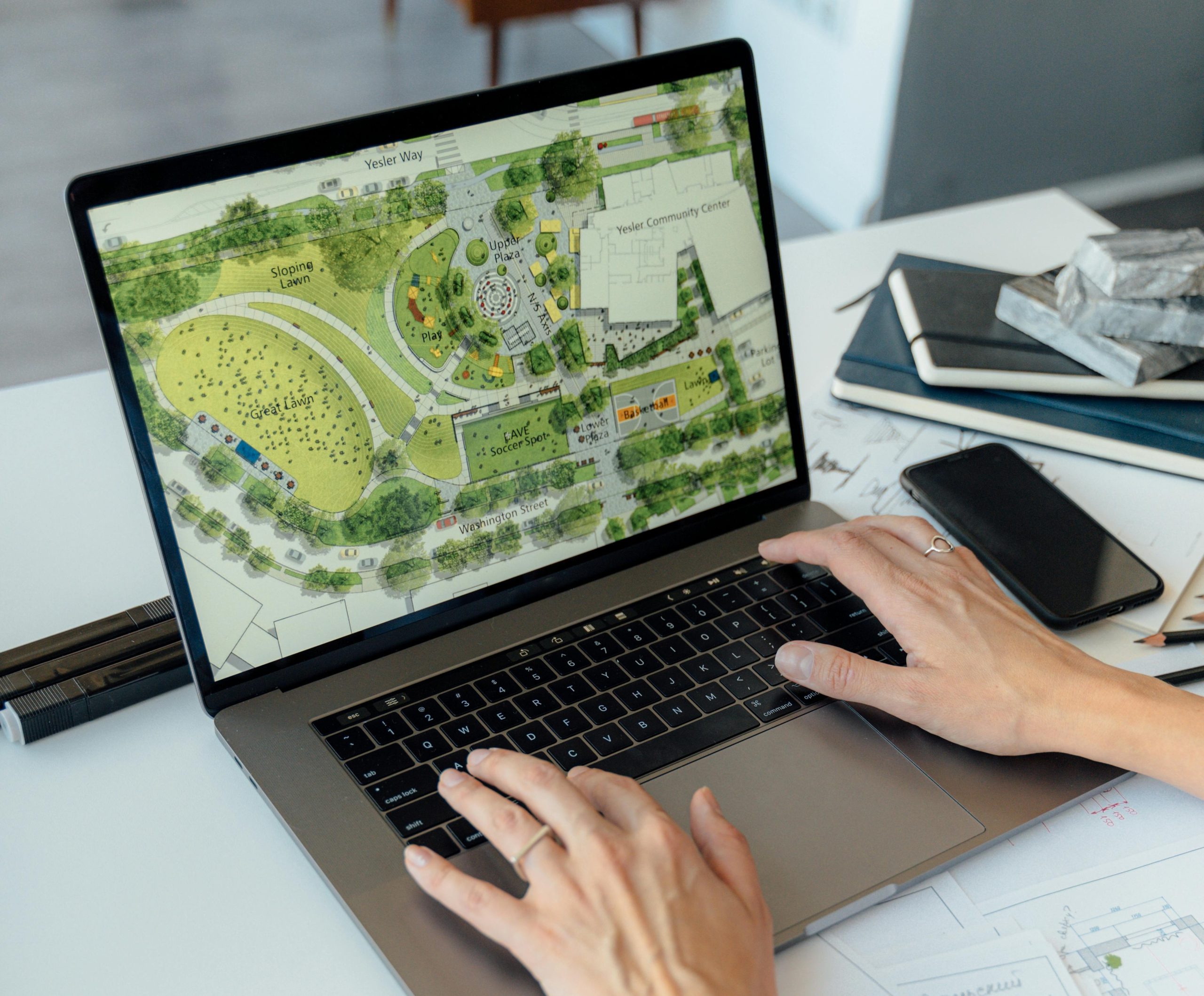
Using Scan to BIM in architectural and construction workflows provides several practical benefits that improve accuracy, efficiency, and coordination across project phases:
- Precise as-built documentation. Laser scanning captures real-world conditions with high accuracy, reducing reliance on outdated drawings or manual measurements.
- Improved coordination and clash detection. The BIM model based on actual site data allows different disciplines to collaborate more effectively and identify conflicts before construction begins.
- Faster project planning. With accurate spatial data available early, design and planning processes move forward with fewer delays and less rework.
- Reduced errors and rework. By working with verified data from the start, teams can avoid mistakes caused by incorrect assumptions or missing information.
- Support for complex or inaccessible sites. Laser scanners can capture hard-to-reach areas safely and efficiently, including mechanical rooms, rooftops, or exterior façades.
- Centralized information for long-term use. Once created, the BIM model becomes a single source of truth for renovation, maintenance, asset tracking, and future upgrades.
- Better cost control. Early detection of potential issues and accurate quantity takeoffs help minimize unexpected expenses during construction.
Practical Constraints and Considerations in Scan to BIM

While Scan to BIM offers clear advantages, it also comes with a set of challenges that teams should be aware of before implementation. These limitations are not necessarily deal-breakers but require proper planning, budgeting, and expertise to manage effectively.
1. High Initial Costs
One of the most common barriers to adopting Scan to BIM is the upfront investment. High-precision laser scanners, licensed software, and skilled modeling professionals contribute to the overall cost. While the process can lead to long-term savings by reducing errors and rework, the initial expense may be difficult to justify for smaller or low-budget projects.
2. Need for Specialized Expertise
Executing a Scan to BIM workflow requires both technical and modeling knowledge. Field teams must understand how to operate scanning equipment and capture accurate data, while modelers need experience working with point clouds and BIM platforms like Revit. Without trained professionals, there’s a higher risk of inaccurate models or misinterpretation of the scanned data.
3. Data Complexity and File Management
Point cloud files are large, complex, and require high-performance hardware and storage systems. Managing and processing this data can slow down workflows, especially if multiple scans are involved. Additionally, segmenting and cleaning the point cloud before modeling is time-consuming and may introduce errors if not handled carefully.
4. Limited Awareness and Adoption
In some regions or sectors, Scan to BIM is still viewed as a niche or optional tool rather than a standard practice. This limited awareness can lead to hesitance in adoption, particularly when decision-makers are unfamiliar with the technology or lack real-life examples of its effectiveness. Without broader industry acceptance, it may also be harder to integrate Scan to BIM with existing workflows.
Scan to BIM in Practice: Key Considerations
Successful implementation of Scan to BIM depends not only on technology but also on thoughtful planning and execution. Several practical factors influence the quality and usefulness of the final BIM model, starting with how the scan itself is conducted. Before scanning begins, it’s important to assess the site thoroughly and identify areas that may be difficult to access or require special equipment. This helps determine the number of scans needed, ideal scanner positions, and whether additional control points or targets are required to ensure accuracy.
Another important consideration is the level of detail (LOD) required for the model. Depending on how the BIM model will be used whether for facility management, renovation planning, or clash detection the detail and precision of the geometry can vary significantly. Defining this early helps avoid unnecessary modeling effort and ensures that the end product meets the client’s or project’s expectations. Similarly, identifying what metadata should be included in the model (e.g., material types, manufacturer info, or system classifications) can help streamline the modeling process and reduce back-and-forth communication later on.
Finally, coordination between the scanning team and BIM modelers is essential. The success of Scan to BIM depends on the alignment between what is captured on-site and how that data is interpreted during modeling. Miscommunication or missing context can lead to inaccurate geometry or incomplete models. Maintaining clear documentation, file version control, and consistent naming conventions throughout the process helps keep the workflow organized and minimizes errors during handoff between teams or phases.
Conclusion
Scan to BIM is a practical method for turning real-world building conditions into accurate, information-rich digital models. By combining 3D laser scanning with Building Information Modeling tools, this approach helps architects, engineers, and contractors work from verified data rather than outdated drawings or manual measurements.
It’s especially valuable for renovation projects, complex structures, and facility management, where understanding existing conditions is essential for effective planning and execution. While it requires specialized tools and expertise, the long-term benefits such as reduced errors, better coordination, and time savings make Scan to BIM a powerful addition to modern construction workflows.
FAQ
1. What is Scan to BIM?
Scan to BIM is the process of using 3D laser scanning to capture a building’s physical details and converting that data into a digital Building Information Model.
2. What is a point cloud?
A point cloud is a collection of millions of measured data points captured during a laser scan. It represents the geometry of a space in 3D and serves as the base for creating a BIM model.
3. Is Scan to BIM only used for renovations?
While renovation and retrofit projects are common use cases, Scan to BIM is also used for historical preservation, construction verification, facility management, and site documentation.
4. What software is used in the Scan to BIM process?
Typical software includes laser scanning tools from hardware manufacturers, Autodesk ReCap for point cloud processing, and Autodesk Revit for BIM modeling.
5. Is Scan to BIM expensive?
The initial costs can be high due to the need for specialized equipment and skilled professionals. However, it often leads to long-term savings by improving accuracy and reducing project errors.
6. Can Scan to BIM models include material and equipment data?
Yes, BIM elements created from scan data can include metadata such as material specifications, system types, or manufacturer details, depending on project requirements.
Our Case Studies
We have handled 200+ BIM & VDC projects for commercial, industrial, and residential sectors.
Our work includes:
Formwork design automation
Our client from
California, USA
Suspended ceiling design automation
Our client from
New York, USA
Wall framing design automation
Our client from
California, USA


