Have any questions? Contact us!
Join our team!
Request a free quote or consultation

BIM is often treated like software, and Revit gets used like it’s the entire workflow. But they’re not the same thing. Revit is a tool – a powerful one – and BIM is the process that gives it direction. Together, they’ve become the foundation for how buildings get planned, designed, coordinated, and built. Whether you’re working on early concept models or producing shop drawings, understanding the relationship between BIM and Revit helps teams deliver faster, more accurately, and with fewer costly surprises.
What BIM Actually Is (And What It Isn’t)
BIM gets mentioned a lot in the construction world, but it’s still easy to misinterpret. It’s not a file type, and it’s definitely not just a 3D model. BIM – short for Building Information Modeling – is a working method that brings structure to how information is created, shared, and used across the lifecycle of a building. That includes drawings and geometry, sure, but also specs, quantities, timelines, pricing, and performance data. All of that gets tied into the model, which becomes a live reference throughout the project.
Done right, BIM becomes a shared source of truth. Everyone involved – from architects and engineers to contractors and facility teams – is working from the same digital foundation. That kind of setup cuts down on errors, reduces back-and-forth, and helps projects stay on track. But it only works if the process is actually planned and managed. Plugging things into software without clear standards usually just leads to chaos.
BIM isn’t automatic. It doesn’t fix coordination issues on its own. To get real value out of it, there has to be structure – proper templates, naming conventions, shared models, and clear responsibilities. Otherwise, it turns into a pile of disconnected files that no one fully trusts. When the framework is solid, though, BIM becomes one of the most reliable tools for keeping teams aligned and reducing risk as the project moves forward.
Where Revit Fits Into the Picture
Revit, alongside tools like ArchiCAD, Tekla, and Bentley AECOsim, enables BIM by providing platforms to create data-rich models and coordinate across disciplines. Instead of just drawing lines or placing symbols, Revit builds relationships between components: materials, quantities, installation timing, and system data all stay connected. If a wall shifts or a duct path changes, those updates carry across sheets, tags, and schedules automatically. That’s not just a convenience – it’s how coordination stays manageable when multiple disciplines are involved.
The real strength of Revit shows up in collaborative projects. Architectural layouts, structural framing, and MEP systems can all live in the same model – or be linked for review and clash detection. Everyone sees the same thing and reacts to the same data. That shared context helps teams catch design conflicts earlier, adjust in real time, and avoid the kind of late-stage surprises that lead to delays or change orders. Whether it’s a simple LOD 100 massing model or detailed steel and rebar at LOD 400, Revit holds the structure together so the project can keep moving without constant rework.
How Powerkh Uses Revit BIM to Deliver Smarter Project Execution

We’re – Powerkh, a UK-based company with offices in Ukraine and the USA, focused on Revit-based architecture, engineering, and construction services. Our team works across multiple sectors, supporting projects through planning, design, and execution using data-rich Revit models as the foundation. These models are developed not just for visual output, but as part of a structured BIM workflow – one that supports coordination, documentation, and delivery from start to finish.
Alongside Revit modeling, we provide BIM coordination, clash detection, and design optimization. These services go beyond geometry. They help align data, prevent conflicts early, and keep all disciplines working from the same source of information. In real terms, that means fewer delays, less rework, and smoother collaboration between teams.
With experience in both traditional drafting and modern digital delivery, we bridge the gap between drawing and construction. By combining Revit’s technical capabilities with structured BIM processes, we help deliver models that aren’t just accurate – they’re ready to be built from.
What You Can Actually Do with Revit BIM

Revit isn’t just for modeling – it’s a practical tool that ties your entire workflow together. From design and coordination to shop drawings and scheduling, here’s what it actually helps you get done on a project.
Build Once – Use It Everywhere
A well-structured Revit model feeds everything else: views, sheets, quantities, tags, and documentation. You don’t have to redraw or chase down updates. Change something once, and it flows through the whole set automatically. That’s how you keep things tight – especially when you’re juggling revisions.
Coordinate Across Disciplines
When teams work in isolation, errors pile up fast. Revit helps avoid that by giving architects, structural engineers, and MEP designers a way to work in sync. Shared models and clash detection mean issues show up during coordination, not on-site when it’s too late.
Go Beyond Visuals – Track Real Data
Every object in the model can carry metadata – material type, system performance, installation phase, even manufacturer info. It’s not just shapes and symbols. This kind of detail feeds into estimates, procurement, and eventually facility use. If you build it into the model early, you don’t need to track it down later.
Generate Accurate Drawings and Shop-Level Outputs
Revit isn’t just for concepts – it’s solid for production too. You can generate consistent, annotated drawing sets straight from the model. Whether it’s GA plans, rebar detailing, or CNC-ready shop drawings, Revit helps cut down manual drafting and keeps everything aligned with the build.
Revit BIM in a Real Workflow (Step-by-Step Example)
Here’s how Revit supports an actual BIM workflow – not just in theory, but the way it plays out on a live project. From importing drawings to producing coordinated outputs, each step builds on the last. The goal? Keep teams aligned and avoid chaos later.
Step 1: Start with 2D or Point Cloud Input
Most jobs don’t start from scratch. You’re either handed legacy CAD drawings or point cloud scans. Revit makes it easy to bring that data in and start layering a proper 3D model over it.
- Import 2D DWGs or link in laser scan data
- Set up reference levels and grids
- Clean up and align the input before modeling begins
Step 2: Build the Core Model
This is where the actual BIM work begins. Teams create the architectural shell, structure, and MEP systems inside a coordinated Revit environment.
- Model by trade: architectural, structural, mechanical, etc.
- Use families and parametric components to reduce repetition
- Apply proper naming and object standards from day one
Step 3: Run Early Coordination
Once the base models are in, it’s time to start checking how everything fits together. It’s easier (and cheaper) to catch problems here than when materials are already on-site.
- Link models together for clash review
- Identify critical conflicts (HVAC through beams, duct clearances, etc.)
- Flag issues and loop in stakeholders before moving forward
Step 4: Refine for LOD and Deliverables
As the design progresses, the model gets more detailed. Revit makes it simple to increase the LOD (Level of Development) without having to rebuild everything.
- Add detail based on project phase (LOD 100 to 400 or 500)
- Generate sections, elevations, and details directly from the model
- Keep documentation synced with model changes automatically
Step 5: Extract Outputs and Connect to Other Tools
At this stage, the model becomes more than just a design tool. It feeds into fabrication, scheduling, and even operations.
- Create shop drawings, quantity takeoffs, and fabrication files
- Export to Navisworks, IFC, or project management platforms
- Use the same model for site coordination and client handover
Step 6: Maintain, Update, and Use Post-Construction
After construction, a well-structured BIM model still has value. Revit makes it easier to hand over a clean file that facility teams can actually use.
- Include metadata, asset tags, and equipment specs
- Update the model to reflect final as-built conditions
- Provide clients with a usable digital twin for long-term maintenance
Benefits You Can Measure: Time, Cost, Accuracy
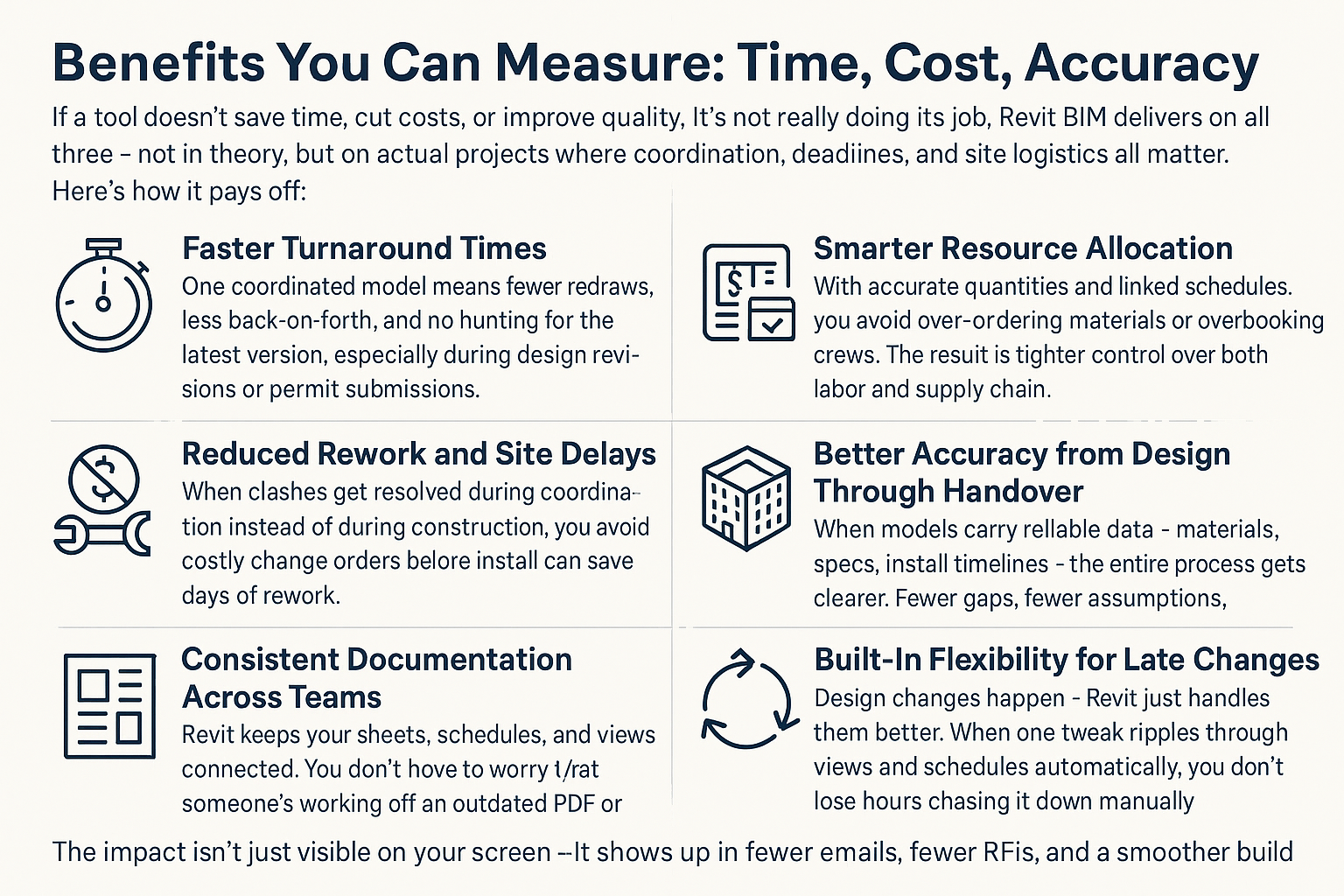
If a tool doesn’t save time, cut costs, or improve quality, it’s not really doing its job. Revit BIM delivers on all three – not in theory, but on actual projects where coordination, deadlines, and site logistics all matter. Here’s how it pays off:
- Faster Turnaround Times: One coordinated model means fewer redraws, less back-and-forth, and no hunting for the latest version. That alone can shave weeks off a project timeline, especially during design revisions or permit submissions.
- Reduced Rework and Site Delays: When clashes get resolved during coordination instead of during construction, you avoid costly change orders and downtime. Catching one HVAC-beam conflict before install can save days of rework.
- Smarter Resource Allocation: With accurate quantities and linked schedules, you avoid over-ordering materials or overbooking crews. The result is tighter control over both labor and supply chain.
- Consistent Documentation Across Teams: Revit keeps your sheets, schedules, and views connected. You don’t have to worry that someone’s working off an outdated PDF or that a note got missed between revisions.
- Better Accuracy from Design Through Handover: When models carry reliable data – materials, specs, install timelines – the entire process gets clearer. Fewer gaps, fewer assumptions, better results.
- Built-In Flexibility for Late Changes: Design changes happen – Revit just handles them better. When one tweak ripples through views and schedules automatically, you don’t lose hours chasing it down manually.
The impact isn’t just visible on your screen – it shows up in fewer emails, fewer RFIs, and a smoother build from kickoff to closeout.
Where BIM and Revit Are Headed Next
BIM is no longer just a design-phase tool – it’s turning into a full project backbone. Models are now expected to carry usable data through coordination, construction, and even facility management. Revit is following the same path. It’s evolving from a modeling environment into a central hub for teams working across phases. That shift is raising the bar for accuracy, version control, and how reliably data moves between people and platforms.
At the same time, automation is cutting down on manual tasks. Dynamo scripts, smart plug-ins, and cloud syncing are replacing hours of tagging, detailing, and file management. AI tools are starting to assist with layout logic and clash prediction – not replacing the work, but speeding it up. Revit’s future isn’t just about better drawings – it’s about tighter integration with scheduling, costing, fabrication, and asset management. The more connected the toolchain gets, the more critical clean models and structured data become.
Conclusion
Revit and BIM get mentioned in the same breath for a reason, but they’re not interchangeable. BIM is the framework – the structured way projects are planned, modeled, and delivered. Revit is one of the tools that helps teams actually carry it out. It connects geometry with data, drawings with logic, and disciplines with each other.
Understanding how the two fit together makes a difference in how a project runs – especially when deadlines get tight or coordination gets messy. Teams that treat Revit like a modeling tool alone miss the bigger picture. The ones that build structure into their BIM process – and use Revit to reinforce it – end up with fewer clashes, less rework, and a much smoother handoff. In the end, that’s what this is about: making things easier to build and easier to manage after they’re built.
FAQ
Is Revit the same as BIM?
No. Revit is software. BIM is a process. Revit supports BIM by giving teams a way to build models with both geometry and embedded data, but the methodology behind BIM involves planning, standards, and coordination far beyond just the tool itself.
Do you need Revit to do BIM?
Not necessarily. Other tools can support BIM workflows, but Revit is one of the most widely used because of its parametric modeling, coordination features, and ability to handle multidisciplinary projects in one environment.
What makes Revit different from regular CAD tools?
CAD is mostly about drawing lines. Revit builds relationships. When you change a wall in Revit, the doors adjust, the schedules update, and the sheets reflect the change automatically. It’s model-driven, not just drawing-based.
Can Revit handle complex projects with multiple teams?
Yes. Revit is built for collaboration. With linked models, worksets, and shared parameters, architects, structural engineers, and MEP designers can work together without stepping on each other’s toes – assuming the setup is done right.
Is BIM just for big commercial projects?
It used to be, but that’s changing. Smaller residential and mid-size builds are also using BIM now – especially when the teams want better control over materials, cost planning, and design coordination.
Our Case Studies
We have handled 200+ BIM & VDC projects for commercial, industrial, and residential sectors.
Our work includes:
Formwork design automation
Our client from
California, USA
Suspended ceiling design automation
Our client from
New York, USA
Wall framing design automation
Our client from
California, USA


