Have any questions? Contact us!
Join our team!
Request a free quote or consultation

What Is Architectural Visualization and How It Helps Design Come to Life
Architectural visualization is the process of creating images or animations that show what a building or space will look like before it’s built. These visuals help architects, designers, and clients explore ideas, make decisions, and communicate plans clearly. Whether it’s a realistic 3D rendering or a basic concept sketch, the goal is the same: bring a design to life before construction starts.
What Is Architectural Visualization?
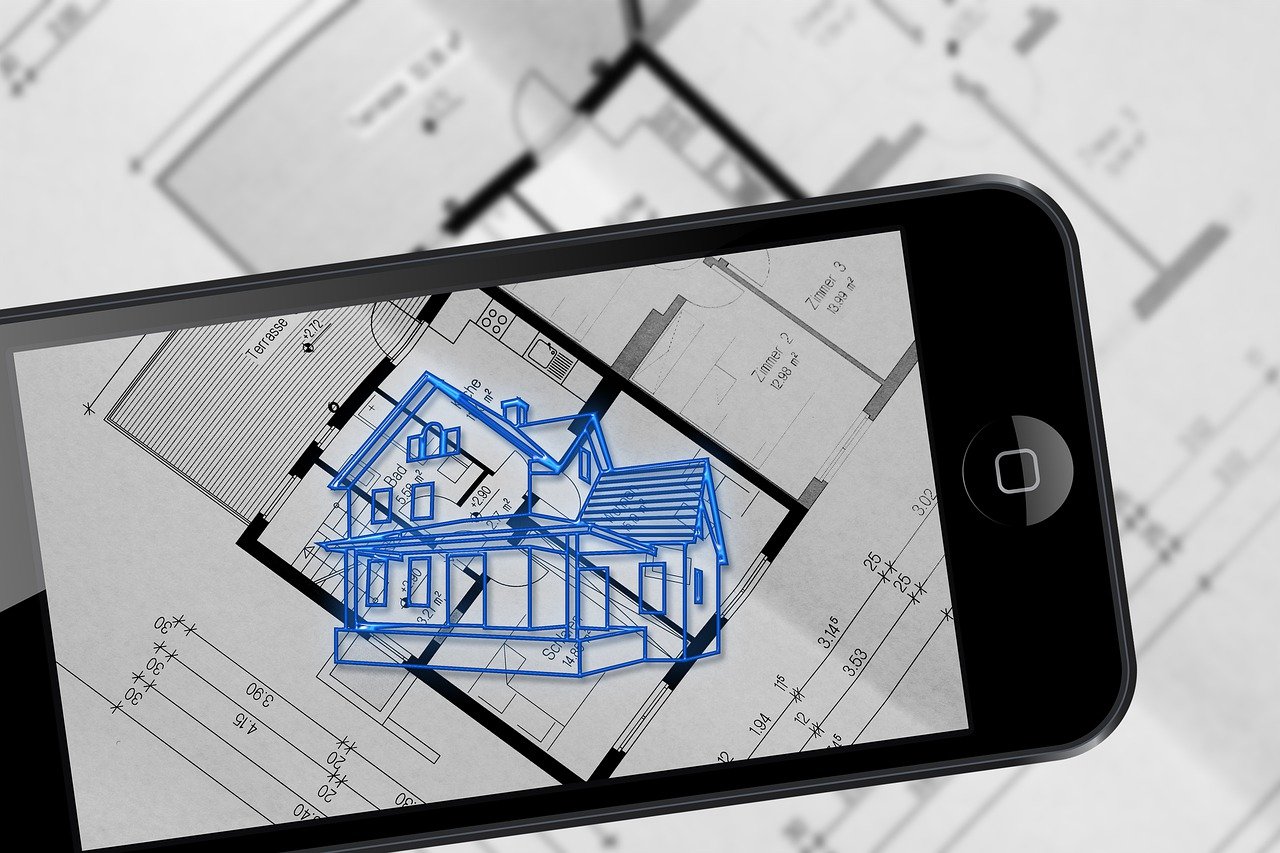
Architectural visualization is the process of creating visual representations such as images, animations, or interactive 3D models of architectural designs before they are built. It combines artistic skill with digital tools to show how buildings, interiors, or landscapes will look and function in real life.
Using software like 3ds Max, Revit, or SketchUp, designers and visualization specialists turn technical drawings and concepts into realistic or stylized visuals. These representations help clients, developers, and architects better understand a project’s design, materials, and spatial relationships, making it easier to communicate ideas and make informed decisions early in the planning process.
How Architectural Visualization Works
Architectural visualization follows a multi-step digital process that transforms a design idea into a realistic visual representation. Here’s how it typically works:
- Concept and Planning: The process begins with architectural drawings, sketches, or CAD files that define the structure’s layout and dimensions.
- 3D Modeling: Using software such as SketchUp, Revit, or 3ds Max, a digital 3D model of the building is created, including its walls, floors, roofs, and other structural elements.
- Texturing: Materials like brick, glass, wood, or metal are applied to surfaces to simulate real-world finishes and add realism to the model.
- Lighting Setup: Virtual lighting is added to mimic natural daylight or artificial interior lighting, which affects the mood, shadows, and realism of the scene.
- Rendering: Specialized rendering engines like V-Ray or Corona Renderer calculate how light interacts with the model and generate high-quality still images or animations.
- Post-Processing: Final touches are added in software like Photoshop or After Effects, including color correction, contrast adjustment, background edits, and visual effects.
Each step contributes to producing a visual that accurately represents the proposed space, helping stakeholders better understand and evaluate the design before construction begins.
Powerkh: Bridging Design and Execution through 3D Visuals

Powerkh is a UK-based company, where we provide architectural visualization services with offices in the USA and Ukraine. Our focus is on delivering detailed 3D visualizations to support architectural projects. Using Building Information Modeling (BIM) technology, we help architects, designers, and project managers effectively plan, design, and communicate their projects.
In our company, BIM modeling is central to what we do. We create precise 3D models that are rich in data and help identify potential design conflicts early in the process. Our visualizations include detailed renderings and virtual walkthroughs, giving a clear and accurate representation of project designs and their interaction with the surrounding environment.
We ensure that our services help bridge the gap between design concepts and real-world execution. Our work is used for stakeholder presentations, construction planning, and marketing purposes, providing the tools needed for clear communication and better project outcomes.
Why Architectural Visualization Is a Valuable Tool in Design and Construction
Architectural visualization offers practical advantages that go beyond just creating attractive images. It supports better planning, decision-making, and communication throughout a project’s lifecycle. Here are the key benefits:
- Clearer Communication: Visualizations translate complex plans into understandable images, making it easier for clients, stakeholders, and team members to grasp the design.
- Early Problem Detection: 3D visuals help identify design flaws, layout conflicts, or construction challenges before building begins, reducing the risk of costly changes later.
- Faster Decision-Making: Seeing realistic renderings allows clients to make quicker choices about layouts, materials, and finishes.
- Cost and Time Savings: Visual previews reduce back-and-forth revisions, speed up approvals, and help avoid construction delays caused by misinterpretation of plans.
- Effective Marketing: High-quality visuals are powerful tools for promoting projects to investors, buyers, or tenants before anything is built.
- Design Flexibility: Visualization makes it easy to test design options and adjust details like lighting, colors, or layouts without physical prototypes.
Overall, architectural visualization plays a central role in bridging the gap between concept and construction, helping all participants move forward with confidence.
Where Architectural Visualization Is Used: Key Industries and Use Cases

Architectural visualization is applied in a variety of fields to support design decisions, improve communication, and enhance project presentation. Below are the main industries where it’s actively used:
1. Architecture and Urban Planning
Architects and city planners use visualization to illustrate building concepts, site layouts, and masterplans. These visuals help assess scale, aesthetics, and environmental fit, and are often used for zoning approvals and public consultations.
2. Interior Design
Interior designers rely on 3D visualizations to showcase furniture arrangements, lighting conditions, and material finishes. It allows clients to preview and adjust interiors before renovation or construction begins.
3. Real Estate Development
Developers and marketing teams use photorealistic renderings to promote properties under construction. Visualizations make it easier to attract investors or buyers by presenting spaces in a finished state through brochures, websites, and virtual tours.
4. Construction and Engineering
Project teams use visualizations to coordinate design details, structural elements, and building systems. These visuals help identify clashes, explain complex components, and plan site logistics more efficiently.
5. Virtual Reality and Interactive Tools
With VR and AR technologies, stakeholders can explore 3D spaces interactively. Clients can “walk through” a project before it’s built, making it easier to provide feedback or make faster decisions.
6. Marketing and Advertising
High-end renders and animated walkthroughs are used in advertising campaigns to generate interest in new developments. These assets are commonly featured on real estate platforms, billboards, and promotional videos.
7. Cultural Heritage and Historical Reconstruction
Visualization also plays a role in academia and preservation, where historical buildings are digitally reconstructed for museums, research, or virtual exhibitions.
Software and Tools Used in Architectural Visualization
Creating high-quality architectural visualizations requires a combination of modeling, rendering, and post-production tools. Professionals often use different software depending on project complexity, visual style, and final output format. Below are the most commonly used tools across categories:
3D Modeling Software
Used to build the geometry and structure of buildings, interiors, and surrounding environments.
- Autodesk 3ds Max: Advanced modeling for architectural and visualization professionals
- SketchUp: User-friendly modeling tool ideal for conceptual designs
- Revit: BIM software for precise architectural modeling and technical documentation
- Rhino 3D: Suitable for complex geometries and parametric modeling
- Blender: Open-source 3D modeling with strong visualization capabilities
Rendering Engines
These tools convert 3D models into high-quality images or animations by simulating light, materials, and camera settings.
- V-Ray: Industry-standard renderer known for photorealism and flexibility
- Corona Renderer: Intuitive, CPU-based rendering engine popular for interior and architectural scenes
- Lumion: Real-time rendering tool geared toward fast presentations
- Twinmotion: Easy-to-use real-time visualization, integrated with Unreal Engine
- Enscape: Real-time rendering and VR with Revit, SketchUp, Rhino, and ArchiCAD integration
- Unreal Engine: Real-time rendering platform often used for interactive visualizations and VR
Post-Production Tools
Used to enhance final visuals by adjusting lighting, color balance, contrast, and adding effects.
- Adobe Photoshop: Image editing for final render retouching and visual enhancements
- Adobe After Effects: Animation, motion graphics, and compositing for rendered videos
- Affinity Photo: Alternative to Photoshop for image editing and texture work
Specialized Plugins and Add-ons
Extensions that boost productivity or enable advanced scene customization.
- Forest Pack: For vegetation and scattering large numbers of objects
- RailClone: Parametric modeling for repeating elements like facades or railings
- Quixel Megascans: Library of scanned textures and models for realism
- Itoo Software tools: Widely used in architectural rendering for automation and detailing
Key Challenges Faced in Architectural Visualization Projects
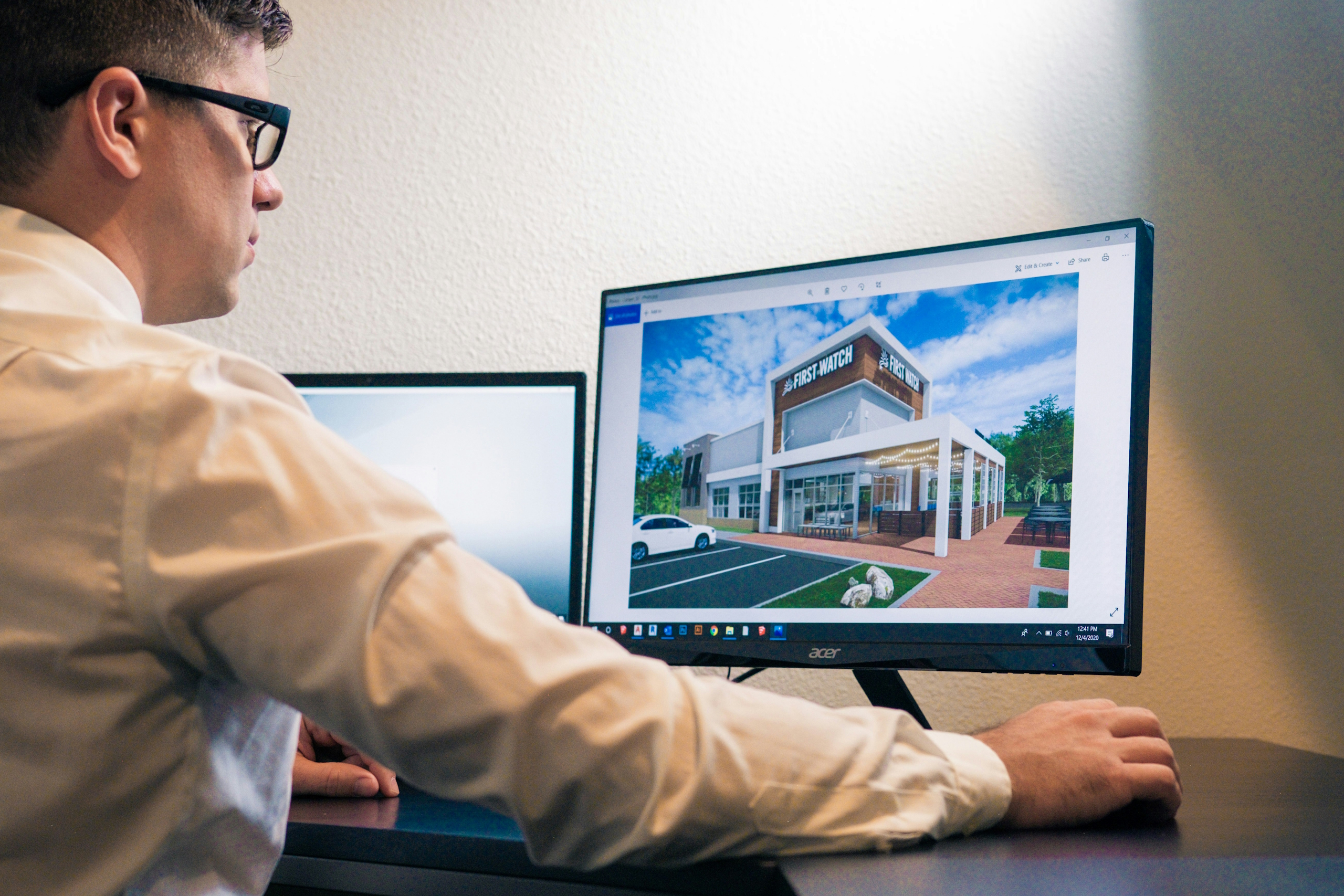
While architectural visualization offers powerful advantages, it also comes with specific challenges that professionals must navigate. These can affect timelines, quality, and overall project efficiency if not managed properly. Common issues include:
- Technical Complexity: Creating high-quality visuals requires expertise in both design and software. Professionals must stay updated with evolving tools, rendering techniques, and 3D workflows.
- Hardware Demands: Rendering large, detailed scenes can be highly resource-intensive. Without powerful hardware fast CPUs, high-end GPUs, and sufficient RAM render times can be slow and productivity reduced.
- Realistic Lighting and Texturing: Achieving convincing materials and natural lighting is often difficult. Balancing visual aesthetics with physical accuracy requires attention to detail and a good understanding of environmental effects.
- Long Rendering Times: High-resolution or animated renderings may take hours or even days to complete. This can slow down revision cycles, especially if changes are requested frequently.
- Client Expectations vs. Practical Limits: Clients may expect near-instant results or unrealistically perfect visuals. Managing expectations while maintaining feasibility and staying within budget is an ongoing task.
- Coordination Across Teams: Visualization often requires collaboration between architects, engineers, and designers. Inconsistent information or design changes introduced late in the process can lead to rework.
- Storage and File Management: Large 3D scenes, textures, and rendered files consume significant storage. Efficient data management is essential to avoid workflow bottlenecks or loss of work.
Recognizing these challenges early in a project helps visualization teams plan better, allocate resources more effectively, and deliver consistent, high-quality results.
Where Architectural Visualization Is Headed: Emerging Technologies and Trends
Architectural visualization is evolving rapidly, driven by advancements in real-time rendering, artificial intelligence, and immersive technologies. One major shift is the growing use of AI tools to enhance texture generation, streamline repetitive tasks, and optimize workflows, significantly reducing manual workload and speeding up production. Tools like AI-powered rendering upscalers and generative design assistants are already being integrated into standard workflows, enabling more efficient project iterations and higher visual fidelity with less input.
Another key trend is the expansion of immersive experiences through virtual reality (VR) and augmented reality (AR). Clients and project teams can now explore spaces in real-time, interact with design elements, and experience a building before it’s constructed. Combined with cloud-based collaboration platforms like Autodesk Construction Cloud and Procore, this enables remote design reviews with instant feedback, enhancing project efficiency. Looking ahead, as hardware continues to improve and software becomes more accessible, architectural visualization is expected to become more interactive, automated, and integrated into every stage of the design and construction process.
Conclusion
Architectural visualization has become a crucial part of the design and construction process, offering a powerful way to turn abstract plans into clear, detailed visuals. From basic 3D models to immersive virtual experiences, these tools help architects, designers, developers, and clients communicate more effectively, catch design flaws early, and make informed decisions before construction begins. As technology advances, visualization will continue to expand its role bridging the gap between imagination and built reality across every stage of a project.
FAQ
1. What is architectural visualization?
Architectural visualization is the process of creating digital images, animations, or interactive 3D models that represent a proposed building or space before it’s built.
2. How is architectural visualization used?
It’s used in architecture, interior design, real estate, and construction to preview designs, market properties, detect potential issues, and support client presentations.
3. What software is commonly used for 3D architectural rendering?
Popular tools include 3ds Max, Revit, SketchUp, V-Ray, Corona Renderer, Lumion, and Enscape. Post-processing is often done in Photoshop or After Effects.
4. Is architectural visualization the same as rendering?
Rendering is one part of architectural visualization. Visualization includes the full process: modeling, texturing, lighting, rendering, and post-production.
Our Case Studies
We have handled 200+ BIM & VDC projects for commercial, industrial, and residential sectors.
Our work includes:
Formwork design automation
Our client from
California, USA
Suspended ceiling design automation
Our client from
New York, USA
Wall framing design automation
Our client from
California, USA


