Have any questions? Contact us!
Join our team!
Request a free quote or consultation

BIM 4D Modeling: Connecting Design, Time, and Construction Efficiency
BIM has already transformed the way buildings are designed and managed, but 4D modeling takes it a step further. By attaching scheduling and time-related data to a 3D model, project teams can see how construction will actually unfold on site. Instead of working from static drawings or isolated timelines, architects, engineers, and contractors gain a shared view of each stage in the process. That shift doesn’t just improve coordination – it helps reduce delays, cut down on rework, and makes projects easier to deliver on time.
How 4D BIM Turns Static Models Into Dynamic Construction Plans
4D BIM brings time into the picture. It extends the standard 3D model by linking elements to scheduling data – tasks, durations, dependencies – so teams can actually see how a project unfolds over time. Walls don’t just appear in a model; they show up when they’re supposed to be built, in sequence, alongside formwork, MEP systems, or concrete pours. This allows everyone – designers, engineers, contractors – to work from the same visual timeline instead of jumping between disconnected tools and Gantt charts.
What makes 4D BIM especially useful is its ability to spot problems before they hit the site. You can test phasing, check crane access, plan deliveries, or walk a client through the build week by week. It’s not just better coordination – it’s proactive decision-making. With design and construction logic living in the same space, project teams don’t have to guess what’s next. They can see it. And when you’re managing risk, that clarity is what keeps timelines tight and rework to a minimum.
Behind the Scenes: How 4D BIM Actually Works
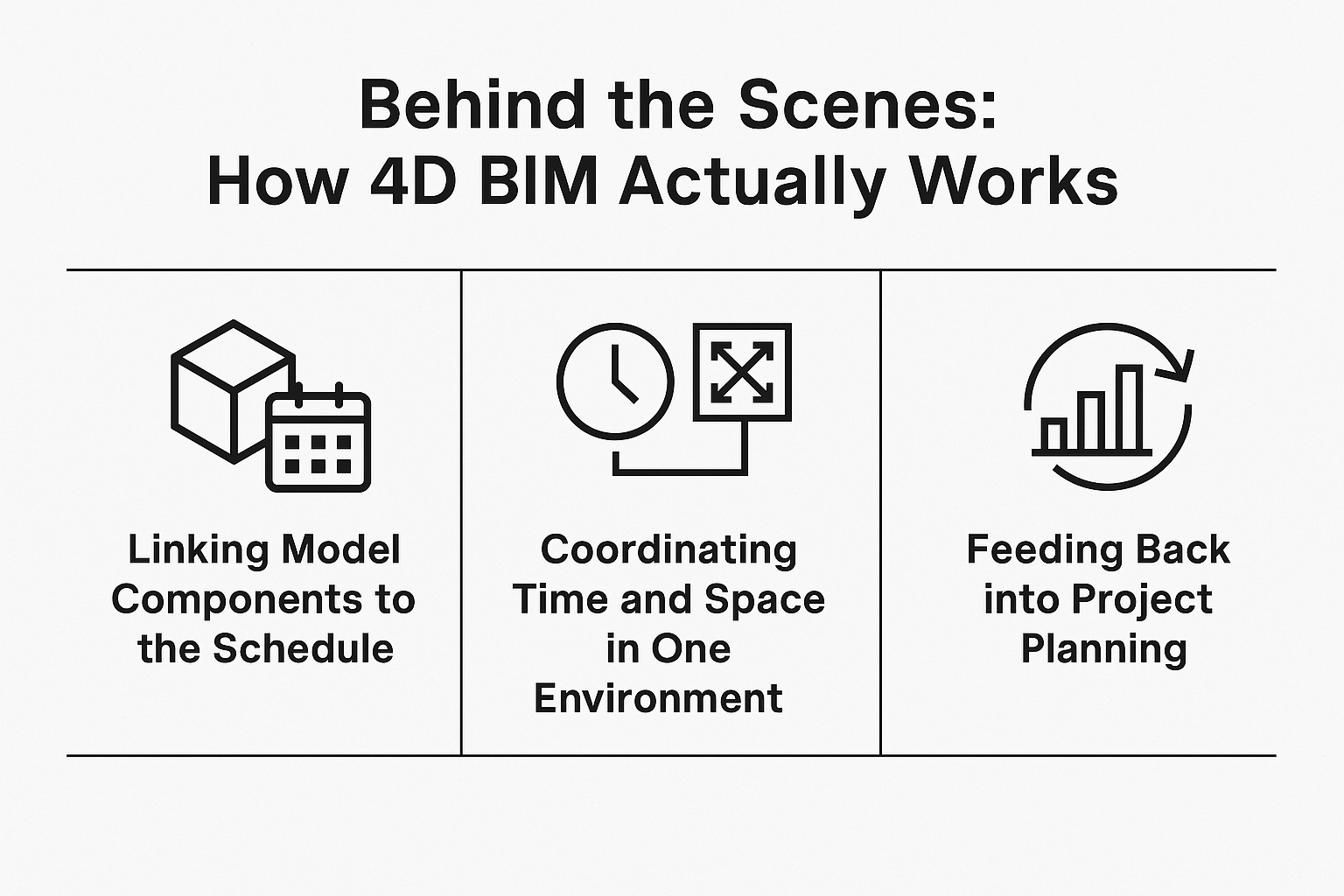
4D BIM isn’t about adding animation for the sake of visuals. It’s about making a model smarter by connecting it to time – so it can help plan, coordinate, and manage construction with more precision. Here’s how that comes together in practice.
Linking Model Components to the Schedule
The process starts by assigning schedule data to elements in the 3D model. Think of it as tagging each wall, beam, or slab with the task that builds it – and when. This information usually comes from the project’s construction program (like a Primavera or MS Project file) and gets mapped to the geometry inside BIM tools such as Revit, Navisworks, Synchro, BIM 360, Revizto, or Powerproject, among others.
Once linked, the model becomes dynamic. You’re no longer looking at a frozen design – you’re seeing the flow of construction, day by day. You can simulate how the site will evolve, spot overlaps, and verify that the planned sequences make sense on the ground.
Coordinating Time and Space in One Environment
What makes 4D truly useful is its ability to pull spatial and temporal data into a single view. You can check if site access is clear during steel erection. You can see if interior work clashes with envelope installation. It’s not theoretical – it’s visual and grounded in real timing.
This level of coordination makes it easier to run clash checks based not just on geometry, but on timing too. For example, two trades might not physically overlap in the model – but if they’re scheduled to work in the same space during the same week, that’s a problem. 4D helps surface those issues early.
Feeding Back into Project Planning
Once the model is built and the sequence is in place, the data doesn’t just sit there. It becomes a working tool. If a change in design pushes back part of the structure, the 4D model can show how that affects everything downstream. Teams can adjust plans, recheck logistics, and keep everyone aligned without resorting to guesswork.
This feedback loop between model and schedule is what helps reduce rework and compress delivery timelines. When done right, 4D BIM doesn’t just document how a project should be built – it becomes the basis for how it will be delivered.
Powerkh in Action: Modeling, Coordination, and 4D Planning

At Powerkh, a UK-based company with offices in the USA and Ukraine, we provide BIM services for architecture, engineering, and construction. We take 2D drawings and build 3D models that include architectural, structural, MEP, and construction elements. These models aren’t just for visualization – they support real decisions during design, coordination, and fabrication. When needed, we use 4D modeling to connect those models to the construction schedule. This helps teams plan sequences, track progress, and catch issues early.
Our process starts with client documentation. We import 2D layouts into Revit and model to the required level of detail – from basic massing (LOD 100) to full fabrication (LOD 500). We handle clash detection, constructability checks, and structural detailing in-house. We also work with Point Cloud data for Scan to BIM, and we build automation tools that cut repetitive tasks and speed up delivery.
We take on residential, commercial, and industrial projects. Our team handles architectural and structural modeling, shop drawings, prefab support, and 4D sequencing. With teams across three countries, we manage local and remote work without losing control of quality or timelines.
3D, 4D, 5D BIM: What Changes With Each Step
Not all BIM is built the same. As you move from 3D to 4D and 5D, you’re not just adding complexity – you’re expanding what the model can actually do. Here’s how the dimensions stack up and where each one fits into project delivery.
3D BIM – Geometry and Design Data
This is the foundation. A 3D BIM model shows the spatial layout and includes object-level data – materials, dimensions, quantities, and relationships between elements.
- Visualizes architectural and structural components
- Supports design coordination and clash detection
- Forms the base for additional dimensions like 4D and 5D
Most BIM workflows start here. It’s where drawings, model views, and general coordination take place. But while 3D helps you understand what is being built, it doesn’t show when or how much it’ll cost.
4D BIM – Time and Scheduling
4D adds the element of time. Model components are tied to the construction schedule, allowing teams to simulate the build sequence and plan logistics more accurately.
- Links tasks and durations to physical elements
- Enables construction phasing and look-ahead planning
- Helps identify sequencing clashes and access issues early
This is where design meets delivery. Instead of just reviewing a static model, stakeholders can walk through the job in time – day by day, zone by zone – and make sure it lines up with the actual site conditions.
5D BIM – Costs and Quantities
With 5D, cost data is built into the model. Materials, labor, and quantities are connected to the geometry, enabling dynamic cost estimation that updates with design changes.
- Supports early budgeting and value engineering
- Allows real-time quantity takeoffs and cost tracking
- Reduces risk of cost overruns by linking scope to spend
It’s especially useful for clients and project managers who need to forecast expenses, adjust procurement plans, or compare different design options by price – not just form.
Why 4D BIM Makes Projects Run Smoother

When time becomes part of the model, planning moves from theory to something you can test, adjust, and rely on. Here’s what teams actually get out of using 4D BIM – not in theory, but on the ground.
- Clearer construction sequencing: 4D BIM lets you see the job before it starts. You can map out the order of work, spot overlaps, and check where trades might clash. With the sequence visualized, decisions don’t wait until you’re already on-site.
- Fewer scheduling issues: Most timelines miss the fine detail. 4D modeling shows where trades overlap – not just in space, but in time. That gives you a chance to fix conflicts before they slow anything down.
- Better coordination across teams: Everyone works from the same model – engineers, architects, contractors. The timeline’s built in, so there’s no guessing who’s doing what and when. It’s all there in front of you.
- Faster impact checks: Change a layout, and the model updates the timeline. You don’t have to wait for someone to rebuild a schedule or redo a coordination call. You see the consequences right away and adjust before it becomes a problem.
- Logistics you can actually test: Crane paths, access points, material drops – you can simulate them in the model. That’s useful on any job, but especially in tight spaces or phased builds where staging gets complicated fast.
- No need to translate for clients: Clients don’t have to read Gantt charts or sit through technical meetings. The 4D model shows the build as it’s planned, so everyone stays on the same page without overexplaining.
What Gets in the Way of 4D BIM Adoption
4D BIM brings a lot to the table – but getting it into your workflow isn’t always a plug-and-play experience. Implementation takes planning, adjustment, and the right mindset across teams. Here’s what can slow things down.
Getting the Data Right
A 4D model is only as good as the data behind it. If the 3D model isn’t clean or the schedule is full of placeholders, the results won’t be reliable. That means teams need to align earlier – designers, planners, and coordinators – so the geometry and timelines actually match up.
Bridging the Skills Gap
Not every team has experience with 4D tools out of the gate. Even for those who know Revit or Navisworks well, adding time-based logic is a different skill set. It takes some training to understand how to structure sequencing, link tasks properly, and troubleshoot logic issues.
Syncing Tools and Platforms
Different project partners may work in different tools – some in Revit, others in Archicad, some managing schedules in Excel while others use Primavera. Connecting those systems into a single 4D workflow can be tricky, especially if teams aren’t using open standards or compatible formats.
Resistance to Change
Some teams are used to doing things a certain way – and that includes planners. Convincing stakeholders to move from static programs or spreadsheets to a dynamic model can take time. The value becomes clear once they see it in action, but early buy-in is often a hurdle.
Initial Setup Time
Creating a well-structured 4D model isn’t instant. There’s time involved in assigning tasks, linking schedules, testing sequences, and resolving conflicts before anything hits the site. If that time isn’t planned for up front, it can feel like the model is slowing progress instead of helping it.
Cost vs. Perceived Value
Some teams hesitate to adopt 4D because of the upfront cost – software licenses, training, setup time. If the project doesn’t clearly require phasing or complex coordination, that cost can feel hard to justify. But skipping 4D often means those same projects pay for it later in delays or rework.
Conclusion
4D BIM doesn’t try to replace your schedule or your model – it connects them. That’s where the value sits. Once the build sequence is embedded in the geometry, you get a clearer view of how design decisions actually play out on site. Planning becomes more reliable. Teams make fewer assumptions. And the whole project moves with more coordination and less friction.
It’s not always a simple transition. There’s setup involved, and it demands a bit more alignment across disciplines. But for projects with tight timelines, shared responsibilities, or anything that can’t afford surprises, 4D makes a real difference. It turns planning into something visual and testable – so everyone knows what’s coming next, and why.
FAQ
Is 4D BIM just animation or is it actually useful for scheduling?
It’s more than just animation. The visuals come from real scheduling data tied to model components, so it’s not for show – it’s a tool you can use to plan, coordinate, and track progress. You’re not watching a rendered sequence, you’re seeing what’s meant to happen on-site and when.
Do I need a perfect 3D model before using 4D BIM?
You need a clean, structured model. Doesn’t have to be perfect, but if the geometry is messy or disconnected, it’s harder to assign tasks and timelines accurately. A solid 3D foundation is what makes the 4D layer meaningful.
Can 4D BIM help reduce delays during construction?
Yes, especially when it’s used early. By simulating construction sequences, teams can catch access conflicts, material clashes, or phasing problems before they happen. It’s not a guarantee that delays won’t occur, but it gives you a chance to prevent them rather than react after the fact.
Is 4D BIM only for large-scale projects?
Not at all. It’s valuable on any project where sequencing matters – multi-phase builds, complex renovations, urban sites with limited space. Even smaller jobs can benefit if timing, logistics, or trade overlap is a risk.
How hard is it to implement 4D BIM into an existing workflow?
That depends on your current tools and team setup. The tech is there, but adoption is often more about process than software. You’ll need to map your schedule, align with the modeling team, and carve out a bit of time upfront. But once it’s in place, it often saves more time than it takes.
Our Case Studies
We have handled 200+ BIM & VDC projects for commercial, industrial, and residential sectors.
Our work includes:
Formwork design automation
Our client from
California, USA
Suspended ceiling design automation
Our client from
New York, USA
Wall framing design automation
Our client from
California, USA


