Have any questions? Contact us!
Join our team!
Request a free quote or consultation

Architectural rendering is the process of creating visual images that show what a building or space will look like before it’s built. These visuals can be anything from simple sketches to detailed 3D scenes, helping clients, architects, and builders see and understand the final design early on.
Understanding the Role of Architectural Rendering
Architectural rendering is the process of creating visual representations of buildings and spaces before they are constructed. These visuals ranging from still images to immersive walkthroughs allow architects, clients, developers, and stakeholders to preview a project’s appearance, layout, and atmosphere. By translating technical plans into realistic visuals, rendering helps bridge the gap between design intent and real-world understanding, making it easier to communicate ideas, evaluate concepts, and make informed decisions early in the design process.
Powerkh: Precision-Driven Architectural Visualization

We are Powerkh, a UK-based company, also with offices in the United States and Ukraine, that offers architectural rendering services. Our work integrates 3D modeling and visualization techniques to help architects, engineers, and construction teams better understand and review projects before construction begins. By using precise data and advanced tools, we create clear and accurate architectural renderings.
Our team uses Revit BIM tools to provide renderings that reflect the exact specifications of a project. By combining architectural visualization with BIM, we ensure that renderings match the technical details of the design, minimizing discrepancies between planning and execution. This approach improves collaboration, making it easier for teams to spot issues early in the process.
We also offer point cloud-to-BIM and scan-to-BIM services. These allow us to convert raw data into 3D models, which is especially useful for renovation projects where existing structures must be accurately represented. Our services help architectural teams create precise, usable renderings that support the transition from design to construction.
How Architectural Rendering Works
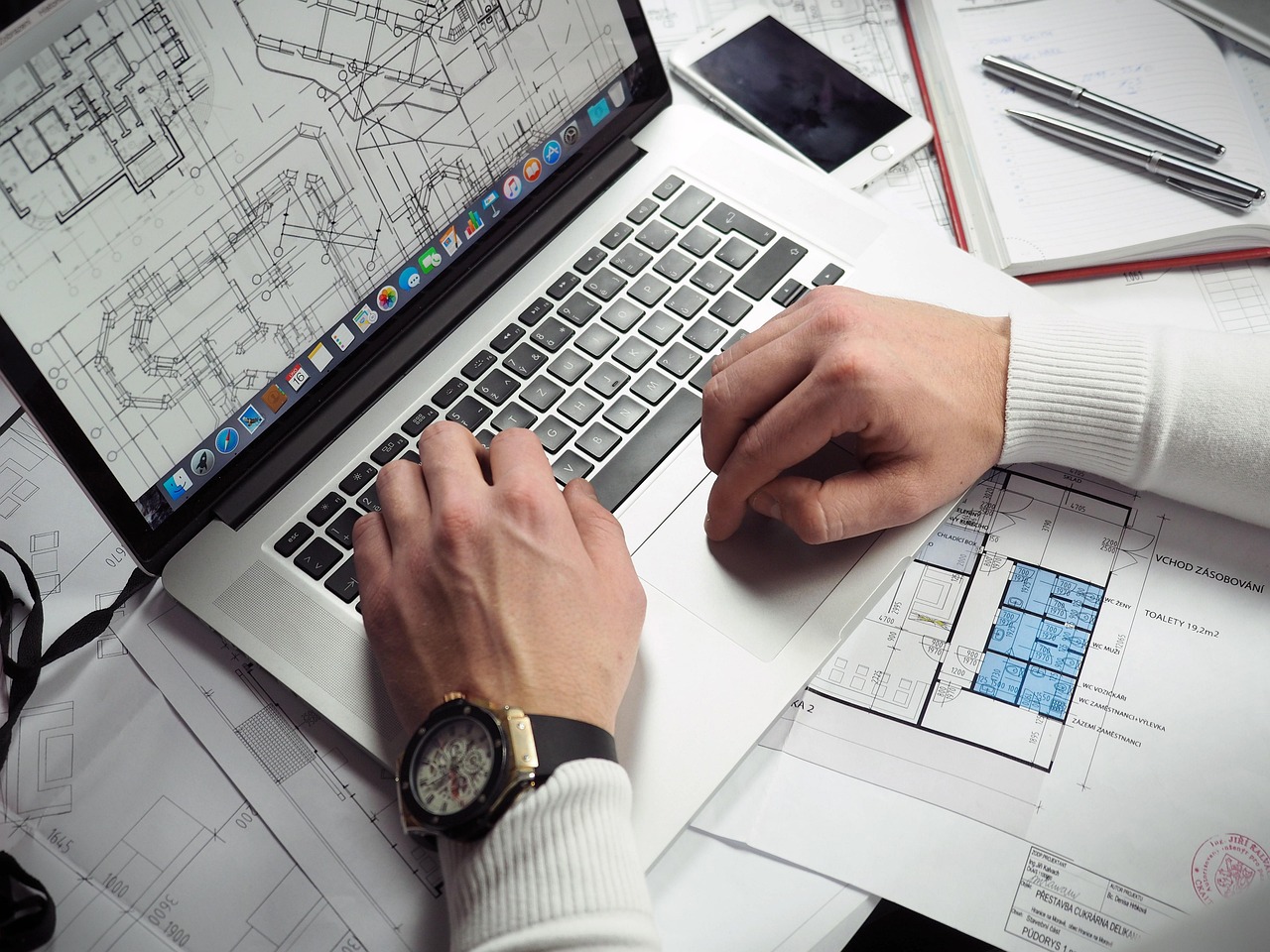
Architectural rendering involves a multi-step process that transforms a conceptual design into a detailed visual representation. Whether the result is a static image or an animated walkthrough, the workflow typically follows a structured path involving modeling, texturing, lighting, rendering, and post-processing.
1. 3D Modeling and Scene Setup
The process begins with creating a digital model of the building or space using 3D modeling software such as SketchUp, Revit, or Archicad. This stage involves building the structure’s geometry – walls, windows, doors, roofs based on architectural plans or BIM data. The model serves as the foundation for all visualizations.
2. Texturing and Material Application
Once the geometry is complete, textures and materials are applied to surfaces within the model. These materials simulate real-world finishes like concrete, glass, metal, or wood. Accurate texturing adds depth and realism, helping viewers distinguish between different surfaces and elements in the design.
3. Lighting Configuration
Lighting plays a key role in setting the visual tone of the render. Artists simulate natural daylight, artificial lighting, or a combination of both to reflect how the space will appear under various conditions. Lighting settings are carefully adjusted to match the desired time of day, season, and location.
4. Scene Composition and Contextual Elements
To create a believable environment, designers add contextual details such as people, furniture, vehicles, vegetation, and surrounding structures. These additions, often selected from asset libraries, help situate the building within its intended use and surroundings, improving scale perception and realism.
5. Rendering and Image Generation
With all elements in place, the rendering engine calculates how light interacts with surfaces and produces a 2D image or animation. Depending on the chosen technique such as ray tracing or real-time rendering the output can range from quick previews to photorealistic visuals requiring more processing time.
6. Post-Processing
The final image is often refined in post-production using software like Adobe Photoshop. This step may include adjusting contrast, color balance, shadows, and highlights, or adding sky backgrounds and people for presentation purposes. Post-processing enhances the visual impact and corrects minor imperfections not resolved during rendering.
Common Types of Architectural Renderings

Architectural renderings can take many forms, depending on what part of the project needs to be communicated. Each type serves a unique purpose, from showcasing design aesthetics to clarifying technical layouts.
- Exterior Renderings. Focus on the building’s exterior design, including façade, materials, landscaping, lighting, and surrounding context. Useful for presenting how the structure fits into its environment.
- Interior Renderings. Show the layout and look of interior spaces with furniture, lighting, color schemes, and textures. Commonly used for residential, commercial, and hospitality projects.
- Aerial or Bird’s Eye Views. Provide an elevated or top-down view of the project and surrounding area. Effective for large sites or multi-building developments where layout and positioning are important.
- 3D Floor Plans and Sectional Views. Offer a cutaway or overhead look at how rooms are arranged and connected. Helpful for understanding spatial relationships and construction details.
- Walkthroughs and Animations. Simulate moving through the space in video or interactive formats. Ideal for immersive presentations, client engagement, and marketing purposes.
Each format contributes to clearer design communication, helping architects, clients, and project teams make decisions with a shared visual understanding.
Rendering Techniques and Methods
The process of architectural rendering can be executed using different technical approaches, each offering distinct advantages depending on the goal whether it’s speed, realism, or interactivity.
Rasterization
Rasterization is a fast rendering technique often used in video games, while architectural visualization typically employs hybrid methods combining rasterization with advanced shaders or simplified ray tracing for interactive design previews. However, it has limitations when it comes to realism particularly in rendering soft shadows, reflections, and complex lighting scenarios.
Ray Tracing
Ray tracing mimics the way light travels in the real world, calculating how rays interact with surfaces to generate lifelike reflections, shadows, and refractions. This technique produces highly photorealistic results, making it ideal for architectural marketing materials and detailed presentations. The trade-off is speed: ray tracing is computationally intensive and typically requires powerful hardware and longer render times.
Real-Time Rendering
Real-time rendering provides instant visual feedback as changes are made to a design. This method is especially useful during early design phases, collaborative reviews, or virtual walkthroughs. While it may sacrifice some level of detail compared to ray tracing, it greatly improves workflow efficiency and client engagement. Tools like Enscape, Twinmotion, and Lumion are known for supporting this approach.
Hybrid Techniques
Many modern rendering engines combine multiple methods to strike a balance between speed and quality. A common workflow involves using real-time rendering during the design phase and switching to ray tracing for final outputs. This hybrid approach helps maintain responsiveness while still achieving professional-grade visuals when needed.
Tools and Software Used in Architectural Rendering
Architectural rendering relies on specialized software and hardware to create accurate and visually compelling images. The tools selected often depend on the project’s complexity, desired output quality, and the user’s experience level.
1. 3D Modeling Software
Before rendering begins, a 3D model must be created using architectural design software. Common tools include:
- Revit: Widely used for BIM-based modeling, especially in commercial architecture.
- SketchUp: Known for its user-friendly interface and quick conceptual modeling.
- Archicad: Offers comprehensive BIM functionality and supports rendering add-ons.
- Rhino: Ideal for complex geometries and parametric design.
- Allplan: Often used in infrastructure and large-scale developments.
These programs form the base geometry that is later textured and rendered.
2. Rendering Engines
Rendering engines process the 3D model into a 2D image or animation. Some of the most popular options include:
- V-Ray: Offers advanced ray tracing, known for photorealistic quality.
- Lumion: Focuses on speed and ease of use, popular for real-time rendering.
- Enscape: Integrates with tools like Revit and SketchUp for real-time visualization.
- D5 Render: Combines real-time feedback with path tracing for quality outputs.
- Corona Renderer: Known for simplicity and excellent results, especially in interior visualization.
- Blender: A free, open-source alternative with powerful rendering capabilities via its Cycles and Eevee engines.
Each tool varies in rendering speed, visual output, integration with modeling software, and required hardware performance.
3. Post-Processing Tools
After rendering, visuals are often enhanced using post-processing software:
- Adobe Photoshop: For color correction, background replacement, and detail adjustments.
- After Effects: Used when working with animation or motion graphics.
- Lightroom: Helps fine-tune visual mood and lighting consistency.
4. Hardware Considerations
Efficient rendering also depends on appropriate hardware:
- CPU: A multi-core processor handles calculations and scene setup.
- GPU: Essential for real-time and ray-traced rendering; high-end graphics cards accelerate performance.
- RAM: At least 16GB is recommended for larger models and multitasking.
- SSD Storage: Reduces load times and improves software responsiveness.
The choice of tools and equipment significantly impacts workflow, output quality, and turnaround time in architectural visualization projects.
Benefits and Challenges of Architectural Rendering
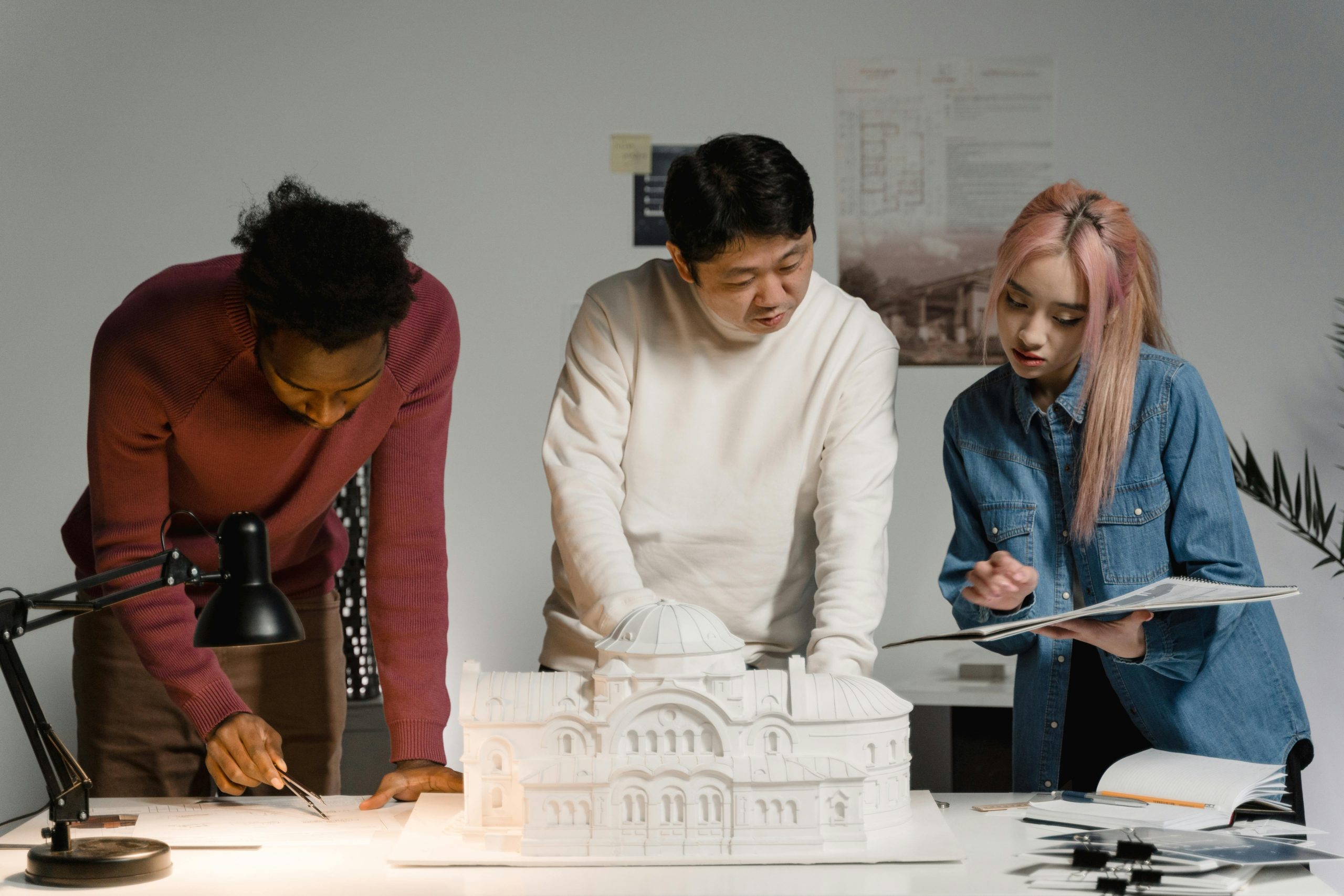
Architectural rendering enhances how ideas are developed, presented, and refined throughout the design process. It allows professionals to visualize their projects clearly and engage clients with realistic previews before construction begins. However, like any technical process, it comes with certain limitations and requirements that need to be addressed to ensure successful results.
Benefits of Architectural Rendering
Rendering provides practical and creative advantages that support better design communication, decision-making, and marketing.
- Improved Communication: Helps bridge the gap between technical plans and client understanding by showing designs in a clear, visual format.
- Faster Decision-Making: Visual previews enable quicker feedback and approval from stakeholders.
- Design Validation: Reveals spatial relationships, lighting behavior, and material effects before construction begins.
- Marketing and Sales: High-quality visuals attract investors and buyers, often before a single brick is laid.
- Early Problem Detection: Helps identify potential design or functional issues that are not obvious in 2D plans.
- Client Engagement: Increases trust and satisfaction by providing a realistic vision of the final product.
- Flexible Iteration: Supports testing of multiple design options quickly and visually.
Challenges and Considerations
Despite its advantages, architectural rendering involves technical, financial, and logistical factors that can impact workflow efficiency and output quality.
- Rendering Time: High-quality outputs, especially with ray tracing, can take hours or days to produce.
- Hardware Demands: Complex scenes often require powerful GPUs and large amounts of RAM.
- Cost: Licensing for professional software and hiring skilled artists can add to project expenses.
- Learning Curve: Advanced rendering tools may require significant training and experience.
- File Management: Large project files can become difficult to manage and share without proper organization.
- Balancing Realism and Performance: Achieving photorealism without compromising speed can be a challenge, especially in real-time workflows.
- Data Consistency: Inaccurate or incomplete models may result in misleading visuals, affecting decisions based on them.
The Future of Architectural Rendering
Architectural rendering is evolving rapidly, driven by advancements in artificial intelligence, real-time visualization, and integration with Building Information Modeling (BIM). What once required hours of manual setup and post-production can now be automated or streamlined using AI-powered tools. These systems can generate lighting scenarios, apply materials, and even suggest design refinements based on learned patterns, significantly reducing production time while maintaining visual quality.
Another key development is the growing use of virtual and augmented reality. As hardware becomes more accessible, architects can present projects in immersive environments, allowing clients to walk through spaces in real time. Combined with real-time rendering engines and cloud-based collaboration platforms, this technology supports faster feedback loops and more interactive design reviews. The future of architectural rendering lies in making visualization not just more realistic, but more integrated, data-driven, and accessible across every stage of the design and construction process.
Conclusion
Architectural rendering plays a central role in how modern buildings are designed, presented, and refined. It transforms technical models into clear, visual representations that help communicate ideas across teams, clients, and stakeholders. Whether used for internal design reviews, client presentations, or marketing materials, renderings provide clarity and confidence long before construction begins.
As technology continues to advance with the integration of AI, real-time feedback, and immersive tools rendering is becoming faster, more accessible, and more deeply embedded in the architectural workflow. For anyone involved in planning or developing built environments, understanding how rendering works is now a key part of the process.
FAQ
1. What is architectural rendering?
Architectural rendering is the process of creating visual images or animations of a building or space before it’s built. It helps showcase design concepts and supports communication with clients and stakeholders.
2. Why is architectural rendering important?
It helps people understand what a building will look like, improves design decision-making, detects issues early, and supports presentations, marketing, and client engagement.
3. What are the most common types of architectural renderings?
Common types include exterior and interior renderings, aerial views, 3D floor plans, sectional views, and animated walkthroughs.
4. What software is used for architectural rendering?
Popular tools include Revit, SketchUp, Archicad (for modeling), and rendering engines like V-Ray, Lumion, Enscape, D5 Render, and Blender.
5. What is the difference between real-time rendering and ray tracing?
Real-time rendering provides instant visual feedback and is ideal for interactive reviews. Ray tracing delivers higher visual realism but takes longer and requires more computing power.
6. How long does it take to produce a render?
Rendering time depends on the method, scene complexity, and output quality. Simple real-time previews can be generated instantly, while high-resolution ray-traced images may take hours or more.
Our Case Studies
We have handled 200+ BIM & VDC projects for commercial, industrial, and residential sectors.
Our work includes:
Formwork design automation
Our client from
California, USA
Suspended ceiling design automation
Our client from
New York, USA
Wall framing design automation
Our client from
California, USA


