Have any questions? Contact us!
Join our team!
Request a free quote or consultation

If you’re stepping into the world of Building Information Modeling (BIM), Revit is probably on your list. It’s the top choice for architects, engineers, and contractors who need to create detailed 3D models and keep construction projects on track. But let’s get to the point: how much is Revit modeling going to set you back? From software subscriptions to training and hardware, here’s a straightforward breakdown to help you budget like a pro.
Why Companies Use Revit Modeling Services
Companies across architecture, engineering, and construction turn to Revit modeling services to streamline their projects and stay competitive. These services go beyond what in-house teams can achieve alone, delivering precision, efficiency, and cost savings. By outsourcing to experts who specialize in Revit, businesses can focus on their core work while ensuring their designs are accurate and ready for construction. Here’s why companies rely on Revit modeling services to bring their projects to life.
Key Benefits of Revit Modeling Services
- Error Reduction: Services use advanced clash detection to catch up to 90% of design flaws early, preventing costly mistakes during construction.
- Time Efficiency: Expert modelers, equipped with tools like Revit and automation software, can create detailed 3D models up to five times faster than traditional methods.
- Cost Savings: By identifying issues before construction begins, services help keep projects within budget, with accurate cost estimates for materials and timelines.
- Enhanced Collaboration: Cloud-based Revit models allow architects, engineers, and contractors to work together in real-time, improving communication and reducing delays.
- Specialized Expertise: Companies like Powerkh bring deep experience in converting 2D plans to 3D models, handling complex MEP systems, and supporting prefabrication, which boosts project quality.
Whether it’s a small residential build or a large industrial complex, Revit modeling services provide the tools and know-how to deliver high-quality results.
How Much Does Revit Software Cost in 2026?

When you’re planning to use Revit for your BIM projects, the first question is usually about the software’s price. Revit’s pricing in 2026 offers a few options to fit different needs, whether you’re a freelancer working on a single project or a firm needing long-term access. Knowing these costs upfront helps you budget smartly and avoid surprises. Please note that these prices are approximate and may vary based on company policies and your specific needs. Here’s a clear breakdown of what you can expect to pay for Revit software.
Pricing Options for Revit
- Monthly Subscription: $365 per user. This is ideal for short-term projects or if you’re just testing the software.
- Yearly Subscription: $2,910 per user. A better value for ongoing work, saving you roughly $1,470 compared to paying monthly for a year.
- Three-Year Subscription: $8,730 per user. The most cost-effective for long-term users, locking in the price to protect against future increases.
- Flex Plan: Pay-as-you-go with tokens ($300 minimum). Revit costs 10 tokens per day, so $300 gets you 30 days, and $500 covers 50 days. Tokens expire after a year, perfect for occasional use.
- Free Trial: A no-cost option to explore Revit’s features for a limited time, great for beginners or those unsure about committing.
You can also bundle Revit with other tools in a collection for architecture, engineering, and construction, which often saves thousands compared to buying each software separately. All subscriptions include a 30-day money-back guarantee, giving you peace of mind to try it out.
Powerkh: Your Partner for Cost-Effective Revit BIM Modeling

At Powerkh, we understand that Revit modeling can be a game-changer for your construction projects, but keeping costs under control is just as important. That’s why we specialize in delivering high-quality, budget-friendly Revit modeling services that maximize efficiency without compromising accuracy. We transform your 2D plans into detailed 3D Revit models that save time, reduce errors, and keep your budget on track.
Why Choose Powerkh for Revit Modeling?
We use industry-leading tools like Autodesk Revit, Dynamo, and Navisworks to create precise 3D models with Levels of Detail (LOD). Our services include clash detection, constructability reviews, and automation to eliminate up to 90% of design errors, boosting productivity by up to five times. Here’s how we help you save:
- Accurate Cost Planning: We provide detailed budget and time estimates by integrating material and system data into your 3D model.
- Time Savings: Our clash detection catches issues early, reducing costly rework during construction.
- Collaboration: Our cloud-based solutions enable real-time coordination among architects, engineers, and contractors.
- Custom Solutions: From scan-to-BIM conversions to prefabrication support, we tailor our services to your project’s needs.
Our Pricing Approach
We offer flexible, hourly-based pricing to ensure transparency and affordability. After analyzing your project brief and technical documents, we provide a free quote with accurate estimates, charging only after the work is complete. Costs vary based on project complexity, size, and required LOD, but our automation tools and experienced team keep expenses low. For example, smaller residential projects may cost less due to simpler modeling, while large industrial complexes with detailed MEP systems require more investment. Contact us for a personalized estimate and see how we can optimize your Revit modeling budget.
Training Costs: How Much to Learn Revit?
Revit is a powerful tool, but it takes some know-how to use it well. Whether you’re an architect, engineer, or contractor, investing in training can make or break your ability to get the most out of the software. The good news? There are options for every budget, from free resources to in-depth bootcamps. Please note that these prices are approximate and may vary based on the training and your specific needs. Here’s what you need to know about the cost of learning Revit in 2026.
Free and Low-Cost Training
If you’re just starting out or want to keep costs down, there are plenty of free or affordable ways to learn Revit’s basics.
- Free Tutorials: Online platforms offer webinars and beginner courses at no cost, covering Revit’s interface and core tools. These are great for dipping your toes in but often lack hands-on practice.
- Low-Cost Courses: Self-paced online classes, typically around $100–$300, provide a few hours of instruction on foundational skills like drafting and 3D modeling.
Online Courses and Bootcamps
For more structured learning, paid courses offer deeper dives with expert guidance.
- Self-Paced Courses: Expect to pay around $1,000 for 60-hour programs that teach Revit fundamentals, like creating models and generating schedules. These are flexible for busy schedules.
- Intensive Bootcamps: Comprehensive programs, costing about $5,500 for 290 hours, cover advanced topics like MEP and structural design. Many include free retakes to ensure you master the material.
Certification Programs
If you’re aiming to stand out in the job market, certification programs provide rigorous training and a credential.
- Professional Certifications: These can cost $7,600 or more for 400-hour courses, blending live instruction and private tutoring. They prepare you for industry-recognized exams and advanced project work.
- Specialized Tracks: Some programs focus on specific Revit applications, like architectural modeling, and range from $2,000 to $4,000 depending on the depth.
Your training choice depends on your goals and experience level. Beginners can start with free resources, while professionals seeking career growth might opt for bootcamps or certifications to unlock Revit’s full potential.
Cheaper Alternatives to Revit
If Revit’s price feels like a stretch, there are other tools that might work:
- ArchiCAD: Starts at $33/month, with a free version for students and educators. It’s user-friendly and great for early design phases, though it’s not as robust for complex BIM projects.
- Blender: Free and open-source, ideal for 3D modeling and visualizations. It’s not built for BIM but can handle artistic or smaller-scale designs.
These alternatives save money but may lack Revit’s industry-standard features or seamless collaboration with AEC tools, so weigh your project needs carefully.
Other Costs to Keep in Mind
Software and training are just the start. Here are some additional expenses to consider:
- Hardware: Revit needs a solid computer – think 16GB RAM, a multi-core processor, and a dedicated graphics card. A good workstation can run $1,500–$3,000.
- Collaboration Tools: Services like BIM Collaborate Pro, part of Autodesk Construction Cloud, add subscription fees but streamline team workflows, reducing errors and saving time.
- Add-Ons: Complex projects might require Revit plugins, costing $50–$500 per year, depending on the tool.
Is Revit Worth the Cost?
Yes, Revit’s price can sting, but it’s an investment that pays off. Its precise 3D modeling, real-time collaboration, and ability to catch design issues early can save thousands by avoiding rework. For AEC professionals, Revit skills are a career booster, making you more competitive in a crowded job market. Whether you’re a solo designer or part of a big firm, Revit’s efficiency and accuracy make it a no-brainer for serious projects.
How to Budget for Revit Modeling
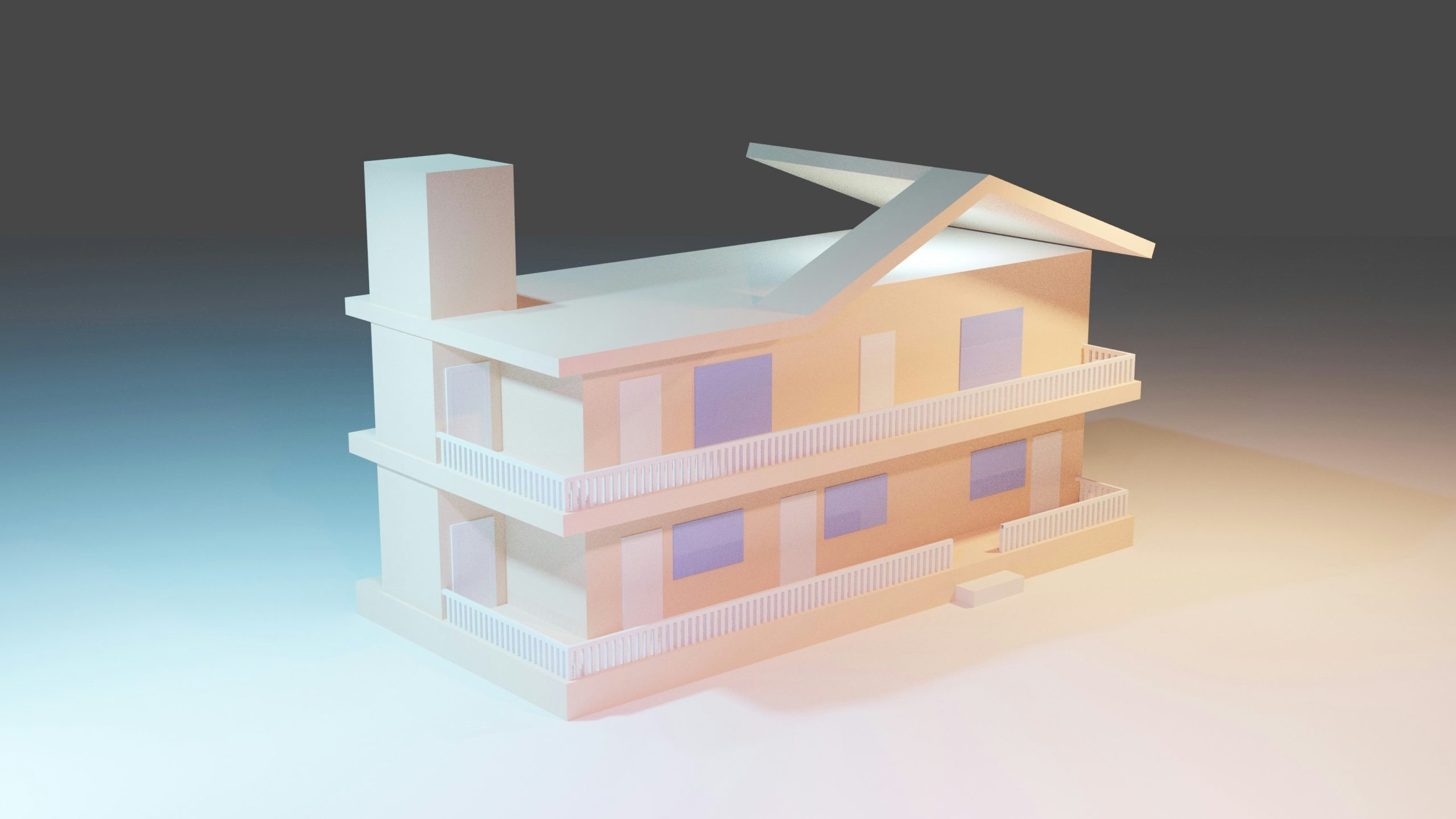
Ready to plan your Revit budget? Here’s how to approach it:
- Short-Term Needs: Go for a monthly subscription or Flex plan and use free or low-cost training to get started.
- Long-Term Projects: Choose a yearly or three-year subscription for savings, and invest in a bootcamp or certification to master the software.
- Team Workflows: Consider the AEC Collection and collaboration tools to keep your team aligned and projects on track.
By balancing software, training, and hardware costs, you can make Revit work for your budget while tapping into its game-changing features.
Conclusion
Getting started with Revit modeling doesn’t have to break the bank if you plan smart. Whether you’re paying for the software, investing in training, or outsourcing to experts like Powerkh, understanding the costs upfront lets you make informed choices. From flexible subscriptions starting at $365 a month to free tutorials and comprehensive bootcamps, there’s an option for every budget and skill level. Partnering with a service like Powerkh can further stretch your dollars by delivering accurate 3D models that save time and prevent costly errors. By balancing these expenses with your project needs, you can harness Revit’s power to create stunning, efficient designs without overspending.
Frequently Asked Questions (FAQs)
1. How can I try Revit without spending money?
You can use Revit’s free trial to explore its features for a limited time, perfect for beginners. There are also free tutorials and webinars on platforms like Udemy or Coursera to learn the basics at no cost.
2. Is it cheaper to outsource Revit modeling instead of buying the software?
Outsourcing to a service like Powerkh can be more cost-effective for one-off or complex projects, as you avoid software subscriptions and training costs. They offer customized pricing based on your project, which can save money compared to in-house modeling.
3. What’s the best Revit subscription for a small team?
For small teams, the yearly subscription ($2,910 per user) or the Flex plan ($300 for 30 days) offers flexibility and savings. Bundling Revit in the AEC Collection can also cut costs if you need additional tools.
4. How long does it take to learn Revit well enough to use it professionally?
With dedication, you can learn Revit’s basics in a few weeks using free or low-cost courses. For professional proficiency, a 60-hour self-paced course ($1,000) or a 290-hour bootcamp ($5,500) can take 1–3 months, depending on your schedule.
Our Case Studies
We have handled 200+ BIM & VDC projects for commercial, industrial, and residential sectors.
Our work includes:
Formwork design automation
Our client from
California, USA
Suspended ceiling design automation
Our client from
New York, USA
Wall framing design automation
Our client from
California, USA


