Have any questions? Contact us!
Join our team!
Request a free quote or consultation

BIM coordination is the process of bringing together all the digital building models architectural, structural, mechanical, electrical, and plumbing into one place to check for conflicts and make sure everything fits together before construction starts. It’s a key part of using Building Information Modeling (BIM) and helps teams avoid costly mistakes, delays, and rework on site. Whether you’re an architect, engineer, or contractor, understanding BIM coordination can improve collaboration and lead to smoother project delivery.
What Is BIM Coordination?
BIM coordination is the process of combining digital models created by different disciplines such as architecture, structural engineering, and MEP (mechanical, electrical, and plumbing) into a single, unified model. The goal is to make sure that every component fits together correctly before construction begins. This process helps identify and resolve clashes, overlaps, or inconsistencies between systems early in the design phase.
By coordinating these models in a shared 3D environment, teams can visualize the full scope of the project and address issues that could cause delays or costly mistakes on-site. BIM coordination ensures that all contributors are working with the most current, accurate data, creating a more reliable and predictable construction process. It’s not just about technology it’s a collaborative workflow that keeps architects, engineers, and contractors aligned throughout the project lifecycle.
How Powerkh Delivers Effective BIM Coordination

Powerkh is a UK-based company with offices in Ukraine and the United States, specializing in Building Information Modeling (BIM) coordination. We focus on integrating architectural, structural, and MEP (Mechanical, Electrical, Plumbing) systems into detailed 3D models to streamline construction workflows and minimize on-site issues. Our approach emphasizes reducing risks, avoiding delays, and maintaining efficiency in projects of varying complexity.
We use a straightforward BIM coordination process. Clients provide flat drawings or templates, which we convert into 3D models using tools such as Autodesk Revit and Navisworks clash detection software. Our team identifies and resolves design conflicts, checks constructability, and delivers comprehensive clash detection reports. We also facilitate coordination meetings to align all stakeholders and ensure project accuracy.
We offer MEP coordination, clash detection reporting, and the development of precise construction models. Operating across three countries, we adapt to regional regulations and project-specific needs, providing practical solutions to improve construction outcomes.
When BIM Coordination Should Start
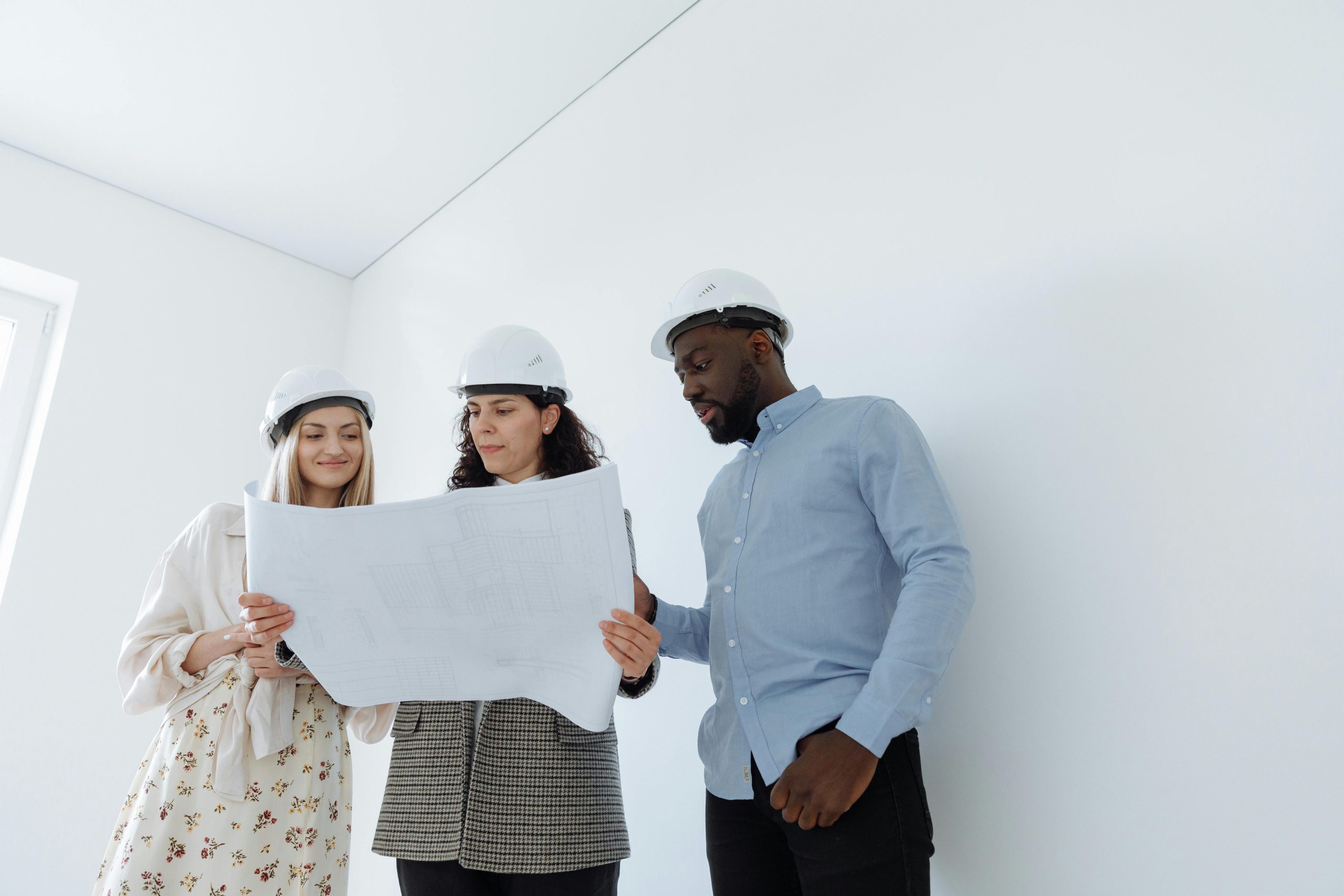
BIM coordination should begin in the early stages of a project preferably during the design or pre-construction phase. Starting early helps prevent delays, reduce rework, and improve model quality from the outset. Here’s why early coordination matters:
- Clash detection happens before construction: Identifying conflicts in digital models early avoids expensive on-site corrections.
- Design teams stay aligned: Architectural, structural, and MEP models are developed with awareness of each other’s constraints.
- Standards and responsibilities are defined: Early coordination helps establish shared guidelines, roles, and modeling protocols.
- Better planning and sequencing: Project teams can use coordinated models to inform scheduling, budgeting, and procurement.
- Reduced rework and revisions: Early problem-solving means fewer last-minute design changes and smoother project execution.
Starting coordination early creates a stronger foundation for collaboration and minimizes disruptions as the project progresses.
Key Roles in BIM Coordination
Successful BIM coordination relies on clear responsibilities and collaboration across different roles. While many team members contribute, a few positions are central to managing and executing the coordination process. Below are the key roles typically involved:
BIM Coordinator
The BIM Coordinator plays a hands-on role in merging models, detecting clashes, and managing issue resolution. This person ensures that all discipline-specific models (architectural, structural, MEP) are correctly integrated into a single, conflict-free master model. They also:
- Run clash detection using specialized software
- Track and document coordination issues
- Facilitate communication between teams
- Update models after resolutions are implemented
BIM Manager
The BIM Manager focuses on the strategic side of BIM implementation. Their job is to set up standards, workflows, and digital processes that support coordination across the entire project. Responsibilities include:
- Establishing project-wide BIM execution plans
- Managing software tools and licenses
- Defining modeling standards and naming conventions
- Supporting teams with training and technical guidance
Discipline-Specific Modelers
These are the professionals creating the models architects, structural engineers, MEP designers, and others. Their role is to:
- Develop accurate discipline-specific models
- Follow shared standards and guidelines
- Collaborate with the BIM Coordinator to resolve clashes
- Incorporate updates based on coordination outcomes
General Contractor / Construction Team
While not always involved in early modeling, the general contractor or construction team benefits directly from well-coordinated models. They may:
- Review coordinated models for constructability
- Participate in coordination meetings to resolve site-related issues
- Use models for planning, scheduling, and material coordination
BIM Coordination Workflow Explained Step by Step
BIM coordination follows a structured workflow that brings together multiple design models into one integrated digital environment. Each step in the process is aimed at identifying and resolving conflicts before construction begins. Here’s how the coordination typically unfolds:
1. Model Creation
Each discipline’s architecture, structure, and MEP develops its own model based on project requirements. These models are usually created in different BIM authoring tools, such as Revit or ArchiCAD, and contain the specific elements related to that trade.
2. Model Integration
The individual models are imported and combined into a single shared model, using formats such as IFC or software-specific formats like Revit’s .rvt, depending on the project’s tools and workflow. This master model allows all design elements to be viewed and analyzed together, forming the foundation for coordination.
3. Clash Detection
With the combined model in place, specialized software (e.g., Navisworks, Solibri, BIMcollab Zoom) is used to identify clashes or overlaps between components such as ducts running through beams or plumbing conflicting with structural elements.
4. Issue Tracking and Documentation
Detected clashes are documented and categorized. Each issue is assigned to the relevant team, and the coordination platform keeps track of who is responsible, what the problem is, and when it was last updated.
5. Coordination Meetings
Regular coordination meetings are held to review clashes, discuss solutions, and agree on how to resolve conflicts. These sessions involve all key stakeholders architects, engineers, contractors, and the BIM coordinator.
6. Model Revisions
After issues are reviewed, design teams return to their models to make necessary adjustments. Updated models are then reintegrated into the master model to confirm that changes resolve the identified issues.
7. Iterative Review
Because new changes can sometimes introduce new clashes, the coordination process is repeated. The team runs another clash detection cycle and resolves any remaining problems until the model is fully coordinated.
8. Final Sign-Off and Model Handover
Once the model is free of major clashes and meets quality standards, it is approved for construction. At this stage, the model may be extended to include scheduling (4D) or cost (5D) data if required by the project’s scope and software capabilities.
Tools and Software Used in BIM Coordination
BIM coordination relies on a range of software tools that help teams merge models, detect clashes, manage issues, and maintain consistent communication. These tools are used at different stages of the coordination process to ensure accurate, up-to-date information across all disciplines.
Here are some of the most commonly used tools in BIM coordination:
- Autodesk Revit: Used for creating discipline-specific models in architecture, structure, and MEP. It allows parametric modeling and supports collaboration with linked models.
- Navisworks: A powerful tool for clash detection, model review, and 4D simulation. It helps teams identify and resolve conflicts before construction begins.
- BIMcollab Zoom: Specializes in model checking and clash detection. Often used with BIMcollab Nexus to manage and track issues across teams.
- Solibri: A model-checking tool known for quality assurance, rule-based checking, and coordination support, especially in IFC-based workflows.
- Autodesk Construction Cloud: A cloud platform for project collaboration, document management, and issue tracking. It allows real-time model access for distributed teams.
- Tekla Structures: Often used for structural modeling and detailing, especially in projects involving steel and concrete elements.
- Trimble Connect: A cloud-based collaboration platform that allows teams to share and view coordinated models, drawings, and documents.
Real-World Challenges in BIM Coordination and How Teams Handle Them
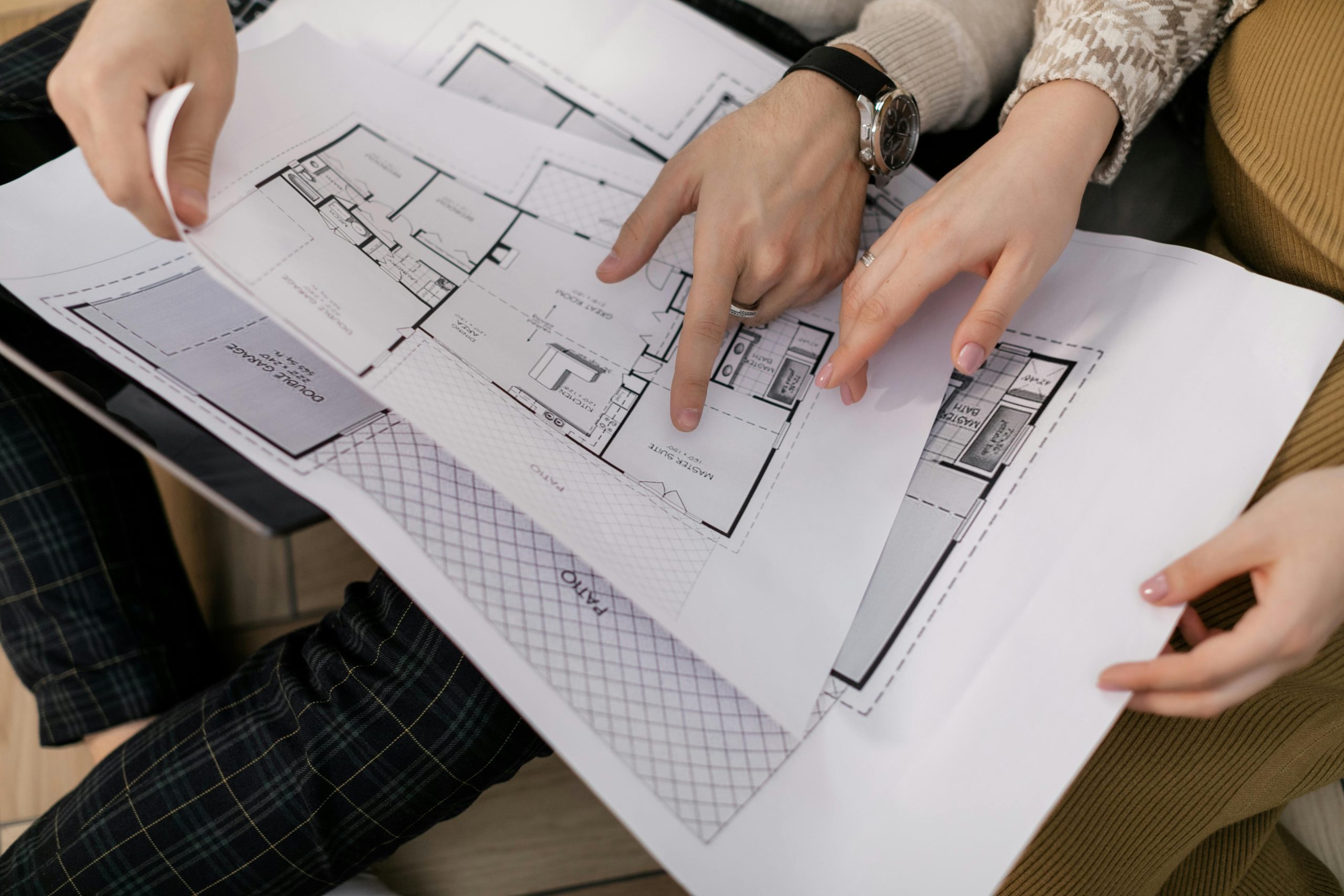
While BIM coordination brings clear benefits to construction projects, it also comes with challenges that teams must actively manage. These issues often arise from technical complexity, human factors, or project-specific constraints. Here are some of the most common problems encountered during BIM coordination:
- Software Compatibility Issues: Different teams may use different BIM tools, file formats, or software versions, leading to problems when combining models or exchanging data.
- Modeling Inconsistencies: Variations in modeling practices, naming conventions, or levels of detail can cause confusion and misalignment across disciplines.
- Version Control and File Management: Without a clear system for managing model versions, teams risk working with outdated or conflicting files, which can undo coordination progress.
- Delayed Clash Resolution: Even when issues are detected early, slow response times from team members or unclear responsibilities can hold up the resolution process.
- Communication Gaps: Lack of structured coordination meetings or poor documentation can lead to misunderstandings about model changes and issue ownership.
- Overlapping Responsibilities: In some teams, roles like BIM manager, coordinator, and modeler are not clearly defined, leading to duplication of work or gaps in accountability.
- Change Management: Late-stage design changes can trigger new clashes or require significant rework, especially if updates aren’t communicated quickly across teams.
Why Effective BIM Coordination Makes a Real Difference
BIM coordination isn’t just a technical process, it’s a working method that shapes how teams communicate, make decisions, and avoid mistakes. When implemented properly, it brings measurable value to both planning and construction stages. Here’s how:
1. Reduced On-Site Conflicts
By detecting design clashes early in the planning phase, teams can resolve them before construction starts. This minimizes delays, change orders, and unexpected costs during execution. Instead of reacting to problems on-site, teams can plan around them in advance.
2. Stronger Collaboration Between Teams
Coordinated BIM models serve as a single source of truth for architects, engineers, contractors, and consultants. Everyone works from the same up-to-date information, which reduces confusion and helps align decisions across all disciplines.
3. More Accurate Project Planning
When systems and components are fully coordinated, teams can better understand how they fit together in time and space. This improves scheduling, material planning, and logistics, leading to more realistic timelines and fewer surprises.
4. Time and Cost Efficiency
Fixing problems digitally is faster and far less expensive than making corrections during construction. BIM coordination reduces the need for rework and helps prevent costly disruptions, making it easier to stay within budget.
5. Clear and Consistent Documentation
As the project progresses, updates are continuously integrated into the model. This keeps documentation accurate and reduces the risk of using outdated drawings or specifications during construction.
6. Better Integration of Time and Cost Data
Coordinated models can be linked with 4D (time) and 5D (cost) information, giving project managers a more complete picture. This integration supports better forecasting, tracking, and decision-making throughout the project lifecycle.
Conclusion
BIM coordination is a critical process that brings together the different parts of a construction project into a single, well-organized model. By integrating architectural, structural, and MEP designs early in the workflow, it helps identify and resolve potential conflicts before construction begins. This coordination reduces rework, improves communication, and increases the overall efficiency of the project.
For project teams working in today’s complex construction environments, BIM coordination isn’t optional; it’s a practical tool that supports smoother planning, better decision-making, and more predictable outcomes. With the right tools, clear roles, and consistent communication, teams can manage complexity and deliver higher-quality results.
FAQ
1. What is the purpose of BIM coordination?
To align models from different disciplines into a single, clash-free environment and ensure that design elements work together before construction begins.
2. Who is responsible for BIM coordination?
Typically, a BIM Coordinator leads the process, but architects, engineers, contractors, and modelers also play key roles in updating and reviewing the coordinated model.
3. When should BIM coordination start in a project?
It should begin in the early design or pre-construction phase to catch issues before they affect construction timelines or costs.
4. What tools are used in BIM coordination?
Common tools include Revit, Navisworks, BIMcollab Zoom, Solibri, and cloud platforms like BIM 360 or Trimble Connect.
5. How does BIM coordination reduce project costs?
By detecting clashes early, avoiding rework, and improving planning accuracy, coordination helps prevent unexpected expenses during construction.
Our Case Studies
We have handled 200+ BIM & VDC projects for commercial, industrial, and residential sectors.
Our work includes:
Formwork design automation
Our client from
California, USA
Suspended ceiling design automation
Our client from
New York, USA
Wall framing design automation
Our client from
California, USA


