Have any questions? Contact us!
Join our team!
Request a free quote or consultation

When teams use Building Information Modeling (BIM), they rely on digital models to represent real-world buildings. But not all models are created with the same level of precision. That’s where the concept of “level of accuracy” comes in. It defines how closely a BIM model matches actual site conditions or physical measurements and it plays a major role in planning, coordination, and decision-making across the lifecycle of a building project. Whether you’re working with scan-to-BIM data, as-built documentation, or coordination models, understanding the level of accuracy helps everyone stay on the same page and avoid costly mistakes.
What Is the Level of Accuracy (LOA) in BIM?
Level of Accuracy (LOA) in BIM describes how closely a digital model reflects real-world conditions, specifically in terms of geometric precision. It is most commonly used in scan-to-BIM workflows, where laser scanners capture existing structures as dense point clouds. These point clouds are then used to create BIM models, and LOA helps define how precisely model elements should align with those scanned points.
Unlike Level of Development (LOD), which focuses on how detailed or complete an object is for documentation or design purposes, LOA strictly refers to dimensional tolerance, the allowable difference between the model and physical conditions. For example, a model created to LOA 30 will have tighter geometric alignment than one created to LOA 10. This accuracy is critical for coordination, fabrication, and avoiding errors during construction, especially in projects involving renovation or existing buildings.
How LOA Is Used in Scan-to-BIM Workflows
In scan-to-BIM workflows, Level of Accuracy (LOA) plays a critical role in translating real-world conditions into precise digital models. The process typically starts with 3D laser scanning, where millions of data points – known as a point cloud – are captured from the surfaces of a building or structure. This point cloud serves as the geometric reference for building the BIM model.
LOA defines how tightly the model should match that point cloud. For example, when modeling structural elements like walls, beams, or floors, the modeler must decide whether to follow exact deviations such as slanted walls or uneven surfaces or simplify the geometry. The chosen LOA level sets a standard deviation tolerance, guiding this decision. A higher LOA (e.g., LOA 40 or 50) requires the model to closely follow actual site conditions within a few millimeters, while lower LOA levels allow for more generalized geometry. LOA becomes especially important when models are used for downstream tasks such as:
- Clash detection: Ensures that structural and MEP components align properly and don’t interfere with each other.
- Prefabrication: Provides the dimensional accuracy needed to manufacture elements offsite with confidence.
- Facility management: Delivers reliable as-built data that can be used for maintenance, retrofits, or system upgrades.
By defining LOA early in the scan-to-BIM process, teams ensure consistency in expectations, avoid rework, and reduce costly surprises during construction.
Powerkh: BIM Modeling for Real-World Precision

We are Powerkh, a UK-based company with offices in Ukraine and the USA. We provide BIM and VDC services with a focus on delivering the right level of accuracy for each stage of a construction project. Our work supports residential, commercial, and industrial developments, using building data to support planning, coordination, and documentation.
In our company, we produce BIM models from LOD 100 to LOD 500, depending on project requirements. We work with aerial and point cloud data to create accurate models and 2D drawings. Our team also builds Revit content, prepares shop drawings for fabrication, and uses scripting tools to automate parts of the workflow.
We work with architects, engineers, surveyors, and contractors. Each project starts with defining the scope and agreeing on deliverables and timelines. We handle the modeling and coordination, adjust when needed, and provide results that match the technical standards of the job.
The LOA Scale: What the Levels Mean

The Level of Accuracy (LOA) scale provides a standardized way to define how closely a BIM model should represent actual site conditions. Developed by the United States Institute of Building Documentation (USIBD), the scale assigns specific tolerances to different LOA levels, usually measured in millimeters. Each level reflects the maximum acceptable deviation between modeled geometry and real-world dimensions.
LOA 10 – Schematic Representation
LOA 10 is the most general level of accuracy. It’s often used in early planning phases or conceptual design when precise measurements aren’t required. Models at this level may use approximate shapes and dimensions, based on assumptions or outdated drawings, not on scanned data.
LOA 20 – Approximate Geometry
At this level, basic geometric representation is present, but accuracy is still limited. LOA 20 may be based on low-resolution scans, manual measurements, or legacy documentation. It’s useful for preliminary space planning or feasibility studies, but not for construction or fabrication.
LOA 30 – Moderate Accuracy
LOA 30 is a practical middle ground. Models are based on moderate-resolution point clouds and are generally accurate within a tolerance of about 1/2 inch (12-15 mm). This level is often used for renovation planning, general coordination, or documentation of existing conditions when extreme precision is not required.
LOA 40 – High Accuracy
LOA 40 provides a higher level of geometric precision, typically within a tolerance of 1/4 inch (6 mm). This level is suited for construction coordination, MEP system modeling, and any application where misalignment could cause costly clashes or delays. It relies on high-resolution scans and experienced modelers.
LOA 50 – Construction-Grade Accuracy
The highest level on the scale, LOA 50 is used when maximum precision is essential, such as in prefabrication, offsite manufacturing, or legal documentation. Tolerances are extremely tight, often within 1/8 inch (3 mm) or better. Achieving LOA 50 requires high-quality laser scanning equipment and meticulous modeling practices.
Why LOA Matters in Real-World Projects
Choosing the appropriate Level of Accuracy (LOA) in a BIM project is more than just a technical decision – it directly affects cost, coordination, and risk management. When LOA is defined and followed correctly, it leads to smoother workflows and better outcomes on-site. Here’s why it matters in practical terms:
- Reduces Construction Errors: A highly accurate model helps avoid mistakes during installation. Misaligned walls, beams, or ducts caused by inaccurate geometry can lead to costly delays and rework.
- Supports Prefabrication and Offsite Manufacturing: Prefabricated components need to match exact site conditions. LOA 40 or 50 ensures that what’s built offsite fits precisely during assembly on-site.
- Improves Clash Detection: Accurate geometry allows teams to catch conflicts between systems (e.g., HVAC vs. structural elements) before they happen in the field, preventing project disruptions.
- Helps with Budget Control: Fewer errors mean fewer change orders and surprise costs. A model with the right LOA supports better quantity takeoffs and cost planning.
- Ensures Clear Communication: Defining LOA removes ambiguity between stakeholders. Everyone – from surveyors to contractors – knows the model’s precision and how much they can rely on it.
- Aligns With Project Requirements: Not every project needs ultra-high accuracy. Setting the appropriate LOA ensures teams don’t waste time or resources modeling unnecessary detail.
Common Challenges and Best Practices
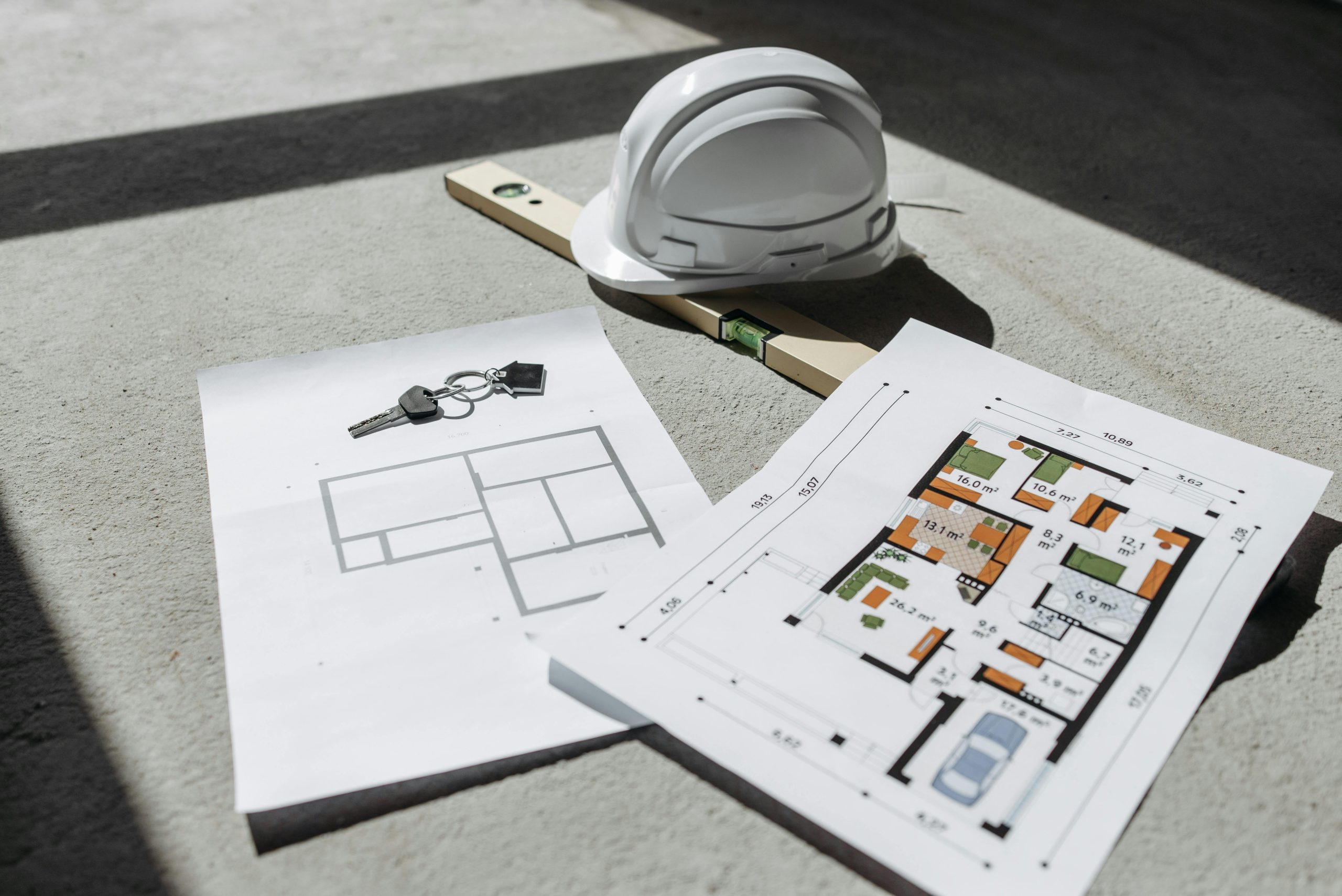
Applying the correct Level of Accuracy (LOA) in BIM brings clear benefits, but it also introduces specific technical and coordination issues. Below are the most common challenges teams encounter and practical strategies to address them effectively.
Common Challenges
These issues typically arise during scanning and modeling and can lead to errors, delays, or additional costs if not addressed early.
- Inconsistent Point Cloud Quality: The quality of scans can vary significantly depending on the equipment used. Low-resolution or noisy scans make it difficult to model with precision.
- Misaligned Project Expectations: Stakeholders may have different understandings of what level of accuracy is needed. Without early alignment, teams may either over-model or underdeliver.
- Overlooking Tolerances: Modeling “perfect” geometry without accounting for real-world deviations can create discrepancies between the model and what exists on site.
- Time and Cost Pressures: High-accuracy modeling takes more time and expertise. On fast-track projects, there may be pressure to reduce accuracy to meet tight deadlines.
- Software Limitations: Not all BIM software handles large point clouds well. This can limit the ability to work with high-density scans or fine-tune tolerances.
Best Practices
With the right approach, teams can overcome these obstacles and produce models that are both accurate and efficient.
- Define LOA Early in the Project: Set LOA standards in the BIM Execution Plan (BEP) and ensure all team members are aligned from the beginning.
- Match Scanner Capabilities to LOA Goals: Use scanning equipment that meets the accuracy requirements of the intended LOA. Higher LOA levels require high-resolution and calibrated devices.
- Model to Real Conditions, Not Assumptions: Base geometry on actual point cloud data even if it reflects imperfections instead of assuming everything is straight or level.
- Use QA/QC Processes: Perform regular model validation against the point cloud to confirm it remains within the agreed accuracy range.
- Balance Accuracy with Efficiency: Not every part of the model needs the same precision. Focus higher LOA efforts where tolerances matter most, such as in structural or MEP-intensive areas.
- Collaborate Across Disciplines: Keep open communication between surveyors, modelers, and engineers to ensure everyone interprets LOA consistently and understands where precision is most critical.
Conclusion
Level of Accuracy (LOA) in BIM is a critical standard that defines how closely a digital model represents real-world conditions, especially when working with point cloud data from laser scanning. By setting measurable tolerances, LOA ensures that models are not just visually accurate but dimensionally reliable for construction, coordination, and facility management.
Choosing the right LOA depends on the project’s needs, available scan quality, and intended use of the model. Defining it early helps teams align expectations, avoid costly errors, and deliver more predictable outcomes. As scan-to-BIM becomes more common across the industry, LOA continues to play a key role in turning raw data into useful, actionable digital models.
FAQ
What does LOA stand for in BIM?
LOA stands for Level of Accuracy, which defines how closely a BIM model matches real-world conditions based on measurable deviations (typically in millimeters).
What are typical LOA levels?
Typical LOA levels range from LOA 10 (schematic or approximate) to LOA 50 (high-precision, construction-grade). Each level corresponds to an allowable deviation in model geometry.
When should LOA be defined in a project?
LOA should be defined early in the project, usually during the planning or scan-to-BIM phase. It should be documented in the BIM Execution Plan (BEP) or project scope.
Why is LOA important in construction?
Using the correct LOA helps reduce errors, supports accurate prefabrication, improves coordination, and ensures that the model can be trusted for critical decisions.
Have a BIM Project? Talk To Us.
Contact UsOur Case Studies
We have handled 200+ BIM & VDC projects for commercial, industrial, and residential sectors.
Our work includes:
Formwork design automation
Our client from
California, USA
Suspended ceiling design automation
Our client from
New York, USA
Wall framing design automation
Our client from
California, USA