Have any questions? Contact us!
Join our team!
Request a free quote or consultation

Ever wonder how massive construction projects – like skyscrapers or sprawling airports – come together without pipes crashing into walls or electrical systems tangling with HVAC? The secret lies in something called a clash coordinated model. If you’re new to construction or just curious about how modern buildings are planned, this article breaks it down in plain English. Think of it as the ultimate teamwork tool that keeps everyone on the same page, saving time, money, and a whole lot of headaches.
What Exactly Is a Clash Coordinated Model?
Imagine trying to build a house where the plumbing pipes run straight through a steel beam. Sounds like a nightmare, right? That’s where a clash coordinated model comes in. It’s a 3D digital blueprint created using Building Information Modeling (BIM) software, with tools like Navisworks or Solibri for clash coordination and Revit for creating detailed discipline-specific models that contribute to the federated model. That brings together every part of a construction project – architecture, structural elements, electrical, plumbing, HVAC, you name it. The goal is to make sure nothing overlaps or conflicts before anyone starts building.
This model isn’t just one person’s design. It’s a federated model, meaning it combines individual models from all the teams involved – architects, engineers, contractors – into a single, unified view. The software then scans for clashes, like a duct crowding a ceiling or a cable tray blocking a sprinkler. By catching these issues early, the clash coordinated model acts like a safety net, ensuring every piece fits together perfectly. It’s not just about avoiding mistakes; it’s about creating a plan everyone can trust to keep the project on track.
Why Do We Need Clash Coordination?
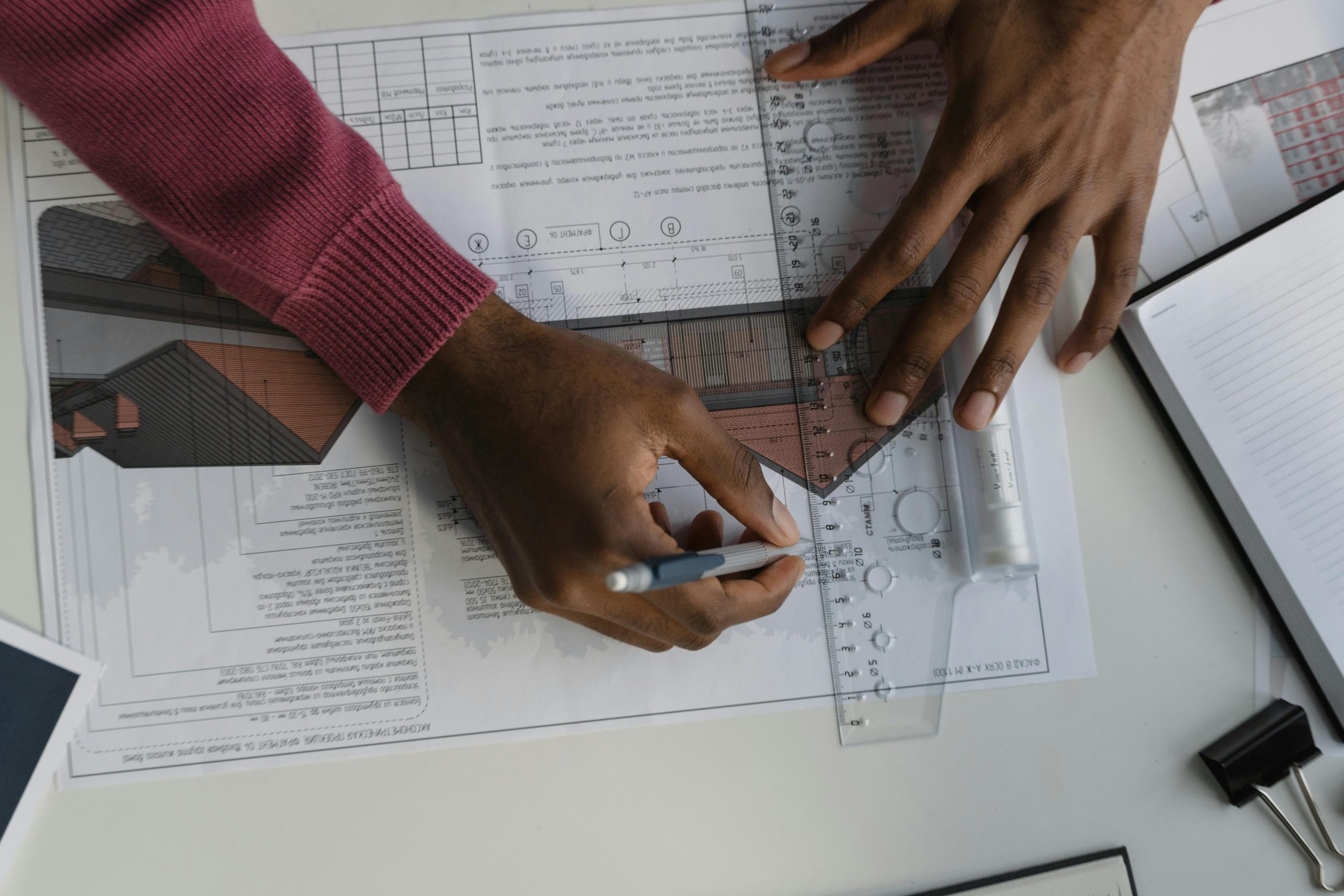
Construction projects are complex, and when things go wrong, they go really wrong – think delayed timelines, skyrocketing costs, and frustrated teams. Clash coordination is the fix. Without it, you’re relying on old-school methods like comparing 2D drawings by hand, which is slow and easy to mess up. Often, conflicts like a pipe hitting a structural column aren’t caught until workers are on-site, leading to costly rework and headaches.
Here’s why clash coordination is a must-have:
- Saves Money: Catching issues before construction means fewer expensive fixes and less wasted material.
- Speeds Things Up: A clash-free model keeps the project moving without unexpected pauses.
- Reduces Errors: Automated checks are way more reliable than manual reviews, catching problems humans might miss.
- Boosts Teamwork: Everyone works off the same model, so architects, engineers, and contractors stay aligned.
- Improves Safety: Fewer surprises on-site mean a safer environment for workers.
By using BIM to spot and solve clashes early, you’re setting the project up for success from day one. It’s like having a crystal ball that shows you problems before they happen.
How Does Clash Coordination Work?
Curious about how a clash coordinated model is created? It’s a structured, collaborative process driven by Building Information Modeling (BIM) software that transforms a jumble of designs into a seamless plan. Think of it as a digital rehearsal for construction, catching issues before they cause real-world problems. Below is a detailed breakdown of the key stages, powered by tools like Navisworks, Revit, or Solibri, to ensure every piece of the project fits perfectly.
Stage 1: Building Individual Models
Each team involved in the project – architects, structural engineers, mechanical, electrical, and plumbing (MEP) contractors – creates their own 3D model using BIM software. These models are incredibly detailed, capturing every element, from load-bearing walls and steel beams to intricate HVAC ducts, electrical conduits, and fire sprinklers. For example, the MEP team might model every pipe’s diameter and path, while the structural team maps out columns and slabs. This stage is all about precision, as each model represents a specific discipline’s contribution to the project.
Stage 2: Combining into a Federated Model
Once the individual models are ready, they’re merged into a single federated model. This unified 3D model acts as a digital twin of the entire building, showing how all systems – architecture, structure, MEP, and more – interact in one shared space. Creating the federated model requires coordination to ensure compatibility, as different teams may use slightly different software or settings. The result is a holistic view that reveals potential conflicts, like a ventilation duct crossing a structural beam, that wouldn’t be obvious in isolated models.
Stage 3: Running Clash Detection
With the federated model in place, BIM software performs clash detection, an automated scan to identify conflicts. The software uses rule-based algorithms to check for three main types of clashes:
- Hard Clashes: When two physical objects occupy the same space, such as a plumbing pipe intersecting a concrete column.
- Soft Clashes: When there’s insufficient clearance for maintenance or operation, like an HVAC unit placed too close to a ceiling, hindering access.
- Workflow Clashes: Scheduling or logistical conflicts, such as two trades (e.g., electricians and plumbers) scheduled to work in the same area simultaneously, causing congestion.
The software flags these issues with precision, often highlighting them visually in the model for easy identification.
Stage 4: Reviewing and Resolving Clashes
After the scan, the BIM software generates a clash report, a detailed document listing every conflict, often with visuals and data like location, severity, and affected systems. These reports can be exported in formats like PDF, HTML, or XML for sharing. Project teams – typically including architects, engineers, and contractors – hold coordination meetings to review the report. They discuss solutions, such as rerouting a pipe, adjusting a beam’s position, or rescheduling a task. For example, if a duct clashes with a sprinkler, the MEP team might propose a new path, which is then tested in the model. Changes are made collaboratively to ensure the fixes don’t create new issues, and the federated model is updated to reflect the resolutions.
Stage 5: Iterating and Finalizing the Model
Construction designs evolve, so clash coordination isn’t a one-time task. As teams refine their models or new elements are added, additional clash detection runs are performed to catch any new conflicts. This iterative process might happen weekly or at key project milestones, depending on the schedule. Each round ensures the model stays clash-free as changes occur. Once all issues are resolved, and no new clashes are detected, the result is a clash coordinated model – a reliable, unified blueprint ready to guide construction with confidence.
Why This Process Matters
This methodical approach doesn’t just spot problems; it solves them proactively, long before they disrupt the construction site. By addressing clashes in the digital realm, teams avoid costly rework, delays, and miscommunication. The process fosters collaboration, leverages technology for accuracy, and sets the stage for a smoother, more efficient build. Whether it’s a small office or a sprawling hospital, clash coordination ensures the project starts on solid ground.
Real-World Example: Powerkh’s Clash Coordination in Action

Powerkh is a UK-based company offering BIM coordination services, with additional offices in Ukraine and the USA. Our focus is on helping construction projects avoid delays and errors by using Building Information Modeling (BIM) to detect and resolve clashes in the design phase. This approach allows for a more efficient construction process and reduces costly rework.
Our BIM coordination services involve integrating various building systems, such as mechanical, electrical, plumbing, and structural elements, into a single model. By identifying conflicts between systems early on, we ensure that all components fit together properly before construction begins, saving time and resources.
We work closely with architects, engineers, and contractors to ensure smooth project execution. Our clash detection services aim to minimize design and construction issues, ultimately helping projects stay on schedule and within budget.
Key Highlights:
- UK-based company with offices in Ukraine and the USA
- Specializes in BIM coordination and clash detection services
- Focuses on resolving design conflicts before construction begins
- Helps reduce project delays, errors, and costly rework
- Supports collaboration between architects, engineers, and contractors
- Aims to keep projects on schedule and within budget
The Benefits of a Clash Coordinated Model

Nobody wants a construction project that’s over budget, behind schedule, or riddled with mistakes. That’s why a clash coordinated model is such a big deal. By using Building Information Modeling (BIM) to spot and fix conflicts before breaking ground, this approach transforms how projects come together. It’s like having a roadmap that keeps everyone on track and avoids costly detours. Here’s why it’s a game-changer for contractors, architects, and project owners alike.
- Cuts Costs: Resolving clashes in the design phase means fewer expensive fixes during construction, less wasted material, and no surprise change orders.
- Speeds Up Projects: A clash-free model keeps work moving smoothly, avoiding delays from on-site conflicts or rework.
- Fewer Mistakes: Automated clash detection catches issues that might slip past manual checks, ensuring the design is rock-solid.
- Better Teamwork: With everyone working from the same 3D model, architects, engineers, and contractors stay aligned, reducing miscommunication.
- Safer Job Sites: Fewer unexpected problems mean fewer hazards, creating a safer environment for workers.
- Smarter Planning: Accurate models lead to precise material estimates and support prefabrication, saving time and reducing waste.
From small renovations to massive skyscrapers, a clash coordinated model delivers real results. It’s not just about avoiding problems – it’s about building smarter, faster, and more efficiently.
Conclusion
Clash coordination is like a superpower for construction projects, turning potential chaos into a well-oiled machine. By using BIM software to catch and fix conflicts early, it ensures every piece of the building – pipes, beams, ducts, and more – fits together perfectly before the first shovel hits the ground. This process doesn’t just save time and money; it brings teams together, boosts accuracy, and makes the construction phase smoother and safer. Whether you’re building a cozy office or a massive hospital, a clash coordinated model is your ticket to a stress-free, efficient project. Ready to take your next build to the next level? Dive into clash coordination and see the difference it makes.
Frequently Asked Questions (FAQs)
What software is used for clash coordination?
Clash coordination relies on Building Information Modeling (BIM) software like Autodesk Navisworks, Revit, or Solibri. These tools create detailed 3D models, merge them into a federated model, and run automated clash detection to identify conflicts. Navisworks is especially popular for generating clash reports that teams use to resolve issues.
How often should clash detection be run during a project?
Clash detection isn’t a one-time task. It’s typically run at key project milestones or weekly, depending on the project’s complexity and schedule. Each time designs are updated or new elements are added, teams perform additional scans to ensure the model remains clash-free as the project evolves.
Who is involved in the clash coordination process?
Clash coordination is a team effort involving architects, structural engineers, MEP (mechanical, electrical, plumbing) contractors, and sometimes project managers or BIM coordinators. These stakeholders create individual models, review clash reports, and collaborate in meetings to resolve conflicts and update the federated model.
Our Case Studies
We have handled 200+ BIM & VDC projects for commercial, industrial, and residential sectors.
Our work includes:
Formwork design automation
Our client from
California, USA
Suspended ceiling design automation
Our client from
New York, USA
Wall framing design automation
Our client from
California, USA


