Have any questions? Contact us!
Join our team!
Request a free quote or consultation

Imagine trying to build a house where the architect, engineer, and contractor are all working from different blueprints. Chaos, right? That’s where BIM collaboration tools come in. They’re like a digital meeting room where everyone on a construction project – designers, builders, and clients – works from the same 3D model, in real time. These tools are game-changers in the architecture, engineering, and construction (AEC) world, making projects faster, cheaper, and less stressful. Let’s break down what BIM collaboration tools are and why they’re a must-have for modern building projects.
What Is BIM, Anyway?
BIM stands for Building Information Modeling. It’s not just a fancy 3D model; it’s a process that creates a digital version of a building packed with data – everything from dimensions to materials to costs. Think of it as a super-smart blueprint that everyone can access and update. BIM collaboration tools take this to the next level by letting teams work together on that model, no matter where they are, ensuring everyone’s on the same page.
Top BIM Collaboration Tools

The right BIM collaboration tool can make or break the project. These platforms bring architects, engineers, contractors, and clients together, ensuring everyone works from the same digital playbook. By enabling real-time updates, clash detection, and seamless data sharing, they cut errors, save time, and keep budgets in check. Below, we’ve rounded up 10 top tools, each with unique strengths to suit different project needs.
Autodesk Construction Cloud
This powerhouse combines BIM 360, PlanGrid, BuildingConnected, and Assemble into one platform, syncing office and field teams with deep integration into Revit and AutoCAD. It’s a go-to for teams needing robust permissions and mobile access.
- Pros: Tight Revit integration, strong security, great mobile functionality for on-site teams.
- Cons: Steep learning curve, pricey for small firms, occasional sync delays during peak usage.
Trimble Connect
A cloud-based platform that bridges design and construction, Trimble Connect shines with intuitive visualization and clash detection, making complex models accessible to all.
- Pros: User-friendly interface, solid clash detection, clear visualization tools.
- Cons: Weak integration with non-Trimble tools, slow with large models, mobile app lags behind desktop.
Navisworks
Navisworks is a clash detection champ, pulling together models from Revit, AutoCAD, and more for precise coordination on large projects.
- Pros: Top-tier clash detection, handles massive projects, client-impressing visualization.
- Cons: Not a full collaboration platform, clunky data exchange, outdated interface.
Revizto
Revizto transforms 3D models into interactive, VR-ready environments, excelling at issue tracking and visualization for distributed teams.
- Pros: Stunning 3D/VR visuals, streamlined issue tracking, cloud-based for remote access.
- Cons: Weak document management, struggles with very large models, limited scheduling features.
Bentley ProjectWise
An enterprise-grade tool for large infrastructure projects, ProjectWise offers robust document management and security for complex, distributed teams.
- Pros: Excellent document/version control, built for infrastructure, government-level security.
- Cons: Complex setup, high resource demands, steep learning curve for casual users.
Graphisoft BIMcloud
Optimized for ARCHICAD, BIMcloud delivers real-time collaboration for architects, with fast performance even on large models.
- Pros: Seamless ARCHICAD integration, high performance, flexible private cloud options.
- Cons: Limited use outside architecture, poor non-Graphisoft integration, small user base.
Bluebeam
Known for PDF markup and document management, Bluebeam complements BIM workflows with intuitive tools for construction documentation.
- Pros: Easy-to-use markup tools, minimal training needed, ensures document consistency.
- Cons: Not a true BIM platform, limited 3D capabilities, documentation-focused.
Asite
Asite covers the full project lifecycle, from procurement to handover, with strong document control and workflow automation.
- Pros: Robust document permissions, automated workflows, scalable for complex projects.
- Cons: Less intuitive interface, limited support, requires heavy setup.
Solibri
A specialized tool for model checking and quality assurance, Solibri ensures BIM models meet strict standards, catching errors before construction.
- Pros: Automated quality checks, supports codes, detailed issue reports.
- Cons: Niche focus, needs expertise for custom rules, less useful in early design.
Vectorworks
Vectorworks blends design-centric collaboration with integrated rendering, ideal for professionals needing creative and technical workflows in one platform.
- Pros: Strong design tools, interoperable formats, built-in rendering.
- Cons: Limited adoption, small third-party ecosystem, occasional engineering friction.
Choosing the Right Tool
The best tool depends on your project’s size, team structure, and goals. For Revit-heavy teams, Autodesk Construction Cloud is hard to beat. Need clash detection? Navisworks or Solibri. Architects using ARCHICAD? Go for BIMcloud. Small firms might start with Trimble Connect’s free tier. Whatever you pick, proper setup and training are key – tools alone won’t work magic. Partner with BIM experts to align the platform with your workflows and watch your projects soar.
Powerkh: The Agile BIM and VDC Specialist

Powerkh is a UK-based company with offices in Ukraine and the United States, specializing in Building Information Modeling (BIM) coordination. We focus on integrating architectural, structural, and MEP (Mechanical, Electrical, Plumbing) systems into detailed 3D models to streamline construction workflows and minimize on-site issues. Our approach emphasizes reducing risks, avoiding delays, and maintaining efficiency in projects of varying complexity.
We use a straightforward BIM coordination process. Clients provide flat drawings or templates, which we convert into 3D models using tools such as Autodesk Revit and Navisworks clash detection software. Our team identifies and resolves design conflicts, checks constructability, and delivers comprehensive clash detection reports. We also facilitate coordination meetings to align all stakeholders and ensure project accuracy.
We offer MEP coordination, clash detection reporting, and the development of precise construction models. Operating across three countries, we adapt to regional regulations and project-specific needs, providing practical solutions to improve construction outcomes.
Key Highlights:
- UK-based company with offices in the USA and Ukraine, specializing in BIM coordination.
- Integrates architectural, structural, and MEP systems into detailed 3D models.
- Expertise in clash detection, constructability checks, and design conflict resolution.
- Facilitates coordination meetings to align stakeholders and improve project outcomes.
- Adapts to regional regulations and project-specific requirements.
Why Do BIM Collaboration Tools Matter?
If you’ve ever been on a project where a miscommunication led to a costly mistake – like pipes clashing with ductwork – you know why these tools are a big deal. Here’s what they bring to the table:
1. Real-Time Teamwork
With BIM collaboration tools, everyone works on the same model at the same time. An architect in Sydney can tweak a design, and a contractor in Melbourne sees the update instantly. No more emailing files back and forth or working off outdated plans. This cuts down on confusion and keeps everyone aligned.
2. Clash Detection
Ever find out during construction that two systems, like plumbing and electrical, can’t coexist? BIM tools spot these “clashes” during the design phase. For example, Navisworks can flag conflicts before a single nail is hammered, saving you from expensive fixes. Studies show catching issues early can slash rework costs by up to 80%.
3. Better Visualization
These tools let you “walk through” a virtual building before it’s built. Clients love this because they can see exactly what they’re getting. Tools like Revizto even offer VR views, so stakeholders can explore spaces like they’re already there. It’s a game-changer for decision-making.
4. Data Consistency
Nothing’s worse than someone working off an old version of a plan. BIM collaboration tools keep all data in one place, so everyone’s using the latest info. This reduces errors and those “I didn’t know that changed!” moments.
5. Risk Management
By catching problems early – whether it’s a design flaw or a scheduling conflict – these tools lower the risk of delays and budget overruns. Projects, with their strict compliance rules, benefit big time from this proactive approach.
How Do These Tools Work in Real Life?
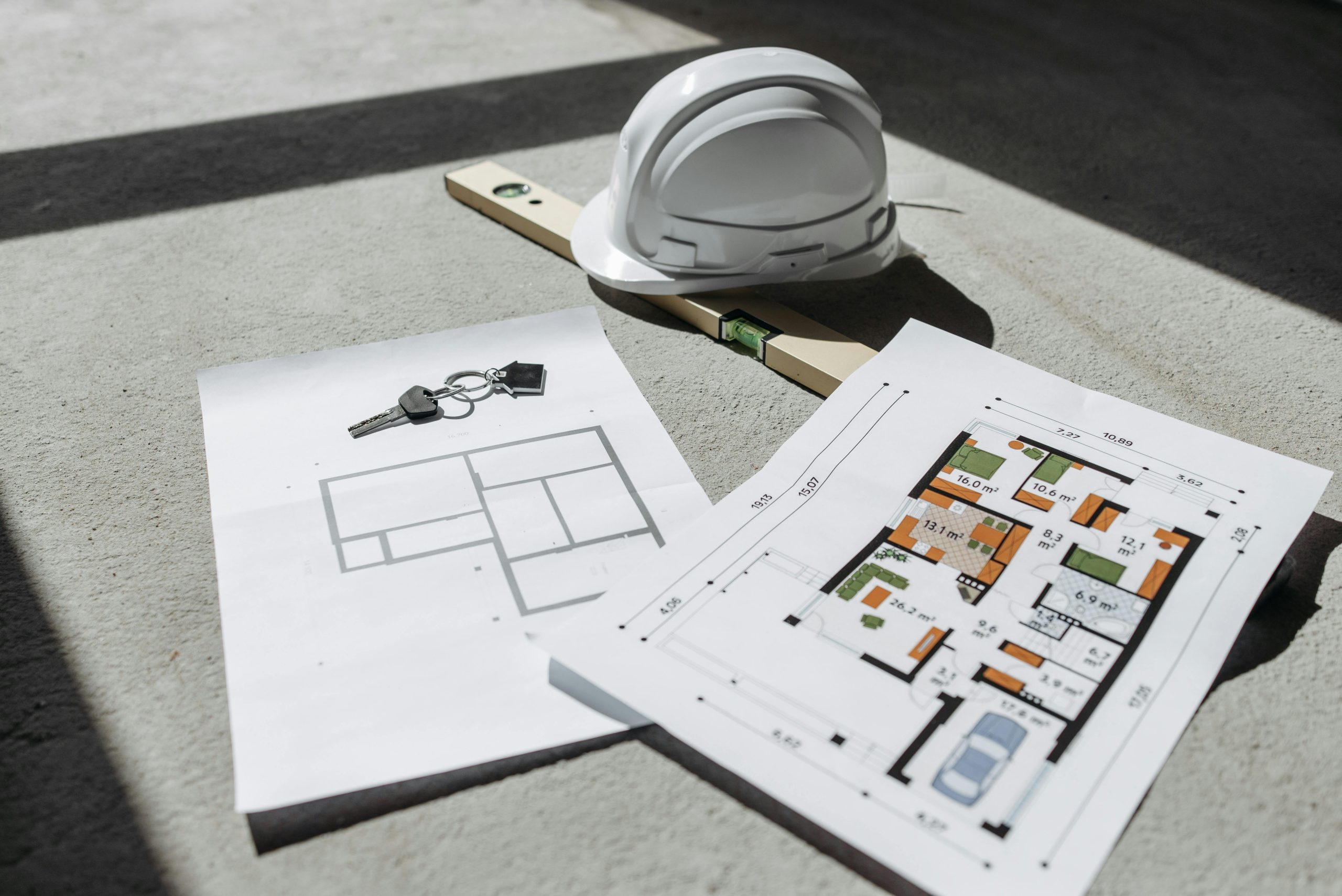
Let’s say you’re building a hospital. The architect uses Autodesk Construction Cloud to design the layout. The mechanical engineer adds HVAC systems, and the contractor checks constructability – all in the same model. If the engineer’s ducts clash with the architect’s beams, the tool flags it. The team meets virtually, tweaks the design, and moves on, all without breaking a sweat. Tools like BIM 360 Design Collaboration let teams publish updates and control who sees what, so sensitive data stays secure.
In a real-world example, a company like CRB used BIM 360 to manage a complex project with five teams across architecture, mechanical, plumbing, structural, and interiors. They mixed live updates for some teams and controlled “publish and consume” workflows for others, cutting coordination time and delivering ahead of schedule.
Who Uses BIM Collaboration Tools?
Anyone involved in an AEC project can benefit:
- Architects design and share models with precision.
- Engineers ensure systems work together.
- Contractors plan construction and spot issues early.
- Clients visualize the final product and provide feedback.
- Project Managers keep everything on time and budget.
Even small firms are jumping on board, thanks to affordable options like Graphisoft BIMcloud or Trimble Connect’s free tier.
Conclusion
BIM collaboration tools are more than just software – they’re the glue that holds modern AEC projects together. By fostering real-time teamwork, catching clashes early, and keeping data consistent, they save time, reduce costs, and make complex builds feel manageable. Whether you’re tackling a small renovation or a sprawling infrastructure project, there’s a tool on this list to fit your needs. Don’t let fragmented communication slow you down. Pick a platform, get your team trained, and start building smarter today. Your next project could be your most successful yet.
Frequently Asked Questions (FAQs)
What’s the difference between BIM collaboration tools and traditional CAD software?
Traditional CAD software, like AutoCAD, focuses on creating 2D or 3D designs but doesn’t inherently support real-time teamwork or data-rich models. BIM collaboration tools, like Autodesk Construction Cloud or Revizto, build on BIM’s 3D models, adding cloud-based sharing, clash detection, and multi-disciplinary coordination, making them ideal for collaborative AEC projects.
Are BIM collaboration tools suitable for small firms?
Absolutely! Small firms can benefit from affordable options like Trimble Connect’s free tier or Bluebeam’s lower-cost plans. These tools reduce errors and improve client communication, leveling the playing field. However, investing in training is key to maximizing their value.
How do I choose the right BIM collaboration tool for my project?
Consider your project’s size, team’s software preferences (e.g., Revit or ARCHICAD), and specific needs like clash detection or document management. For example, choose Navisworks for clash-heavy projects or Graphisoft BIMcloud for ARCHICAD users. Test free trials and consult BIM experts to match the tool to your workflow.
Can BIM collaboration tools help with Australian compliance requirements?
Yes, tools like Solibri and Autodesk Construction Cloud support compliance by ensuring models meet local building codes through automated checks and detailed reporting. They also streamline documentation, making it easier to navigate Australia’s strict regulatory landscape.
Our Case Studies
We have handled 200+ BIM & VDC projects for commercial, industrial, and residential sectors.
Our work includes:
Formwork design automation
Our client from
California, USA
Suspended ceiling design automation
Our client from
New York, USA
Wall framing design automation
Our client from
California, USA


