Have any questions? Contact us!
Join our team!
Request a free quote or consultation

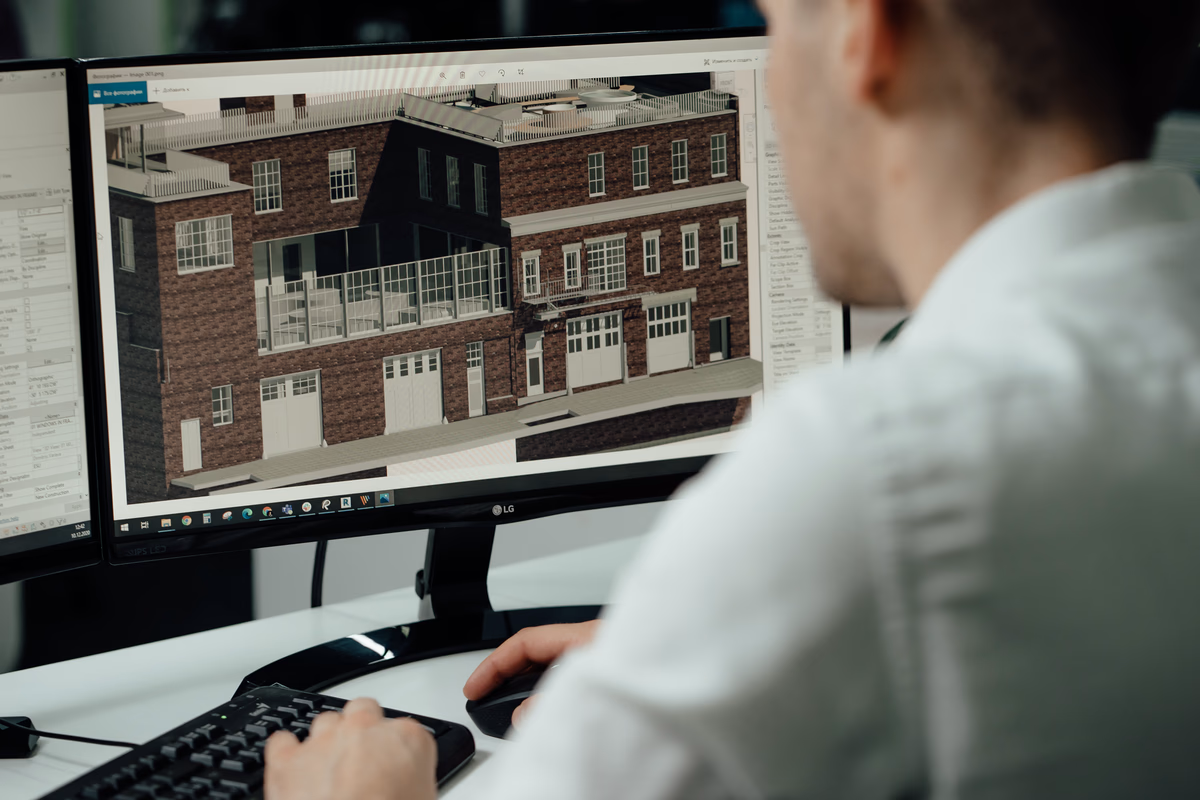
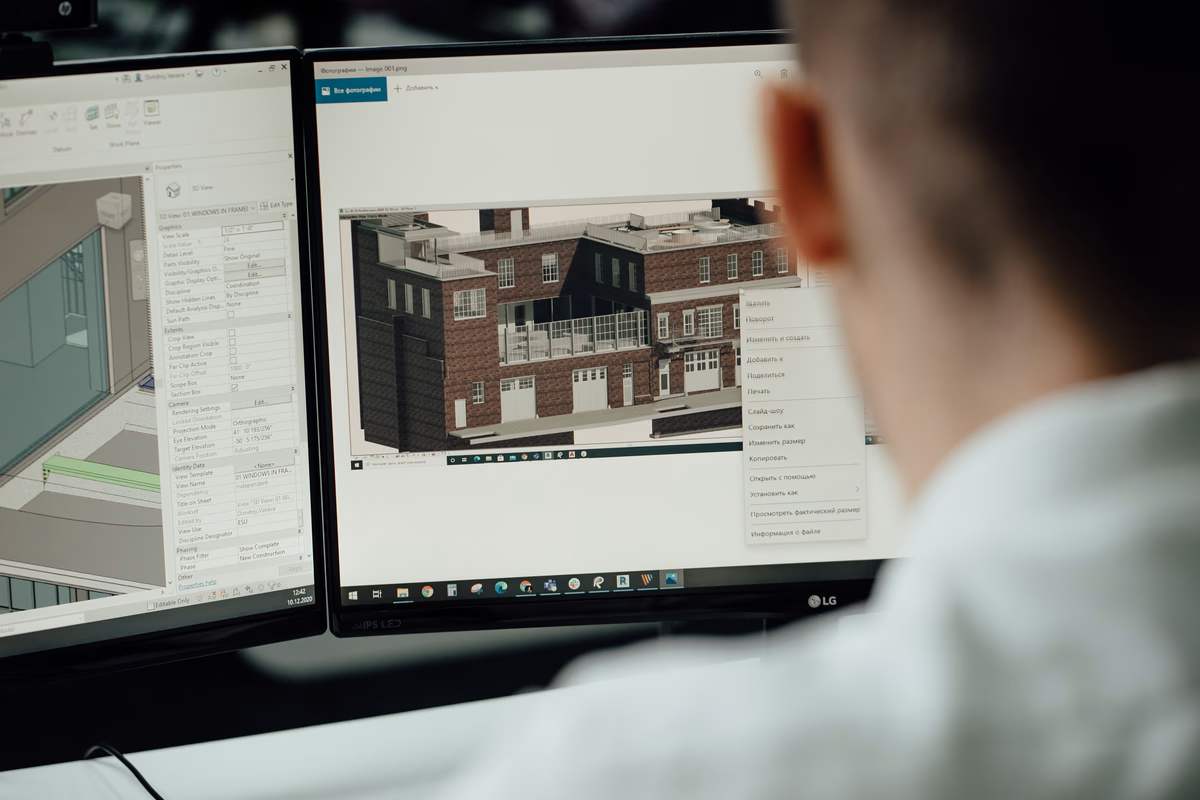
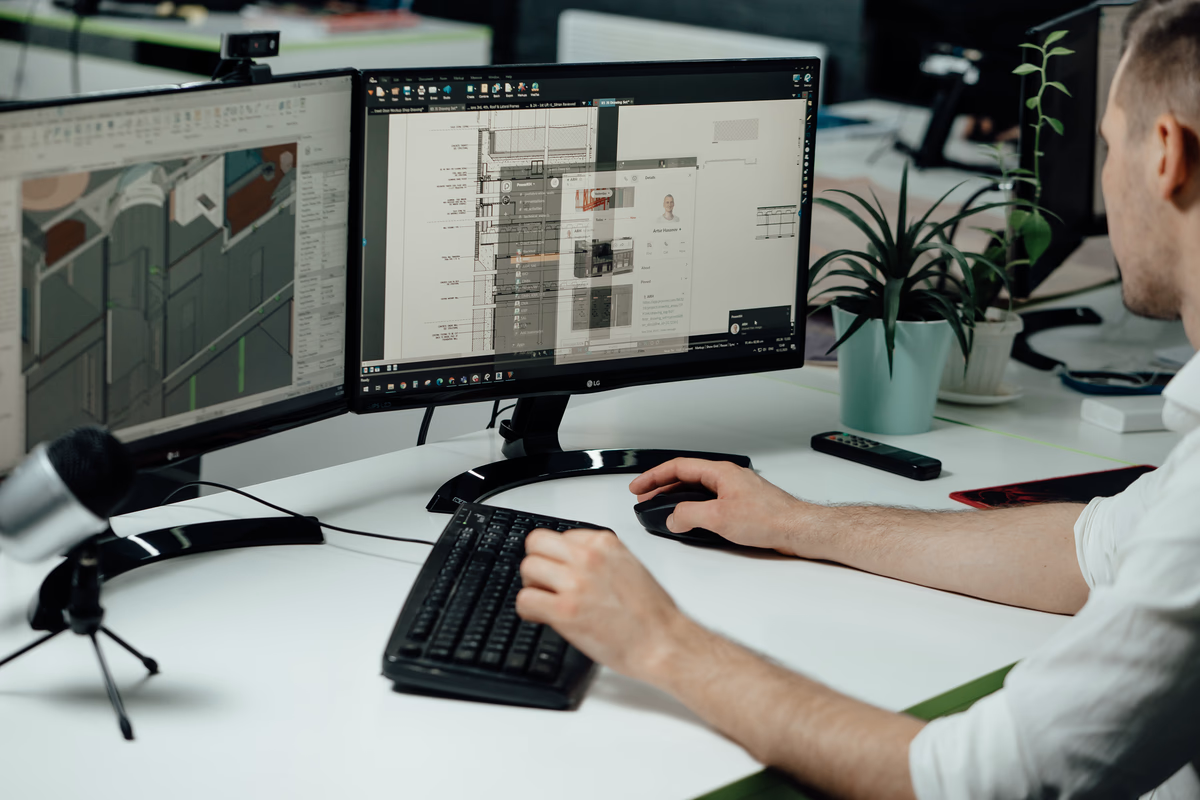
Clash detection in BIM (Building Information Modeling) is a crucial process that identifies and resolves conflicts between different building systems early in the design phase. It acts as a virtual “troubleshooter,” ensuring that mechanical, electrical, plumbing, and structural elements fit together without issues. By spotting problems early, clash detection helps prevent delays and costly changes during construction, improving project efficiency and collaboration.
What is BIM Clash Detection?
BIM (Building Information Modeling) Clash Detection is a process used in construction and design projects to identify and resolve conflicts between various building components before construction begins. It involves creating a detailed 3D model that integrates architectural, structural, and MEP (Mechanical, Electrical, and Plumbing) systems. By virtually simulating how these components interact, clash detection identifies issues like overlapping elements or insufficient clearance between systems that could cause problems during construction.
The goal of BIM clash detection is to detect these conflicts early in the design phase, allowing teams to resolve them proactively. This helps prevent costly delays, errors, and rework during the construction phase, ensuring a smoother, more efficient building process. With the use of specialized software such as Autodesk Navisworks or Revit, clash detection streamlines project coordination and improves overall project outcomes.
Powerkh BIM Solutions: Delivering Seamless Project Coordination Across Borders

Powerkh is a UK-based company providing comprehensive Building Information Modeling (BIM) services, focused on enhancing the design, planning, and construction phases of building and infrastructure projects. With offices in the UK, Ukraine, and the USA, we leverage our global presence to offer tailored BIM solutions that foster seamless collaboration across international teams. Our services include 3D modeling, clash detection, and data integration, all aimed at ensuring projects are completed with precision, efficiency, and minimal risk.
At Powerkh, we are committed to driving digital transformation within the construction industry. Our BIM solutions help clients streamline workflows, improve project outcomes, and enhance decision-making. By ensuring that all project data is up-to-date and easily accessible, we enable project teams to work more collaboratively and avoid costly errors throughout the project lifecycle.
With a focus on meeting diverse client needs across different regions, we are equipped to reduce delays, manage costs, and ensure successful project completion, no matter the scale or location.
The Process of BIM Clash Detection
The BIM clash detection process is essential for identifying and resolving potential conflicts before construction begins. It consists of several key stages:
- Model Integration: The first step is to combine the 3D models from different disciplines (architecture, structure, and MEP) into a single, federated BIM model using software like Autodesk Revit. This allows the entire project to be reviewed for conflicts.
- Clash Detection: Specialized software, such as Autodesk Navisworks, scans the integrated model to identify any conflicts like overlapping elements, clearance issues, or scheduling problems.
- Clash Reporting: Once clashes are found, a report is generated showing the exact locations and types of conflicts for the project team to review.
- Clash Coordination/Resolution: The project team works together to resolve the identified clashes by modifying or repositioning elements to eliminate conflicts.
- Iteration: As the design changes or new information arises, additional rounds of clash detection are performed to ensure the model remains clash-free throughout the project.
By following these stages, BIM clash detection helps streamline the construction process, reducing errors, saving time, and preventing costly disruptions.
Types of BIM Clashes

BIM clashes are typically categorized into three main types: Hard Clashes, Soft Clashes, and Workflow Clashes. Each type represents a different kind of conflict between building components, and understanding them helps prioritize resolution efforts.
1. Hard Clashes
Hard clashes occur when two or more building elements physically occupy the same space in the model. These are the most straightforward and easy-to-identify conflicts.
For example, if a structural beam intersects with a duct or a pipe runs through a wall, it creates a hard clash. These issues are often resolved early in the design phase since they directly affect the physical build of the structure.
2. Soft Clashes
Soft clashes arise when there is insufficient clearance between elements, even if they don’t physically overlap. These conflicts are typically more subtle and relate to the practical functionality or safety of the systems.
For instance, if a pipe is too close to electrical wiring, it may cause maintenance or operational problems in the future. Soft clashes often require custom rules in clash detection software to identify them and are usually addressed by adjusting clearances or repositioning components.
3. Workflow Clashes
Workflow clashes, also known as 4D clashes, are related to scheduling conflicts. These occur when the timing of construction activities or the delivery of materials doesn’t align with the construction schedule.
For example, a workflow clash could happen if cement delivery is scheduled before slab casting, causing delays. These clashes are resolved by integrating project timelines into the BIM model, allowing teams to simulate construction sequences and identify timing issues early.
Understanding these types of clashes helps project teams take the appropriate actions to resolve conflicts and prevent delays during construction.
Popular BIM Clash Detection Software Tools
Several software tools are commonly used for BIM clash detection, each offering unique features to help identify and resolve conflicts in the design phase. Some of the most widely used tools include:
- Autodesk Navisworks: A powerful tool for model aggregation and clash detection, Navisworks brings together 3D models from multiple disciplines (architecture, structure, MEP) into a federated model. It helps detect and resolve clashes with its advanced algorithms and user-friendly interface.
- Autodesk Revit: Primarily a BIM authoring tool, Revit includes a basic Interference Check feature for detecting clashes within a single model or linked models, but it is not designed for comprehensive clash detection across federated models like Navisworks.
- Solibri Model Checker: Known for its smart, rule-based BIM model checking, Solibri excels at detecting soft clashes and ensuring code compliance. It goes beyond basic clash detection to assess the overall quality of the model.
- Trimble Connect: A collaborative BIM platform that integrates clash detection with project management features. It supports cross-disciplinary collaboration and helps resolve conflicts in real-time, making it useful for larger teams working on complex projects.
- Revizto: A visual collaboration platform that integrates with clash coordination workflows. It allows project teams to track and resolve issues visually, improving communication between different disciplines.
- ClashMEP: A specialized tool focused on mechanical, electrical, and plumbing systems, it detects conflicts within MEP systems, though it is less widely used than tools like Navisworks or Solibri, ensuring these components are properly coordinated and clash-free.
Best Practices for Effective BIM Clash Detection
To maximize the benefits of BIM clash detection and ensure a smooth project execution, it’s essential to follow a set of best practices. These practices can help reduce errors, save time, and improve collaboration among all project stakeholders.
Start Early in the Design Phase
Begin clash detection as early as possible during the design phase. This allows for the identification and resolution of issues before construction starts, preventing costly delays and rework.
Run Regular Clash Detection Checks
Conduct clash detection regularly throughout the design and construction phases. As models are updated or new information becomes available, it’s crucial to recheck for potential clashes to ensure the design remains conflict-free.
Establish Clear Rules and Standards
Set clear clash detection rules and standards upfront. This includes defining tolerances for soft clashes, such as clearances for maintenance or accessibility, to avoid being overwhelmed by minor, irrelevant issues.
Coordinate Across All Disciplines
Ensure that all disciplines architecture, structure, MEP are integrated and collaborate on the same model. Regular coordination meetings are essential to resolve clashes efficiently and keep all stakeholders aligned.
Use Consistent Naming Conventions and Coordinates
Consistent naming conventions and accurate coordinates in the BIM models help prevent confusion and improve the efficiency of clash detection. This ensures that each component is correctly referenced and placed.
Prioritize Critical Systems
Focus on resolving clashes in critical systems first, such as structural elements and MEP systems. These are the components that have the most significant impact on the overall build and are most likely to cause delays if unresolved.
Document and Track Clashes
Maintain a detailed record of identified clashes and their resolutions. This documentation helps track the progress of clash resolution and ensures that no issues are overlooked as the project advances.
Emerging Trends in BIM Clash Detection
The future of BIM clash detection is moving towards greater automation and integration. One key trend is the use of artificial intelligence (AI) and machine learning. These technologies can analyze large datasets more efficiently, identifying clashes with higher accuracy and reducing the need for manual checks. AI may also help suggest solutions, speeding up the process and improving overall design quality.
Another trend is the growth of 4D BIM, which integrates time into the model. This allows teams to simulate the construction process and detect workflow clashes related to scheduling or sequencing. By combining 3D design with project timelines, it ensures better alignment of resources, reducing delays and improving project efficiency.
Additionally, the shift to cloud-based BIM platforms is making clash detection more collaborative. These platforms allow real-time updates and communication between all project stakeholders, helping teams resolve conflicts as they occur and ensuring smoother coordination throughout the project. This trend will continue to improve project speed and reduce miscommunication.
Conclusion
BIM clash detection is a critical process in modern construction that helps identify and resolve conflicts between building components before they reach the construction phase. By using advanced software tools, teams can detect issues early, improving collaboration, reducing costs, and ensuring a smoother construction process.
With the ongoing advancements in BIM technology, such as AI, 4D modeling, and cloud-based platforms, the future of clash detection is becoming more automated and efficient, offering even greater value to construction projects.
FAQ
1. What is BIM clash detection?
BIM clash detection is the process of identifying and resolving conflicts between different building elements in a 3D BIM model, such as overlapping components or insufficient clearances.
2. Why is BIM clash detection important?
It helps prevent costly mistakes, delays, and rework during the construction phase by identifying and resolving potential issues in the design phase.
3. What types of clashes are detected in BIM?
The main types of clashes are hard clashes (physical overlap of elements), soft clashes (clearance or tolerance issues), and workflow clashes (scheduling or sequencing conflicts).
4. Which software is used for BIM clash detection?
Popular BIM clash detection software includes Autodesk Navisworks, Revit, Solibri, and Trimble Connect. These tools allow teams to identify and resolve clashes within integrated 3D models.
5. How does BIM clash detection save time and money?
By identifying clashes early in the design process, teams can avoid rework, delays, and changes during construction, ultimately saving both time and money on the project.
Our Case Studies
We have handled 200+ BIM & VDC projects for commercial, industrial, and residential sectors.
Our work includes:
Formwork design automation
Our client from
California, USA
Suspended ceiling design automation
Our client from
New York, USA
Wall framing design automation
Our client from
California, USA