Have any questions? Contact us!
Join our team!
Request a free quote or consultation

Imagine you’re designing a house, sketching every wall, window, and pipe by hand, only to realize a tiny change means starting over. Frustrating, right? Now picture a tool that lets you build a virtual version of that house, where every piece talks to each other, updates instantly, and helps everyone on the team stay on the same page. That’s what Building Information Modeling (BIM) software does for architecture. It’s not just a fancy app – it’s a smarter way to design, plan, and build. Let’s break it down in plain English.
What is BIM Software, Anyway?
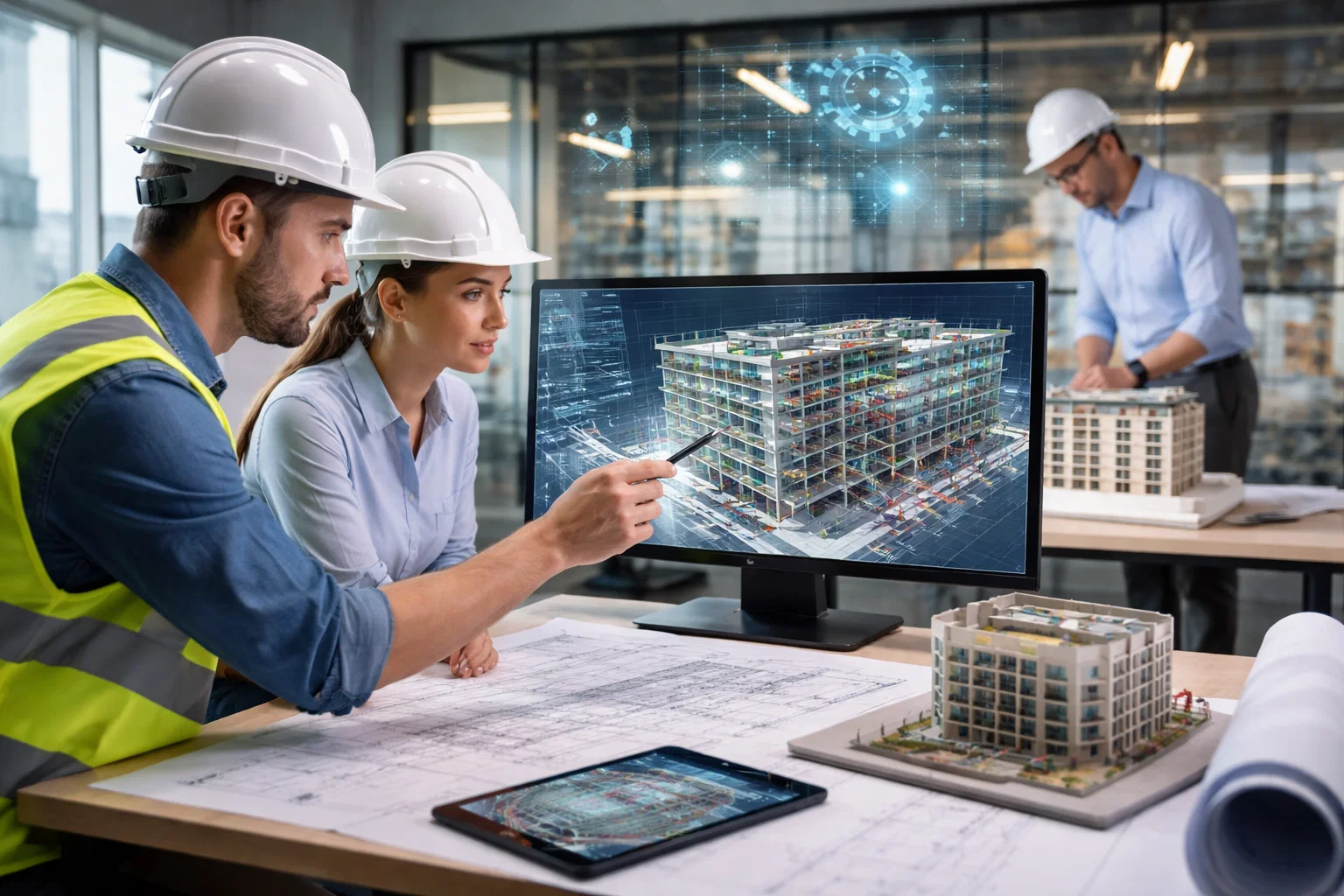
BIM software is a 3D design and modeling tool that architects, engineers, and builders use to create a digital version of a building before it’s built. Think of it like a super-smart blueprint that’s alive. It’s packed with info about every part of the project – walls, doors, plumbing, even energy use – and it keeps everything connected. If you move a window, the software updates the floor plan, the 3D model, and even the cost estimate, all at once.
Unlike old-school 2D drawings or basic computer-aided design (CAD), BIM goes beyond lines on a page. It’s about information. That “I” in BIM stands for the data that makes buildings smarter, from design to construction to maintenance years later.
How Does BIM Software Work?

BIM software builds a virtual model using “intelligent objects.” These aren’t just shapes on a screen – they’re digital stand-ins for real-world elements, like a specific window, a steel beam, or an air conditioning unit. Each object carries detailed information, such as dimensions, materials, manufacturer details, or even installation costs. When you tweak one object, the software automatically updates everything connected to it, keeping the entire model consistent. It’s like a living, breathing blueprint that stays in sync no matter how many changes you make.
The process of using BIM software unfolds in four key stages, each building on the last to create a seamless workflow. Think of it as a video game where every decision is calculated to make the project run smoother.
Planning the Foundation
The journey starts with gathering real-world data to create the model. This could include site surveys, topographic measurements, or environmental data like soil conditions or weather patterns. Using this information, the software constructs a digital foundation that mirrors the actual site. This stage ensures the model is grounded in reality, setting the stage for accurate design and construction. It’s like laying out the map before you start building in a game – you need to know the terrain first.
Designing with Precision
Next comes the creative part: designing the building. In this stage, architects use the software to sketch concepts, test different layouts, and add details like walls, doors, or lighting systems. The software lets you experiment with ideas, like seeing how a bigger window affects sunlight or energy use. You can also generate detailed documentation, such as floor plans or material lists, directly from the model. It’s like sculpting a building in a virtual sandbox, where you can try things out without real-world consequences.
Building with Clarity
Once the design is ready, the model becomes a guide for construction. Contractors and builders use it to see exactly what needs to go where, from the placement of pipes to the alignment of beams. The software can highlight potential issues, like a duct that might clash with a structural column, before anyone picks up a hammer. By sharing the model with the whole team, everyone stays on the same page, reducing missteps and speeding up the build. It’s like handing out a detailed instruction manual that everyone can follow.
Operating for the Long Haul
After the building is finished, the BIM model doesn’t just sit on a shelf – it keeps working. Facility managers use it to track maintenance needs, like when to replace a filter or inspect a roof. The model can store data about every system, from plumbing to electrical, making it easier to plan renovations or even eventual demolition. This stage turns the model into a lifelong tool, helping the building run smoothly for years. It’s like having a digital caretaker that knows every nook and cranny of the place.
Powerkh: Unleashing the Potential of BIM Software

We are a UK-based BIM and Virtual Design and Construction (VDC) consultancy with offices in Ukraine and the USA. Our company provides BIM modeling, coordination, and automation services for architecture, engineering, and construction. We also specialize in BIM software for architectural, computational design, parametric modeling, and digital fabrication to support efficient project workflows.
In our company, we offer Revit-based 3D modeling, clash detection, Point Cloud to BIM conversions, and workflow automation through custom scripting. We develop parametric Revit families, provide facade detailing, and support prefabrication for CNC manufacturing to streamline digital construction processes.
We focus on integrating BIM methodologies to improve project coordination and minimize design errors. Our team works on both new construction and renovation projects, helping clients transition from traditional drafting to data-driven, model-based workflows.
Key Highlights:
- UK-based BIM and VDC consultancy with offices in Ukraine and the USA
- Specializing in BIM modeling, coordination, and automation
- Expertise in BIM software for architectural, computational design, parametric modeling, and digital fabrication
- Experience in both new construction and renovation projects
- Focused on improving project coordination and reducing design errors
Why Architects Love BIM Software
Using BIM software is like upgrading from a bicycle to a car – it gets you there faster with less effort. Here’s why it’s a big deal:
- Better Teamwork: Everyone – architects, engineers, contractors – works on the same model. No more emailing outdated plans or fixing miscommunications.
- Fewer Mistakes: BIM spots problems early, like if a pipe would run through a wall. This saves time and money on fixes during construction.
- Cool Visuals: Clients can “walk through” a 3D model of their building before it’s built, making it easier to explain ideas and get buy-in.
- Sustainability Wins: BIM can analyze energy use or material waste, helping design greener buildings.
- Saves Time and Cash: By catching issues early and streamlining work, projects finish faster and stay on budget.
What Can You Do with BIM Software?

BIM software is like a multi-tool for architecture, packed with features that make designing, building, and managing projects easier and smarter. It’s not just about drawing pretty pictures – it’s a powerhouse that handles everything from tiny details to big-picture planning. Whether you’re working on a cozy house, a sprawling school, or a massive bridge, this software adapts to any project, big or small. Here’s a closer look at what you can do with it.
Build Detailed 3D Models
With BIM software, you can create rich, three-dimensional models that show every nook and cranny of a building. These aren’t just static images – they’re dynamic, letting you view the project from any angle, zoom in on specific components like windows or beams, or even peel back layers to see hidden systems like plumbing. Each element in the model carries data, such as material type or dimensions, so you’re not just seeing the building but understanding it inside and out.
Simulate Real-World Performance
Want to know how your design will hold up under sunlight, wind, or heavy energy demands? BIM software can run simulations to test these factors. For example, you can see how natural light flows through a room at different times of day or check if your layout minimizes heat loss for better energy efficiency. These tests help you tweak designs early, ensuring the building performs well in the real world, whether it’s a home or a high-rise.
Generate Schedules Automatically
Forget manually listing every door or brick needed for a project. BIM software can pull data from the model to create schedules instantly, like a shopping list of materials, quantities, or costs. Need to know how many tiles go into the lobby or which fixtures are due for delivery? The software does the heavy lifting, spitting out accurate, up-to-date lists that save time and keep budgets in check.
Collaborate in Real Time
BIM software shines when it comes to teamwork. It lets architects, engineers, contractors, and even clients work on the same digital model, no matter where they are in the world. Changes made by one person – like adjusting a wall’s position – show up instantly for everyone else, keeping the team in sync. This real-time collaboration cuts down on miscommunications and ensures everyone’s working from the latest plan, whether they’re in the same office or across continents.
Plan for the Future
BIM isn’t just for building – it’s for the long haul. The model can store information about every system, from electrical wiring to HVAC, making it a go-to resource for planning renovations or scheduling maintenance years down the line. Need to replace a pump or redesign a wing of the building? The model has the details, helping you make smart decisions without digging through old paper plans. It’s like having a digital memory for the building’s entire life.
Is BIM Software the Same as CAD?
Nope, but they’re cousins. CAD is great for drawing precise 2D or 3D shapes, like a digital drafting table. BIM takes it further by adding smarts to those shapes. A CAD drawing of a wall is just lines; a BIM wall knows it’s made of brick, how thick it is, and how it connects to the roof. CAD is about drafting; BIM is about building a virtual world.
That said, CAD still has a place for detailed sketches or when BIM isn’t needed. Some projects use both together.
Why Should You Care About BIM?
If you’re in architecture or construction, BIM is becoming the new normal. Many governments now require it for public projects because it saves money and reduces errors. Plus, clients love the transparency – they can see exactly what they’re getting. Learning BIM software makes you a rockstar in the industry, ready to tackle projects that are faster, greener, and better coordinated.
Even if you’re just curious, BIM shows how tech is changing how we build the world. It’s like going from hand-drawn maps to GPS – once you try it, there’s no going back.
Wrapping Up
BIM software is a game-changer for architecture, turning ideas into digital buildings that are easier to design, build, and manage. It’s not just about drawing – it’s about creating a smarter, more connected way to work. Whether you’re an architect dreaming up the next big thing or a builder making it real, BIM helps you get it done better. So, next time you hear “BIM,” think of it as the tool that’s building the future, one 3D model at a time.
Frequently Asked Questions (FAQs)
What makes BIM software different from traditional drafting tools?
BIM software goes beyond basic drafting by creating intelligent 3D models with data-rich objects that update automatically across the project. Unlike traditional tools that focus on 2D drawings, BIM integrates information like materials, costs, and performance, enabling collaboration and lifecycle management.
Can BIM software be used for small projects like homes?
Absolutely. BIM software is versatile and works for projects of all sizes, from single-family homes to large bridges. It helps streamline design, reduce errors, and improve efficiency, making it valuable for any architectural or construction project.
How does BIM software improve collaboration on a project?
BIM software allows multiple team members – architects, engineers, contractors – to work on a single digital model in real time. Changes made by one person are instantly visible to everyone, reducing miscommunications and keeping the entire team aligned.
Does BIM software help with sustainable design?
Yes, BIM software can simulate energy use, sunlight exposure, and material efficiency, helping designers create greener buildings. These simulations allow you to optimize designs for sustainability, reducing environmental impact and operational costs.
Is it hard to learn BIM software?
Learning BIM software takes some effort, especially for beginners, but many resources like tutorials and courses make it approachable. Starting with small projects and practicing regularly can help you master the tools and unlock their full potential.
Have a BIM Project? Talk To Us.
Contact UsOur Case Studies
We have handled 200+ BIM & VDC projects for commercial, industrial, and residential sectors.
Our work includes:
Formwork design automation
Our client from
California, USA
Suspended ceiling design automation
Our client from
New York, USA
Wall framing design automation
Our client from
California, USA