Have any questions? Contact us!
Join our team!
Request a free quote or consultation

Imagine you’re an architect pitching a new building to a client. You could show them flat blueprints, but they might struggle to picture the real thing. Now, imagine handing them a digital model where they can virtually stroll through rooms, tweak wall colors, or see sunlight shift across a patio. That’s 3D architectural modeling in action – creating digital twins of structures that feel almost real before a single brick is laid. I’ve seen firsthand how this tech turns vague ideas into clear plans, saving time and money. In this deep dive, we’ll unpack what it is, why it’s a game-changer, how it’s done, and where it’s headed, all grounded in real-world insights to keep it practical.
From Old-School Drafting to a Whole New Dimension
Architects once leaned on sketches and blueprints, which were great for basics but often left gaps in understanding spatial flow. You’d squint at lines, guessing how a staircase might feel or if a wall blocks a view. By the early 2000s, software started changing that, adding depth to create vivid, interactive models. This wasn’t just a visual upgrade; it packed designs with data like structural loads or material specs, making them smarter.
Why the Shift Was Huge
Hand-built models used to be the go-to for showing designs, but they were slow to craft and limited in detail. Digital 3D models flipped that, offering flexibility to tweak designs fast. From chats with folks in the field, this has made projects more inclusive – clients don’t need to be experts to get the vision. It’s like swapping a sketch for a virtual tour.
The Tech Driving It
Modern software handles three axes – length, width, height – with precision, simulating real-world physics like gravity or wind. It’s evolved from clunky tools to intuitive platforms that let teams collaborate in real time, catching issues early. Think of it as upgrading from a paper map to a GPS that updates instantly.
Unpacking the Core of a 3D Model
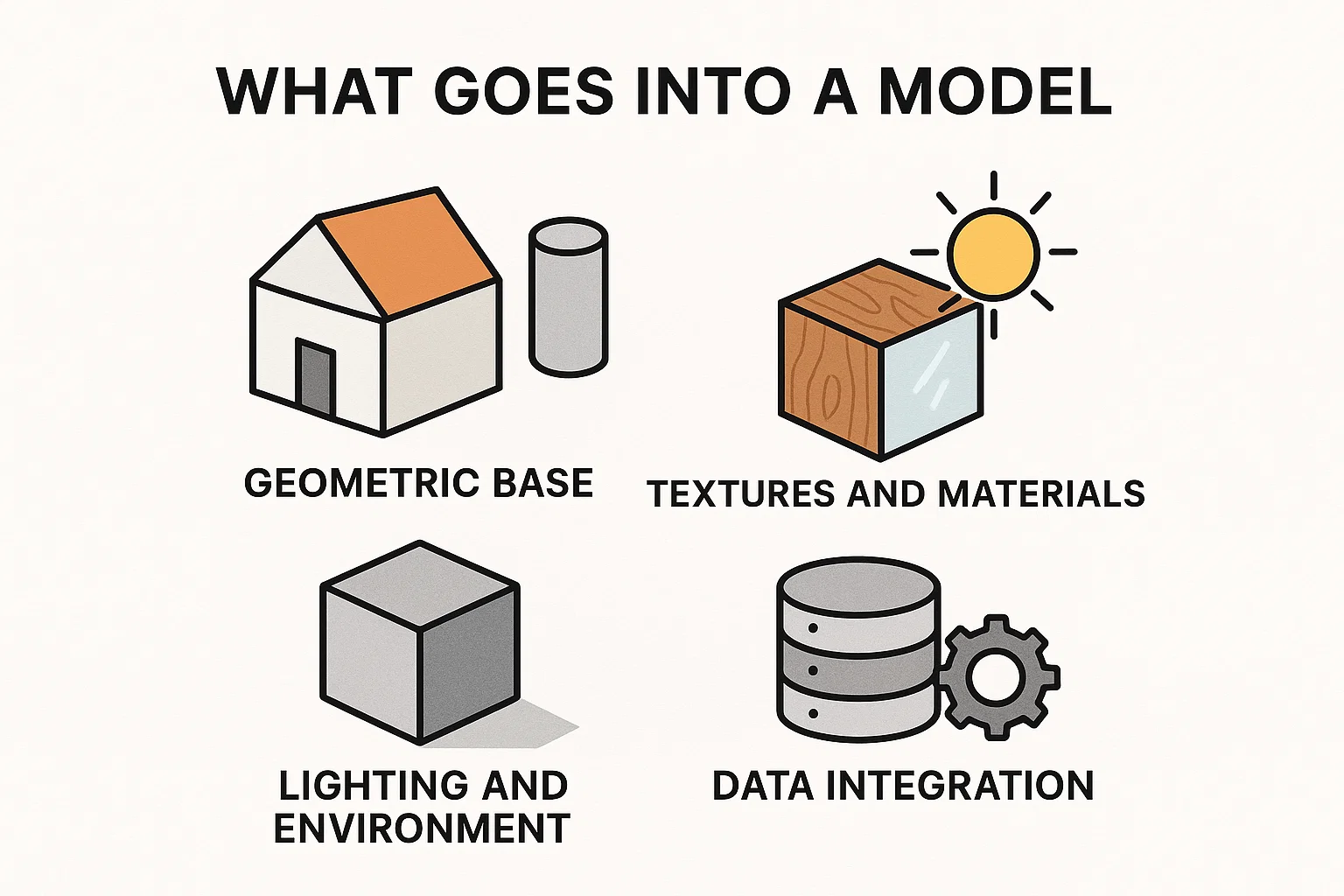
A 3D model is more than a pretty picture; it’s a digital blueprint layered with detail. You define shapes, add realistic surfaces, and embed data that makes it a tool for design, construction, and beyond.
What Goes Into a Model
- Geometric Base: Start with simple forms – cubes for rooms, cylinders for pillars. These snap together to form the structure’s skeleton, scaled to real-world dimensions.
- Textures and Materials: Add digital finishes like wood grain or glass sheen. These mimic physical properties, like heat resistance, for realistic testing.
- Lighting and Environment: Include shadows, reflections, or weather effects to show how spaces feel at different times, spotting issues like harsh glare.
- Data Integration: Embed specs on wiring, plumbing, or costs. This makes the model a database for planning and compliance.
Levels of Detail (LOD)
Pros use LOD to describe a model’s depth:
- LOD 100: Basic shapes for early concepts, testing big ideas.
- LOD 200-300: Adds approximate sizes and systems, useful for planning and estimates.
- LOD 400-500: Detailed assemblies and maintenance data, ideal for construction and long-term use.
This phased approach keeps complexity in check, like drafting a story outline before writing chapters.
Powerkh’s 3D Modeling Transformation

Powerkh is a UK-based company offering 3D architectural modeling services, with additional offices in Ukraine and the USA. We create detailed digital models for architecture, engineering, and construction projects. Our 3D models integrate architectural, structural, and MEP components, helping clients visualize projects accurately before construction begins.
We use advanced modeling software to produce precise, data-driven representations that allow teams to identify potential issues early in the process. This approach helps reduce errors, improve coordination, and streamline workflows during both design and construction phases.
Our services are especially beneficial for complex projects that require collaboration across multiple disciplines. Our 3D models support better decision-making, ensuring that the construction process is efficient and stays aligned with the original design.
Key Highlights:
- UK-based company with offices in Ukraine and the USA
- Specializes in 3D architectural modeling for architecture, engineering, and construction projects
- Creates detailed, data-rich models that integrate architectural, structural, and MEP components
- Helps visualize projects accurately before construction starts
- Uses advanced modeling software to improve accuracy and reduce errors
- Supports better decision-making and coordination throughout the project lifecycle
Why 3D Modeling Stands Out: Key Benefits
Switching to 3D isn’t just trendy; it delivers results that reshape projects. Here’s why it’s a must-have:
Immersive Visualization
3D lets you dive into a design, rotating views or exploring via virtual reality. Clients see exactly what they’re getting, reducing “I didn’t expect that” moments. It’s like test-driving a building, making feedback sharper and faster.
Pinpoint Accuracy
Built to real-world scales, models let you test structural loads or airflow virtually. Iterate on layouts or materials without physical costs, catching flaws early. This also means precise material estimates, keeping budgets tight.
Seamless Collaboration
Teams edit models together in real time, syncing architects with engineers or contractors. Tools spot clashes – like pipes hitting beams – before they cause delays. This cuts miscommunication and speeds up approvals.
Time and Cost Savings
Early issue detection avoids pricey on-site fixes. Quick revisions streamline design, and accurate quantity takeoffs reduce waste. Plus, stunning visuals help market projects faster, shortening sales cycles.
Long-Term Utility
Post-build, models serve as digital records, holding data on systems like HVAC for maintenance. Owners can simulate upgrades virtually, extending building life. It’s a gift that keeps giving.
How to Build a 3D Model: A Step-by-Step Guide
Creating a model sounds intense, but it’s manageable with the right approach. Here’s how it breaks down:
Step 1: Gather Your Data
Start with essentials: floor plans, elevations, site surveys, material lists. Ensure your software handles scaling – say, 1:50 for a house – to keep proportions accurate. Good data in means good results out.
Step 2: Construct the Base
Use software to block out major elements with primitive shapes. Focus on hard surfaces like walls and floors, which fit together cleanly in architecture. Import 2D plans if needed to guide placement.
Step 3: Add the Details
Layer on textures for realism, like brick or glass. Populate with furniture or landscaping from asset libraries. Set up lighting to test ambiance or functionality, adjusting for time-of-day effects.
Step 4: Render and Present
Generate high-quality images or animations, choosing angles that highlight the design’s strengths. Stills work for reports, videos for pitches. Review with stakeholders to refine before finalizing.
Pro Tips
- Version your work (e.g., V1 for basics, V2 for details) to track changes.
- Use automation scripts for repetitive tasks, like placing windows.
- Get early feedback to align with client or team expectations.
Where 3D Modeling Makes an Impact
3D modeling shines across project phases and industries, solving practical problems with flair.
Winning Proposals
Show clients lifelike floorplans or material options they can tweak instantly. This clarity speeds up decisions and builds confidence, cutting revision rounds.
Marketing with Wow Factor
Turn models into animations or interactive tours for websites and apps. Buyers visualize their future space, boosting engagement and closing deals faster.
Streamlined Construction
Contractors use models for precise measurements, guiding prefabrication or installs. Clash detection ensures systems integrate smoothly, avoiding costly rework.
Post-Build Benefits
Models become maintenance hubs, storing data on utilities for repairs or upgrades. Simulate changes virtually to plan renovations without disruption.
From schools to hospitals to offices, 3D ensures designs meet specific needs like safety or accessibility.
Choosing the Right Tools for 3D Modeling
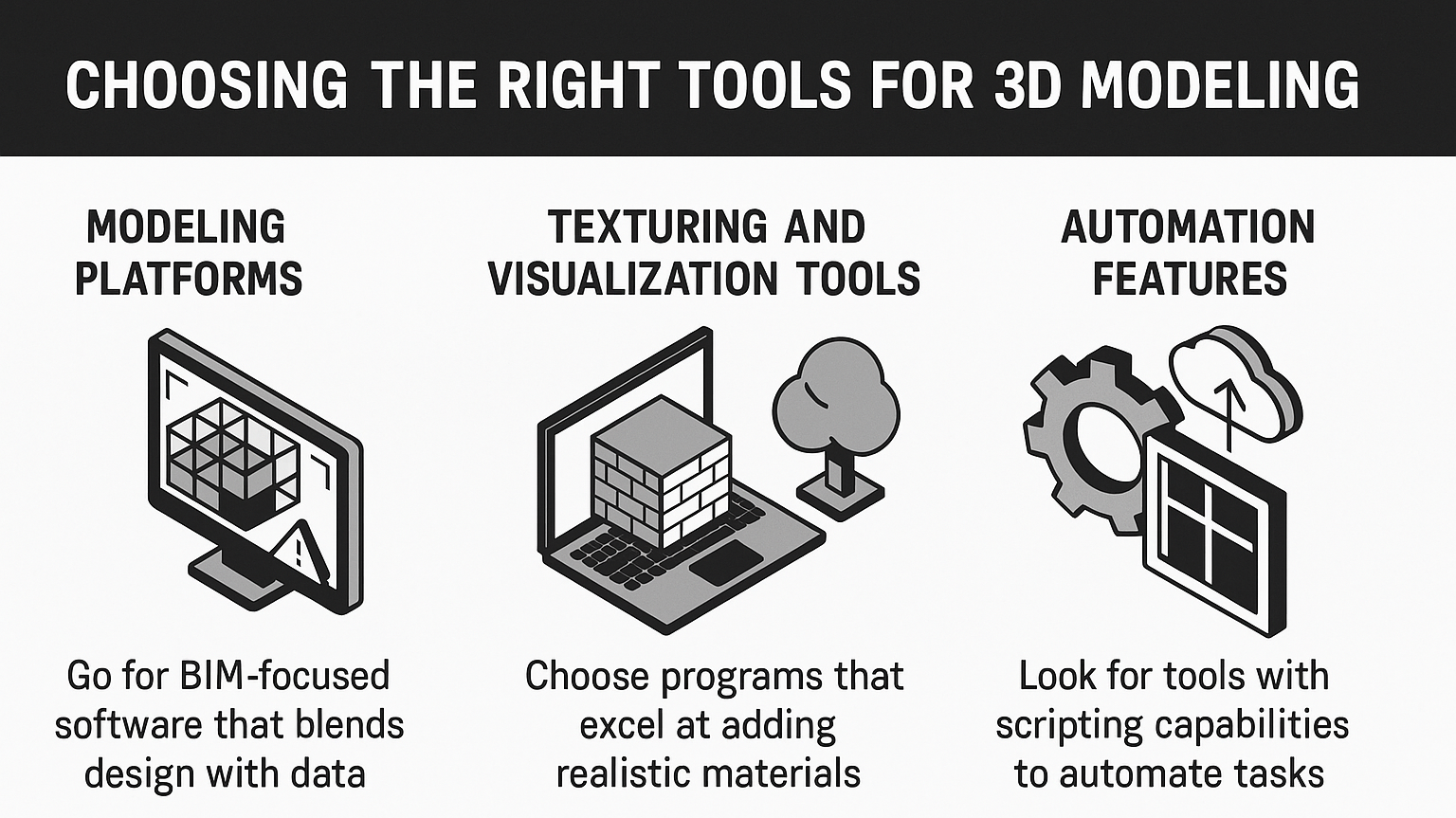
Picking the right software is like choosing the perfect toolbelt – it’s got to fit your needs and make your work easier. Here’s what to focus on when selecting tools for 3D architectural modeling:
- Modeling Platforms: Go for BIM-focused software that blends design with data. These handle geometry, clash detection, and team collaboration, streamlining everything from sketches to final plans.
- Texturing and Visualization Tools: Choose programs that excel at adding realistic materials like wood or glass. Asset libraries let you quickly toss in furniture or greenery, with rendering options for both rough drafts and polished visuals.
- Automation Features: Look for tools with scripting capabilities to automate repetitive tasks, like detailing windows. Cloud support is a bonus, enabling fast rendering and real-time team access.
Most platforms offer trials, with pro versions kicking off around $50-60 a month. If you’re just starting, pick something user-friendly and scale up as your projects grow.
Overcoming Common Challenges
3D modeling has hurdles, but they’re manageable with planning.
- Learning Curve: Software can be complex. Start with tutorials and focus on one feature at a time, like modeling basics before rendering.
- Hardware Needs: Rendering demands power. Cloud services offload this, letting you work on modest setups without lag.
- Detail vs. Performance: Overloaded models slow down. Use LOD strategically, adding detail only as needed per phase.
- Team Sync: Standardize file formats and use shared platforms. Regular check-ins prevent drift.
- Data Clutter: Embed only key info, using filters to keep models navigable.
Tackling these early keeps projects on track.
What’s Next: Trends for 2025 and Beyond
As we roll into 2025, 3D modeling’s future is bright. AI is automating design tweaks and predicting issues, making workflows smarter. Virtual and augmented reality let you walk through models or overlay them on sites for real-time insights.
Sustainability’s big – models now simulate energy use or eco-materials, aligning with green goals. Cloud platforms enhance data analytics, forecasting maintenance needs. Generative design crunches constraints like budget or site to spit out optimized layouts, sparking new ideas.
The market’s booming, reflecting how these advancements are reshaping design and construction for the better.
Wrapping It Up: Why 3D Is Your Next Step
3D architectural modeling isn’t just a tool; it’s a mindset shift that makes projects sharper, faster, and more reliable. From vivid visuals to seamless teamwork, it’s about building better before you build at all. If you’re curious, start small – grab a trial software, mock up a room, and see the difference. Trust me, once you go 3D, flat drawings feel like ancient history.
Frequently Asked Questions
How is 3D modeling different from traditional 2D drafting?
2D uses flat lines, limiting spatial understanding. 3D adds depth for immersive visuals and data, making it easier to test and refine designs early.
What software should I use for 3D modeling?
Look for BIM tools with modeling, collaboration, and rendering features. Many offer free trials, letting you test what fits your needs.
Does 3D modeling save money on projects?
Yes, by catching errors early, optimizing material use, and streamlining revisions, it reduces costly on-site changes and waste.
Is 3D modeling only for big projects?
Nope, it’s great for anything from small renovations to skyscrapers, helping visualize and plan with precision regardless of scale.
How accurate are 3D architectural models?
They can be dead-on, down to millimeters, if you input quality data and calibrate correctly, especially at higher detail levels.
Our Case Studies
We have handled 200+ BIM & VDC projects for commercial, industrial, and residential sectors.
Our work includes:
Formwork design automation
Our client from
California, USA
Suspended ceiling design automation
Our client from
New York, USA
Wall framing design automation
Our client from
California, USA


