Architectural Animation & Walkthroughs
A still shows a moment; an animation shows the experience. Powerkh renders walkthroughs, flythroughs, and virtual tours from your BIM and CAD models so reviewers, planners, and buyers move through the design before a wall is built.
Discuss the taskPowerkh is a digital design consultancy delivering BIM, computational design, structural detailing, and digital fabrication for owners, architects, contractors, and engineers worldwide. About us
- 2018Founded
- 400+BIM/VDC projects
- 11Countries served
- 91NPS score
Architectural Animation & Walkthrough Services
Architectural animation is a moving visualization, such as a walkthrough, flythrough, or virtual tour, rendered from a BIM or CAD model. A camera travels through and around the design over time, revealing space, materials, and context in motion for design review, approvals, and marketing.
Some things a still image cannot convey: how a space unfolds as you move through it, how light shifts across a facade, how a building sits within its site. Architectural animation captures that experience by moving a camera through and around the model over time. Walkthroughs guide viewers room to room, flythroughs reveal massing and context from the air, and virtual tours let people explore at their own pace, making designs easier to review, approve, and sell.
Powerkh has delivered 400+ BIM and VDC projects for clients across the US, UK, and Europe, and we animate directly from your Revit, ArchiCAD, or CAD models. We set cameras, materials, lighting, and context, then render smooth walkthroughs, flythroughs, and 360-degree tours with music and titles as needed. Because we work natively in BIM, design changes flow into updated animation, pricing is hourly with a free quote, and an NDA is available on request.
Why Choose Powerkh for Animation
Experience in motion
Moving cameras convey space, flow, and atmosphere that stills cannot, helping every audience understand the design.
Straight from your model
We animate from your Revit or CAD geometry, so the motion matches the real design and updates as it changes.
Review and marketing in one
The same animation supports design review and approvals, then doubles as a marketing and sales asset.
Hourly, no-risk pricing
You get a free quote with hour estimates before we start and pay only after the video is delivered.
Our Animation Services
Interior walkthroughs
Camera paths that move through rooms and spaces to show layout, materials, and atmosphere in motion.
Exterior flythroughs
Aerial camera moves around and over the building to reveal massing, facades, and site context.
Virtual tours
Interactive 360-degree tours viewers navigate in a browser or headset at their own pace.
Design review animation
Clear, accurate motion studies rendered from BIM to support internal review and stakeholder approvals.
Marketing and sales videos
Polished animations with music, titles, and editing for launches, investor decks, and campaigns.
Real-time walkthroughs
Live, navigable scenes built in real-time engines for interactive client and design-review sessions.
Our Animation Process
-
Brief and quote
We review your model, references, and the story and length you want, agree deliverables, and provide a free quote.
-
Scene and camera setup
We import the model, set materials, lighting, and context, and design the camera paths that tell the story.
-
Draft animation
We share a low-resolution preview so you can direct camera moves, pacing, lighting, and mood before final render.
-
Final render and edit
We render at full resolution, then post-process, add music, titles, and edits for a polished final video.
-
Delivery and revisions
You receive the animation in your required formats, with a revision round to fine-tune the result.
Software We Use
We animate with industry-standard visualization engines driven by geometry from your BIM and CAD models.
- Autodesk 3ds Max
- V-Ray
- Lumion
- Enscape
- Twinmotion
Our Case Studies
We have handled 400+ BIM & VDC projects for commercial, industrial, and residential sectors. Our work includes:
-
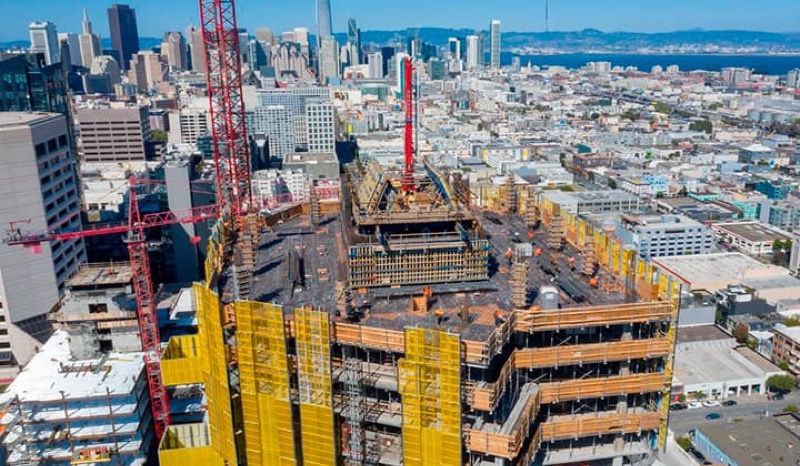
Formwork design automation
Our client from California, USA
-
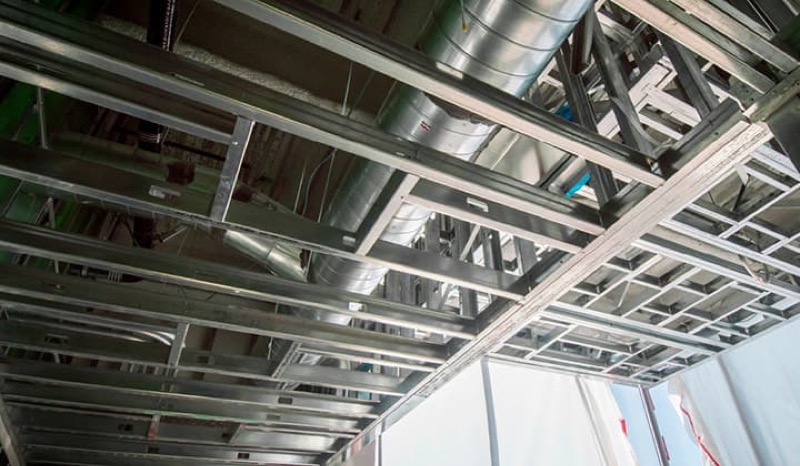
Suspended ceiling design automation
Our client from New York, USA
-
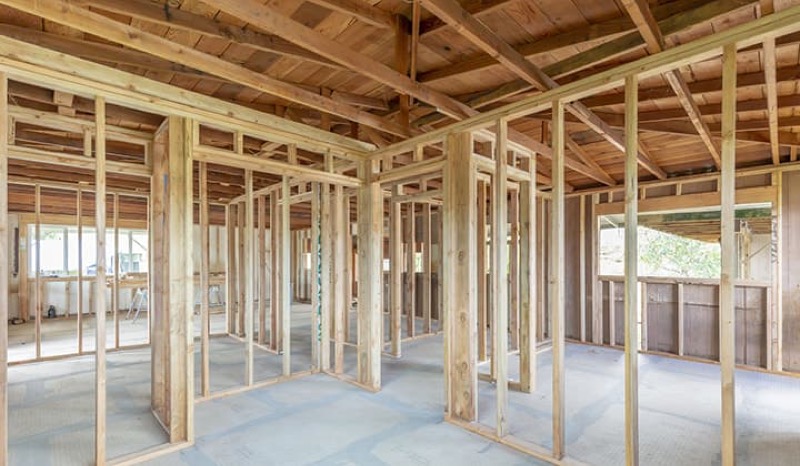
Wall framing design automation
Our client from California, USA
The Team Behind Your Project


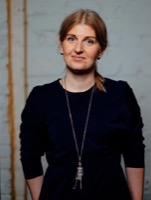


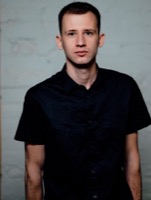



Move Through Your Design Before It Is Built
Send us your model and the story you want to tell and we will scope the animation package with a free quote and hourly estimates.
FAQ
What do you need to start an animation project?
A 3D model in Revit, ArchiCAD, or a common CAD format, plus references for materials and mood, the camera story or route you have in mind, and the target length and resolution. If you only have 2D drawings, we can build the model first as a separate step.
Can you animate directly from our BIM model?
Yes. We work natively from BIM, so we animate straight from your Revit or CAD geometry. Because the scene links back to the model, design changes can be reflected in updated animation without rebuilding it from scratch.
What is the difference between a walkthrough and a flythrough?
A walkthrough moves the camera through interior spaces at eye level to show layout and atmosphere. A flythrough uses aerial camera moves around and over the building to reveal massing, facades, and site context. Many projects combine both in one video.
What formats do you deliver?
MP4 video at the resolution and frame rate your review or marketing requires, up to 4K, plus interactive 360-degree virtual tours viewable in a browser or headset. We can deliver versions of different lengths for social, presentation, or full review.
How much does architectural animation cost?
Powerkh uses hourly pricing. After reviewing your model, the animation length, and the level of detail and editing, we provide a free quote with accurate hour estimates, and you pay only after we deliver the final video.