Have any questions? Contact us!
Join our team!
Request a free quote or consultation

How Much Does BIM 4D Modeling Cost and What to Expect (2026)
BIM 4D modeling adds time to the 3D environment, allowing teams to plan and track construction sequences with precision. It’s a step beyond visualization – it helps reduce delays, improve collaboration, and cut down on waste. But for many firms, the big question is cost. The price depends on several factors, from software licenses and hardware to training or outsourcing. Understanding these elements makes it easier to see not only what you’ll spend, but also what you’ll gain back in efficiency and reduced risk.
Understanding BIM 4D Modeling
BIM 4D modeling is about adding time to the digital model of a building. Instead of just seeing geometry, you can step through the entire construction sequence and understand when each element will be installed. This makes it possible to plan logistics, spot clashes, and coordinate teams with far more accuracy than traditional schedules or drawings ever could. By linking the model to the project timeline, contractors, designers, and owners all share the same picture of how the build will unfold, which reduces guesswork and helps projects move forward with fewer surprises.
What Shapes the Cost of BIM 4D Modeling
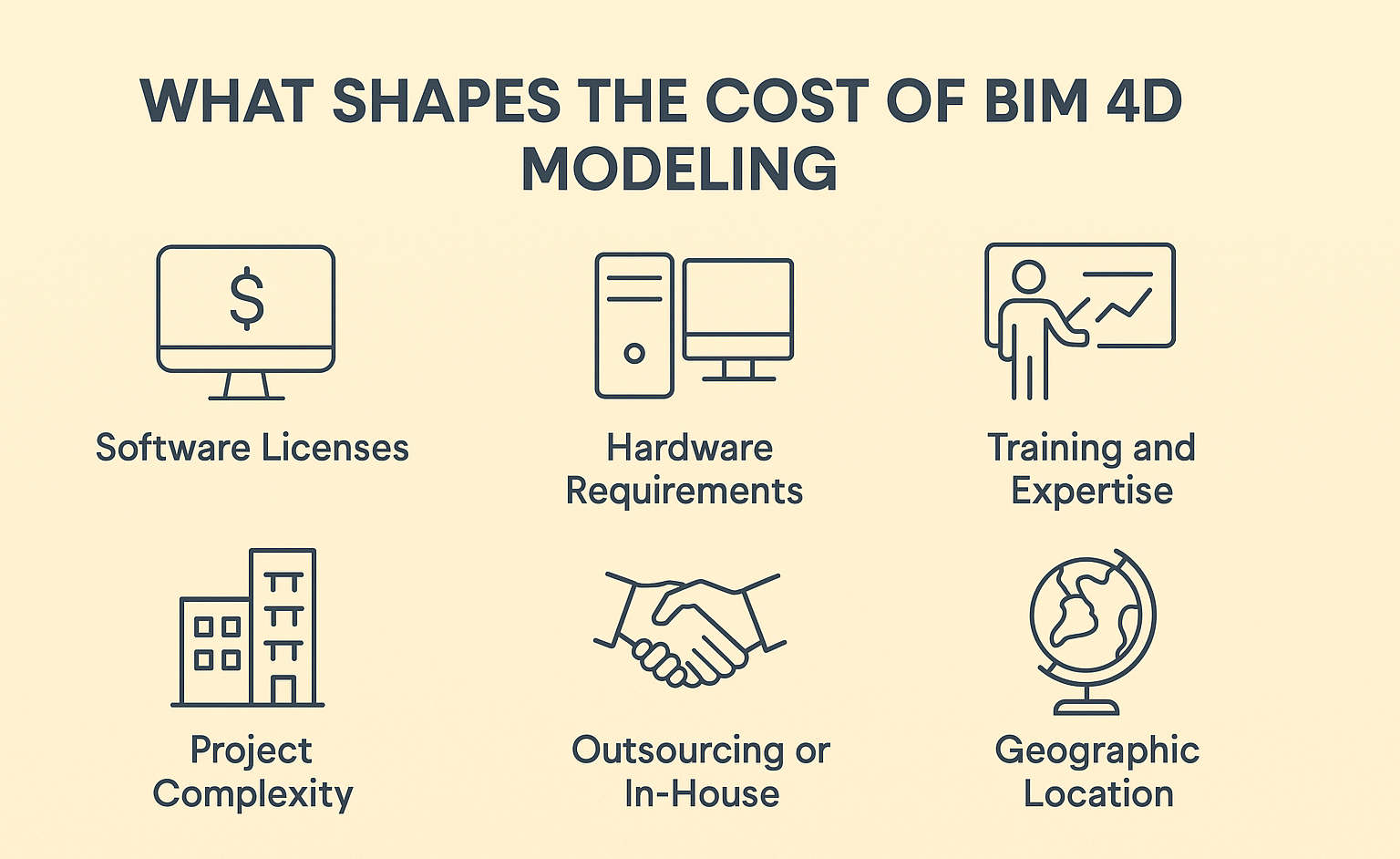
The price of BIM 4D modeling isn’t fixed – it depends on the scale of the project, the tools you use, and how the work is delivered. A few of the main cost drivers include:
- Software licenses: Tools like Revit, Navisworks, or Tekla come with monthly or annual fees, which can quickly add up for larger teams.
- Hardware requirements: Complex models need powerful machines. Investing in high-performance workstations or servers is often part of the equation.
- Training and expertise: Teams may need upskilling through courses or workshops to handle 4D workflows effectively.
- Project complexity: A small residential build has very different scheduling demands compared to an airport terminal or metro line.
- Outsourcing or in-house delivery: Partnering with external specialists may lower overhead, while in-house development often requires bigger upfront investment.
- Geographic location: Service rates vary widely between regions, with costs in the US or Europe typically higher than in Asia or Eastern Europe.
Each of these factors can tilt the budget one way or the other, which is why firms often combine software investment with selective outsourcing to keep costs predictable.
Powerkh in Practice: BIM Modeling That Drives Results

At Powerkh, a UK-based company with offices in the USA and Ukraine, we provide BIM services for architecture, engineering, and construction. We take 2D drawings and build 3D models that include architectural, structural, MEP, and construction elements. These models aren’t just for visualization – they support real decisions during design, coordination, and fabrication. When needed, we use 4D modeling to connect those models to the construction schedule. This helps teams plan sequences, track progress, and catch issues early.
Our process starts with client documentation. We import 2D layouts into Revit and model to the required level of detail – from basic massing (LOD 100) to full fabrication (LOD 500). We handle clash detection, constructability checks, and structural detailing in-house. We also work with Point Cloud data for Scan to BIM, and we build automation tools that cut repetitive tasks and speed up delivery.
We take on residential, commercial, and industrial projects. Our team handles architectural and structural modeling, shop drawings, prefab support, and 4D sequencing. With teams across three countries, we manage local and remote work without losing control of quality or timelines.
How Much Does BIM 4D Modeling Actually Cost?
Putting a price tag on BIM 4D modeling is not as straightforward as quoting a single number. The cost shifts depending on whether you invest in your own software and team, or bring in external specialists for project-based support. It also depends heavily on the scale and complexity of the build. Below are the main pricing layers to consider.
Software subscriptions
Most firms begin with software licenses, and these form a big part of the budget.
- Autodesk Revit: Approximately $350 per month or $2,900 per year for a single-user license in 2026
- Navisworks: Approximately $150-$175 per month or $1,400-$1,500 per year for a single-user license in 2026
- Tekla, ArchiCAD, Vectorworks: Subscription costs vary widely, typically ranging from $2,000 to $10,000 per year depending on the package. Students and educators can often access these tools free, while trial versions are available for short-term evaluation.
Hardware investment
Running 4D BIM models isn’t light work. You’ll need a workstation or server that can process large models without bottlenecks.
- Entry-level BIM-capable computer: from $2,000-2,500
- High-end workstation for large projects: $3,500+. Cloud-based rendering or virtual machines can offset some of this cost, but for heavy users, in-house hardware remains the norm.
Training and upskilling
The software alone doesn’t deliver results – people do. Training costs range widely, depending on whether you choose short workshops or full certificate programs.
- Free introductory seminars and trials
- Paid training courses: From $500 for basics up to $5,000+ for advanced multi-month programs. This part of the budget ensures teams know how to actually get value out of the tools.
Outsourcing to specialists
For many companies, outsourcing 4D BIM is the more predictable option. Rates vary by region:
- India or Eastern Europe: $25-60 per hour.
- North America or Western Europe: $70-150 per hour. Full project costs can land anywhere from $5,000 to $50,000+, depending on the scope and duration. Outsourcing avoids big upfront software and training costs, while still delivering expertise.
The bigger picture: cost vs. value
While the upfront spend can look steep, 4D BIM tends to save multiples of its cost across a project’s lifecycle. By preventing delays, reducing RFIs, and improving site logistics, the investment pays back through:
- Shorter construction timelines
- Fewer costly reworks
- Clearer scheduling and resource planning
- Better sustainability outcomes through leaner delivery
In other words, the cost of 4D BIM modeling should always be weighed against the risks of running a project without it. For many firms, what seems expensive at the start quickly proves to be the more economical choice once work gets underway.
Cost vs. Value: Why 4D BIM Is Worth the Investment
The first reaction many teams have when they see the price of 4D BIM is that it feels high. Software subscriptions, hardware, training, or outsourcing all add up. But the question isn’t just how much you spend – it’s how much you stand to save by avoiding the problems that come with traditional scheduling.
With 4D BIM, clashes and delays show up in the model before they appear on site. That means fewer RFIs, less wasted labor, and no last-minute scrambles to fix coordination issues. Time savings are another major gain. A clear sequence linked directly to the model keeps contractors, suppliers, and site managers aligned, which shortens delivery times and improves predictability.
There’s also the impact on sustainability and resource management. Just-in-time delivery, smarter logistics, and reduced material waste all feed directly into lower costs across the project lifecycle. And when disputes arise, a time-stamped digital record of progress can prevent expensive claims from dragging on.
So while the upfront bill for 4D BIM may look steep, the return is usually much greater. Most projects recover the investment several times over through efficiency, lower risk, and smoother collaboration. In practice, the cost of not using 4D BIM – delays, rework, safety risks – often turns out to be far higher.
Planning Your Budget for 4D BIM
Building a budget for 4D BIM isn’t only about buying software – it’s about deciding where to invest for the biggest return. Different companies take different routes, but a few common approaches can help keep costs predictable while still getting the full benefits of the technology.
Decide on in-house or outsourced delivery
Some firms prefer to handle everything internally, which means covering software, hardware, and training. Others find it more cost-effective to outsource parts of the process to specialists who already have the tools and expertise. Often, a hybrid setup – where the core model is managed in-house while scheduling and simulations are outsourced – strikes a good balance.
Start with pilot projects
Instead of rolling out 4D BIM across every job, many companies begin with a smaller pilot. This limits the initial spend, gives teams time to adapt, and provides real numbers on savings before scaling up. A successful pilot makes it easier to justify further investment to stakeholders.
Use trial versions and educational licenses
Free trials and academic licenses are an overlooked way to test software and train staff without major cost. Autodesk, for example, offers 30-day trials of Revit and Navisworks, while students and educators can access full versions at no charge. Using these options early on reduces the risk of overspending before you know exactly what’s needed.
Budget for continuous updates
4D BIM isn’t a one-time setup. Models need to be updated as designs change and construction progresses. Whether handled in-house or by a partner, it’s smart to set aside part of the budget for ongoing coordination, revisions, and model maintenance. This keeps the 4D process accurate and useful throughout the entire project.
Who Gains the Most from 4D BIM
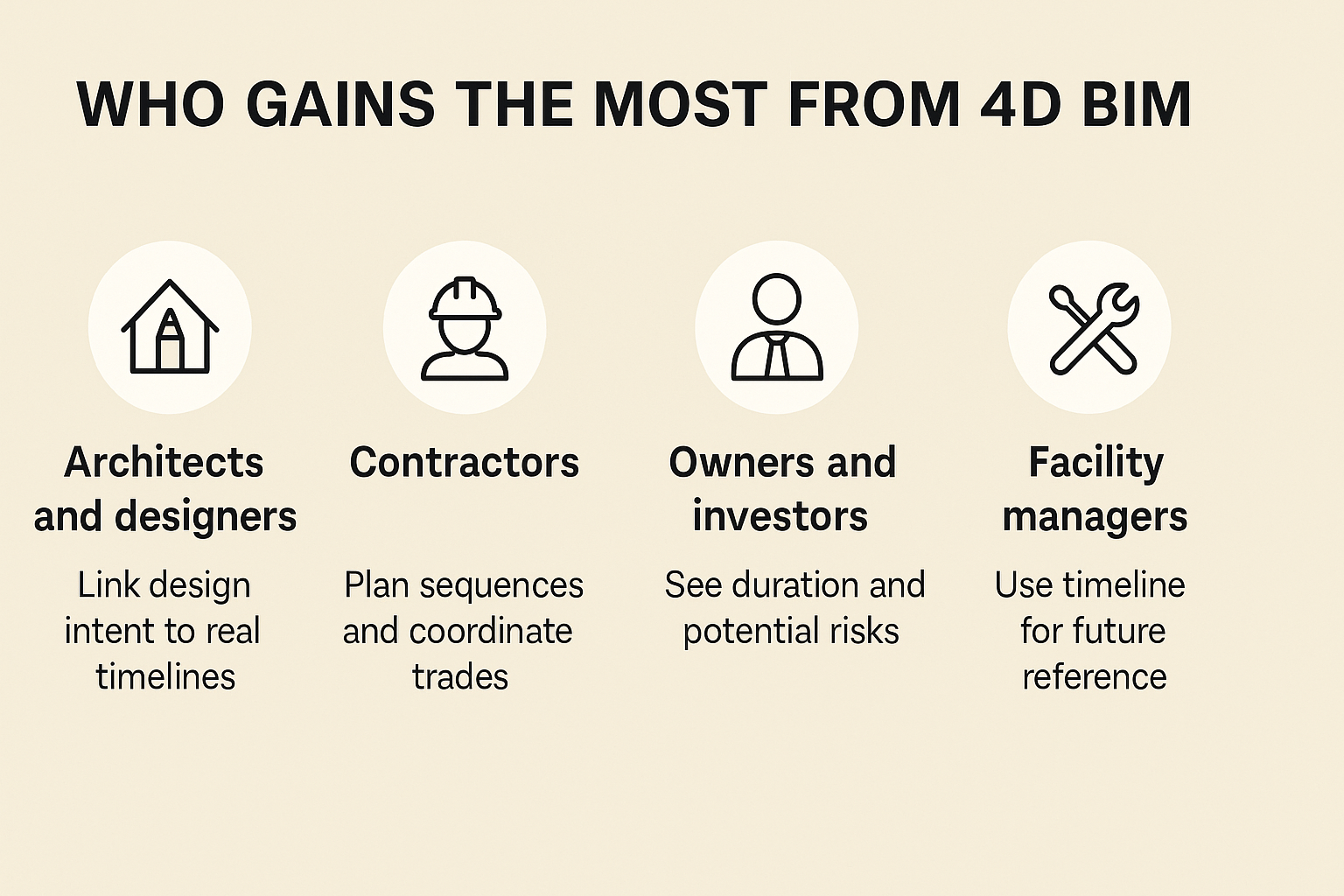
4D BIM touches every stage of construction, but some roles see the benefits faster than others:
- Architects and designers: They can link design intent to real timelines, showing how a concept will actually unfold on site. This reduces uncertainty and builds confidence in their proposals.
- Contractors: A time-linked model helps plan sequences, avoid clashes, and coordinate trades so crews aren’t tripping over each other. The result is smoother site operations and fewer delays.
- Owners and investors: Instead of static drawings, they see how long each phase will take and where potential risks may appear. That level of clarity supports better decision-making and keeps budgets under control.
- Facility managers: The recorded timeline of construction becomes a valuable reference for maintenance, renovations, or future upgrades, long after handover.
In practice, anyone responsible for deadlines, costs, or building performance gains real value once 4D BIM is part of the workflow.
Conclusion
The cost of 4D BIM modeling isn’t something that can be reduced to a single figure. It shifts depending on whether you choose to invest in software and in-house training, or whether you outsource parts of the process to experienced providers. What’s consistent across every project is the return: fewer delays, better coordination, and greater control over resources. For many teams, the upfront spend pays itself back multiple times once the project is underway. Looking at 4D BIM only through the lens of cost misses the bigger picture – it’s an investment in predictability, efficiency, and long-term value.
FAQ
How much does BIM 4D software cost?
Subscriptions vary depending on the platform. Revit sits around $350 per month, while Navisworks is around $150-$175 per month. Other tools like Tekla and ArchiCAD fall in the $200-500 range. Students and educators often have free access, and trial versions are usually available.
Is 4D BIM worth the expense for small projects?
For small residential builds, the cost may feel harder to justify, but even modest projects benefit from clearer schedules and reduced rework. A scaled-down approach – for example, using trials or outsourcing only part of the process – can make sense for smaller budgets.
What are typical outsourcing rates for 4D BIM?
Rates depend on location. In regions like India or Eastern Europe, services often range from $25-60 per hour. In North America or Western Europe, it can be $70-150 per hour. Total project costs can start at $5,000 and rise significantly with size and complexity.
Do I need special hardware to run 4D BIM?
Yes, large models require capable machines. A workstation in the $2,000-3,500 range is common. Some teams use cloud rendering to reduce upfront hardware investment, but high-performance computers remain the standard for heavy workloads.
How quickly does 4D BIM pay for itself?
The return varies, but most projects recover the investment through saved time, fewer RFIs, and smoother logistics. In many cases, the cost of not using 4D BIM – dealing with delays, claims, or wasted labor – ends up far higher than the software or training itself.
Our Case Studies
We have handled 200+ BIM & VDC projects for commercial, industrial, and residential sectors.
Our work includes:
Formwork design automation
Our client from
California, USA
Suspended ceiling design automation
Our client from
New York, USA
Wall framing design automation
Our client from
California, USA


