Have any questions? Contact us!
Join our team!
Request a free quote or consultation

If you’re an architect sketching a new tower or an engineer wrestling with MEP layouts, you’ve probably wondered whether Revit Architecture’s price tag is worth it. I’ve had enough coffee chats with AEC folks to know the struggle – software costs can sting, especially when budgets are tight. But Revit, Autodesk’s go-to for Building Information Modeling (BIM), isn’t just another expense; it’s a tool that can save hours, cut errors, and make your projects shine. From monthly subscriptions to pay-as-you-go options, the pricing in 2025 is designed to fit solo designers, small firms, or big teams. Let’s break it down with real numbers, a bit of insight from the field, and no fluff – just the kind of clarity I’d want if I were signing the checks.
Why Revit’s Cost Matters: What You’re Paying For
Revit Architecture is more than a design app; it’s a BIM powerhouse that creates intelligent 3D models packed with data – think walls that know their materials or schedules that update automatically. That kind of efficiency comes at a price, but it’s structured to give you flexibility. Whether you’re committing for a year or just need it for a quick job, Autodesk offers options to match your workflow.
I’ve seen firms transform their process with Revit, catching clashes early or shaving weeks off documentation. The cost isn’t just for software; it’s for time saved and mistakes avoided. Prices here are in USD for the US market, accurate as of August 2025, reflecting Autodesk’s latest adjustments (a 3.3% bump in May 2025). Let’s dig into the details so you can pick the plan that works for you.
Powerkh’s Revit Architecture Solutions: Precision BIM for Your Projects

Powerkh is a UK-based company that specializes in Building Information Modeling (BIM) services, with a focus on Revit architecture. We work with architects, engineers, and construction professionals to create and manage BIM content, helping streamline design processes and improve project collaboration. In addition to our headquarters in the UK, we have offices in Ukraine and the USA, allowing us to serve clients across different regions.
Our BIM content creation services include developing families, templates, and custom components for use within Revit. This ensures clients have the right tools to meet their specific project needs, while maintaining consistency and compliance with industry standards.
Along with BIM content creation, we also offer BIM consulting and project coordination services. These services help ensure that all team members are aligned and working with the most up-to-date information, reducing risks and supporting better decision-making throughout the project. Our goal is to help clients successfully implement BIM, providing practical solutions that work in real-world projects.
Key Highlights:
- UK-based company with offices in Ukraine and the USA
- Specializes in Revit architecture and BIM services
- Provides BIM content creation, including families, templates, and custom components
- Offers BIM consulting and project coordination services
- Focus on improving project efficiency, reducing errors, and enhancing collaboration
- Serves a wide range of industries, including architecture, engineering, and construction
Standalone Revit Subscription: Perfect for Solo Pros and Small Teams

For architects, engineers, or small firms, the standalone Revit subscription is the straightforward choice. It gives you full access to Revit’s BIM features – parametric modeling, automated documentation, energy analysis, and cloud collaboration – without extra tools you might not need. This plan is ideal if you’re focused on architectural design or want to keep things simple.
Pricing Breakdown (Standalone Revit)
- Monthly: $380 per month. Great for short-term projects or testing the waters, but it’s the priciest option over time.
- Annual: $3,005 per year (~$250/month). Saves about 34% compared to monthly billing, making it a favorite for steady users.
- 3-Year: $9,020 for three years (~$250/month). Locks in the price, shielding you from future increases, and is perfect for long-term planning.
These prices cover a single-user license, installable on up to three devices (non-shareable). A 30-day money-back guarantee lets you try it risk-free. I’ve heard from freelancers that the annual plan strikes the best balance – commitment without breaking the bank.
AEC Collection: Bundled Power for Multidisciplinary Teams
If your projects involve more than just architecture – say, structural engineering or MEP design – the Architecture, Engineering & Construction (AEC) Collection is a smarter bet. It bundles Revit with AutoCAD, Navisworks, Autodesk Docs, Forma, ReCap Pro, and more. This creates a connected workflow, from early sketches to construction handoff, saving thousands compared to buying each tool separately.
Pricing Breakdown (AEC Collection)
- Monthly: $460 per month. Flexible for short bursts but adds up fast.
- Annual: $3,675 per year (~$306/month). A cost-effective choice for teams needing multiple tools.
- 3-Year: $11,030 for three years (~$306/month). Locks in savings and ensures access to the full suite.
The collection shines for firms juggling complex projects, like a hospital where architects, engineers, and contractors all need to sync. I’ve talked to project managers who say the interoperability – Revit talking to AutoCAD or Navisworks – cuts coordination headaches in half. Like the standalone plan, it includes a 30-day money-back guarantee and single-user access on up to three devices.
Flex Plan: Pay-as-You-Go for Occasional Use
Not every project needs Revit every day, especially if you’re a freelancer or handling one-off gigs. That’s where the Flex plan comes in, letting you pay only when you use it. You buy tokens, which unlock 24-hour access to Revit (or other Autodesk tools) over a year. It’s like renting a high-end tool for just the days you need it.
Flex Plan Details
- Token Cost: $300 for 100 tokens (minimum purchase).
- Revit Usage: 10 tokens per day.
- Usage Example: 100 tokens = 10 days of Revit access; 500 tokens ($1,500) = 50 days.
- Expiration: Tokens expire one year after purchase.
- Payment Options: Credit/debit cards, PayPal, or ACH.
This plan’s a lifesaver for consultants or small shops that don’t need constant access. A designer I know used Flex for a three-week retrofit project, saving hundreds compared to a full subscription. Just keep an eye on token usage – 10 tokens a day can burn through fast if you’re not strategic.
Free Options: Trials and Education Access for Newcomers
Autodesk makes Revit accessible for those starting out or learning the ropes, which is a big win for students or curious pros.
Free Access Breakdown
30-Day Trial:
- Full access to Revit’s features for 30 days, no cost.
- Post-trial, it switches to Demo Mode (view-only, no editing).
- Ideal for testing Revit on a real project before committing.
Education Plan:
- Free one-year license for eligible students and educators.
- Renewable annually with verification through Autodesk’s Education Community.
- Restricted to non-commercial use (no paid projects).
- Includes access to the entire Autodesk portfolio, including Revit and AEC Collection tools.
I’ve seen students leverage the education plan to master Revit before landing their first job – it’s a no-brainer for building skills. The trial’s great too; a colleague used it to prototype a small clinic design, confirming Revit’s workflow fit before subscribing.
Enterprise and Premium Plans: Scaling Up for Big Teams
For medium to large firms with multiple users or complex needs, Autodesk offers premium and enterprise plans. These aren’t listed with standard pricing – you’ll need to contact Autodesk or an authorized reseller for a quote. Here’s what sets them apart:
- Multi-User Access: Share licenses across teams, unlike single-user standard plans.
- Advanced Features: Enhanced security, detailed reporting, and automation tools.
- Custom Support: Dedicated assistance for large-scale projects or IT integration.
These plans suit firms handling massive builds, like airports or campuses, where collaboration across dozens of users is critical. A project manager I know swears by the enterprise plan’s analytics for tracking team performance on high-stakes jobs. If this is your scale, a quick call to Autodesk can clarify costs and tailor the setup.
What’s Included in Your Subscription: Beyond the Software
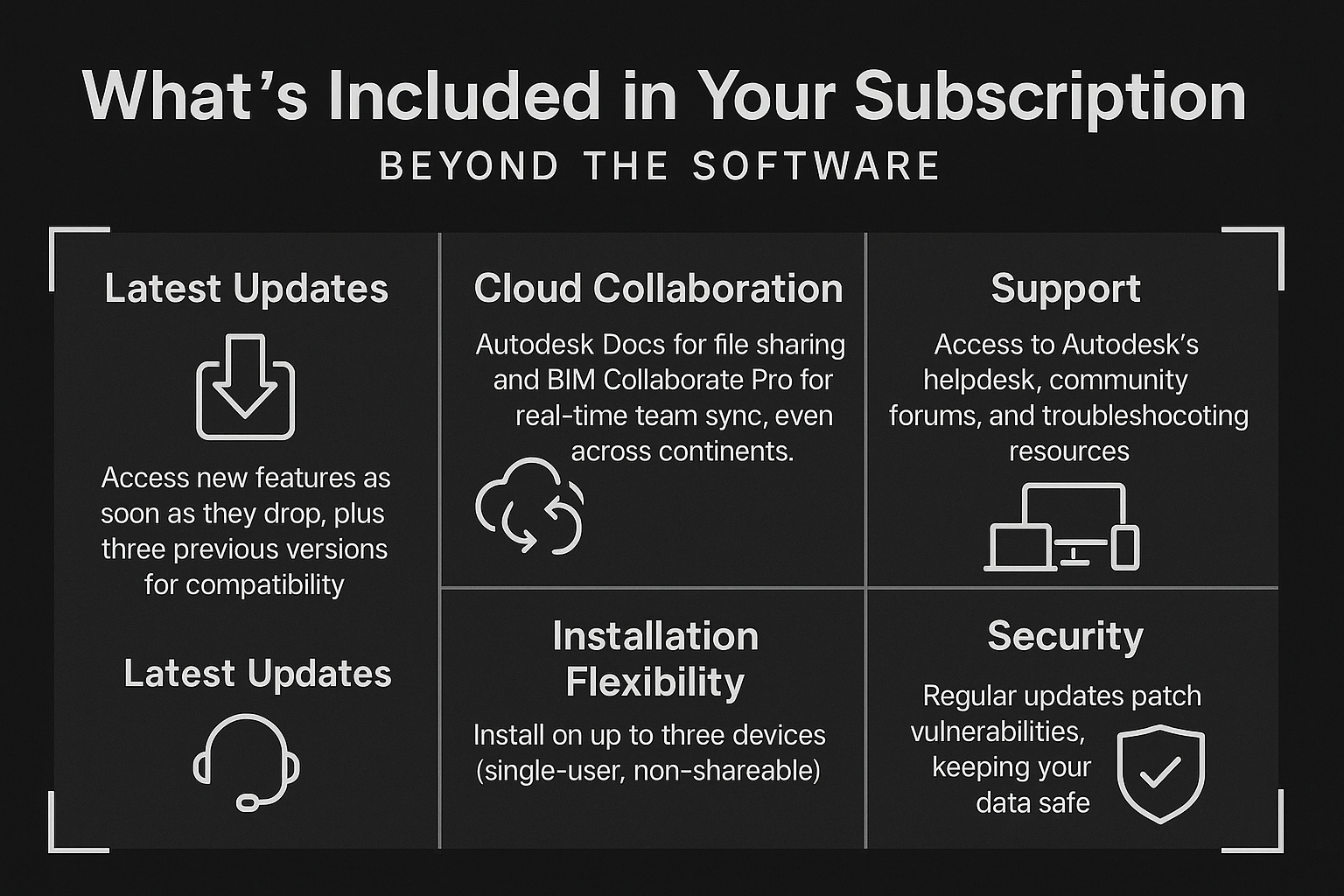
Paying for Revit isn’t just about getting the program – it’s about the extras that keep your workflow humming. Here’s what you get with any subscription:
- Latest Updates: Access new features (like Revit 2025’s Toposolids or Total Carbon Analysis) as soon as they drop, plus three previous versions for compatibility.
- Cloud Collaboration: Autodesk Docs for file sharing and BIM Collaborate Pro for real-time team sync, even across continents.
- Support: Access to Autodesk’s helpdesk, community forums, and troubleshooting resources.
- Installation Flexibility: Install on up to three devices (single-user, non-shareable).
- Security: Regular updates patch vulnerabilities, keeping your data safe.
One thing I’ve noticed: staying updated via the Autodesk Access app or account portal is a must.
Regional and Price Adjustment Notes
Prices listed are for the US market, accurate as of August 2025 after a 3.3% increase in May 2025. Outside the US, costs can vary due to taxes or currency rates – European users might see higher figures, for instance. Autodesk occasionally tweaks pricing, so checking their official channels before buying is smart. I’ve heard from global teams that resellers sometimes offer localized deals, especially for enterprise plans.
Comparing Revit to Alternatives: Is It Worth the Cost?
To gauge Revit’s value, consider what you’re getting versus cheaper options like Revit LT ($70/month or $560/year). Revit LT handles basic 3D architectural design but skips advanced MEP, structural tools, and full collaboration features. If your work is simple drafting, LT might do, but for BIM-driven projects, full Revit’s automation and data integration are hard to beat.
The real payoff comes in efficiency. Firms I’ve talked to report 30-40% time savings on documentation and clash detection, which can cover the subscription cost on a single mid-sized project. For example, catching a structural conflict before construction can save thousands, dwarfing that $3,005 annual fee. But if you’re a solo designer doing small residential jobs, Flex or LT might be enough without the full commitment.
Tips for Choosing the Right Plan
Picking a plan depends on your needs, so here’s some practical advice based on what I’ve seen work:
- Assess Your Usage: Daily Revit users benefit most from annual or 3-year plans; occasional users should go Flex to save cash.
- Consider Team Size: Solo or small teams can stick with standalone; larger crews should explore the AEC Collection or enterprise plans.
- Test Before You Buy: Use the 30-day trial to see if Revit fits your workflow – model a real project to feel the difference.
- Budget for Long-Term: The 3-year plan locks in pricing, a hedge against future increases (like that February 2025 bump).
- Check Education Eligibility: Students or educators should grab the free license – it’s full-featured and renewable.
One tip from a contractor friend: If you’re on the fence, start with Flex for a big project, then switch to annual if it becomes a staple. It’s less risky than jumping straight in.
Hidden Costs to Watch Out For
While Revit’s pricing is transparent, a few extras can creep up:
- Training: New users might need courses ($500-$2,000) or time to learn via free tutorials.
- Hardware: Revit demands a solid PC (think 16GB RAM, decent GPU), which could mean an upgrade.
- Add-Ons: Tools like Twinmotion or Dynamo scripts may require extra subscriptions or setup.
- Team Scaling: Multi-user licenses for larger teams push costs higher via premium plans.
Budgeting for these upfront can prevent surprises. I’ve seen firms skimp on training, only to lose time fumbling through features – invest early for faster ROI.
The Bottom Line: Does Revit’s Price Deliver Value?
Revit Architecture’s cost – $380/month standalone or $3,675/year in the AEC Collection – isn’t pocket change, but for AEC pros, it’s often a no-brainer. The automation, collaboration, and data-driven design can save hours and dollars on every project, especially complex ones. Whether you’re a freelancer using Flex, a student on the free plan, or a firm needing the full suite, there’s an option to fit. My take? Run the trial, crunch your project math, and see if the time savings justify the spend. In my experience, for most BIM-driven teams, it’s a tool that pays for itself.
Frequently Asked Questions
How much does a Revit Architecture subscription cost in 2025?
A standard Revit subscription costs $380/month, $3,005/year, or $9,020 for three years. The AEC Collection, including Revit, is $460/month, $3,675/year, or $11,030 for three years. Flex tokens are $300 for 100, with Revit using 10 tokens/day.
Is there a free version of Revit Architecture?
Yes, eligible students and educators get a free one-year license through Autodesk’s Education plan, renewable with verification, for non-commercial use. A 30-day free trial is also available for anyone, switching to view-only Demo Mode after.
What’s the difference between Revit standalone and the AEC Collection?
Standalone Revit ($3,005/year) is for single-user BIM tasks, focusing on architectural design and documentation. The AEC Collection ($3,675/year) includes Revit, AutoCAD, Navisworks, and more, ideal for multidisciplinary teams needing integrated workflows.
Is the Flex plan worth it for occasional Revit use?
Flex is great for freelancers or short projects, costing $300 for 10 days of Revit access (100 tokens at 10/day). It’s cheaper than a subscription for sporadic use but less cost-effective for daily work compared to annual plans.
Our Case Studies
We have handled 200+ BIM & VDC projects for commercial, industrial, and residential sectors.
Our work includes:
Formwork design automation
Our client from
California, USA
Suspended ceiling design automation
Our client from
New York, USA
Wall framing design automation
Our client from
California, USA


