Have any questions? Contact us!
Join our team!
Request a free quote or consultation

Exploring Factors and Price Points: How Much Revit Family Creation Really Costs
Whether you’re an architect, engineer, or contractor, using Revit families is essential for accurate and efficient BIM workflows. But before diving into custom modeling, one common question comes up: how much does it actually cost to create a Revit family? The answer depends on several factors, from the complexity of the model to the level of detail required. In this guide, we’ll break down what goes into the cost and help you get a clearer picture of what to expect.
Average Cost of Revit Family Creation Services
The cost of creating a Revit family typically ranges from $100 to $1,000 or more per model, depending on complexity, level of detail (LOD), and provider expertise. Simple architectural families may cost $100–$250, while complex mechanical or HVAC families can range from $200 to $1,500 or higher.
For example, a simple parametric family might take just a few hours to create, while advanced families with multiple types, shared parameters, and visibility controls can require significantly more time and expertise. Companies working on large projects often invest in a set of reusable families, which increases upfront costs but saves time and money over the long term.
If you’re outsourcing the work, pricing may vary based on location, firm experience, and whether you’re getting individual models or a full Revit family library. Always ask for estimates that reflect your specific needs and the expected level of detail.
Common Types of Revit Families and Their Typical Costs
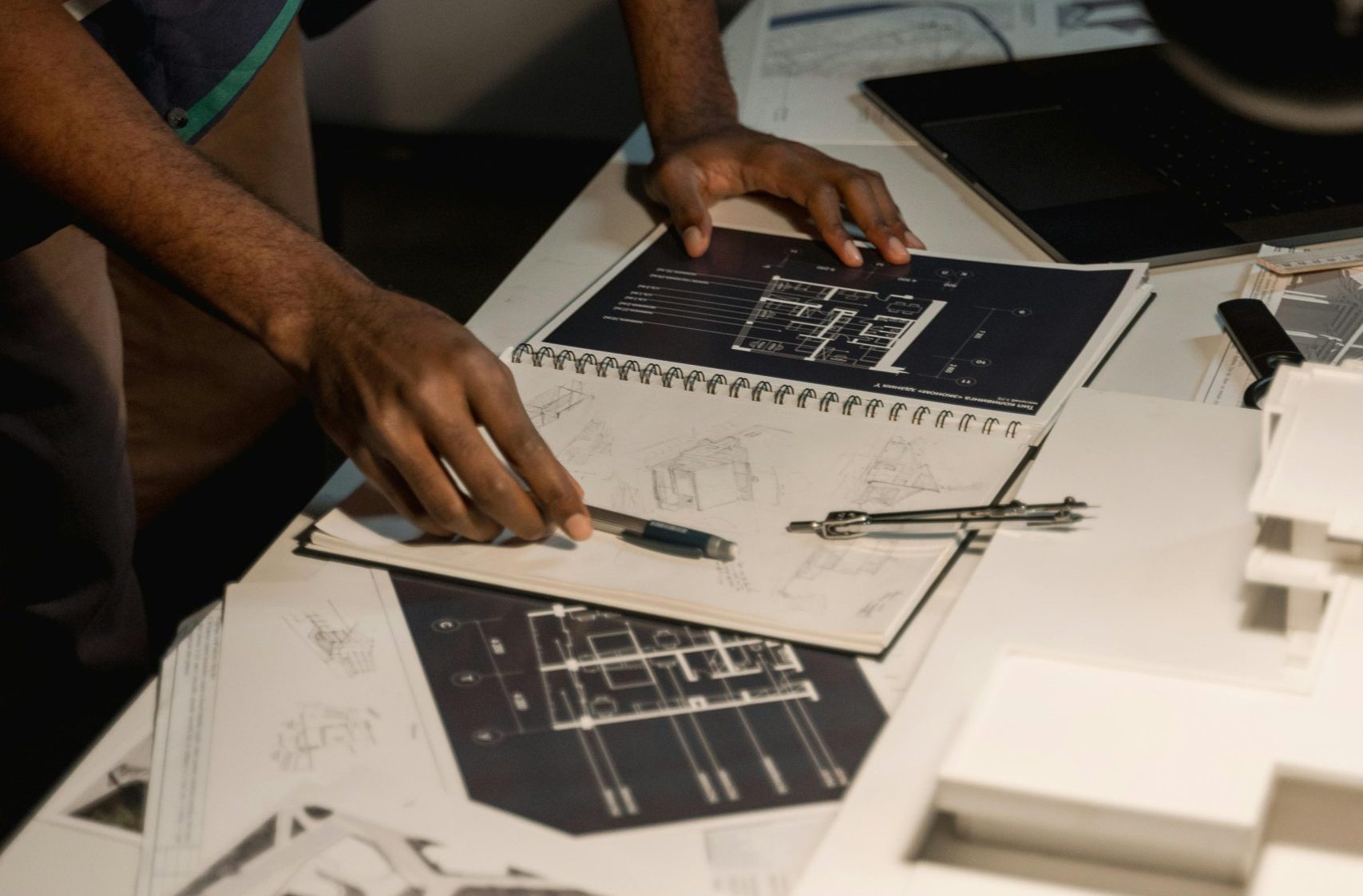
Different types of Revit families come with varying levels of complexity, which directly affects their creation cost. The pricing also depends on how many variations are needed, the level of parametric control, and whether the family must meet specific industry standards (such as MEP coordination or fire safety codes). Here’s a closer look at typical categories and their price ranges.
Architectural Families ($100 to $250)
These include elements like doors, windows, partitions, furniture, stairs, and wall-mounted décor. Most architectural families involve basic parametric functionality such as height, width, and material options. They’re generally easier to model and require a moderate level of detail, making them more affordable.
Structural Families ($150 to $300)
Common structural families include beams, columns, joints, trusses, and foundation elements. These often require higher accuracy, especially in terms of dimensions, connectivity, and alignment with load paths. The need for coordination between multiple components adds to the modeling time and cost.
Mechanical and HVAC Families ($200 to $350+)
This category includes ductwork, pipes, valves, pumps, chillers, air handling units (AHUs), fan coil units (FCUs), and fittings. These models usually involve complex geometry and shared parameters for pressure, flow, size, and system classification. The coordination with MEP systems and performance data increases both complexity and cost.
Electrical Families ($150 to $250)
Electrical elements like lighting fixtures, sockets, switches, panels, and control boxes are often small in size but require high precision and proper data integration for scheduling and circuiting. The cost reflects the need for tagging, voltage parameters, and mounting configurations.
Fire Safety Families ($150 to $250)
These include fire dampers, extinguishers, sprinklers, cabinets, and other safety-related components. In most cases, they must meet local building codes and industry standards, which requires extra attention to parameter accuracy and labeling. Compliance-heavy use cases can slightly raise the price.
Understanding the typical cost range for each type helps in prioritizing your budget and deciding which families should be custom-built versus reused from existing libraries.
Powerkh: A Reliable Choice for Expert Revit Services

Our Powerkh is a UK-based company that specializes in Building Information Modeling (BIM) services, with a focus on Revit architecture. We work with architects, engineers, and construction professionals to create and manage BIM content, helping streamline design processes and improve project collaboration. In addition to our headquarters in the UK, we have offices in Ukraine and the USA, allowing us to serve clients across different regions.
Our BIM content creation services include developing families, templates, and custom components for use within Revit. This ensures clients have the right tools to meet their specific project needs, while maintaining consistency and compliance with industry standards.
Along with BIM content creation, we also offer BIM consulting and project coordination services. These services help ensure that all team members are aligned and working with the most up-to-date information, reducing risks and supporting better decision-making throughout the project. Our goal is to help clients successfully implement BIM, providing practical solutions that work in real-world projects.
Key Highlights:
- UK-based company with offices in Ukraine and the USA
- Specializes in Revit architecture and BIM services
- Provides BIM content creation, including families, templates, and custom components
- Offers BIM consulting and project coordination services
- Focus on improving project efficiency, reducing errors, and enhancing collaboration
- Serves a wide range of industries, including architecture, engineering, and construction
Services:
- BIM Content Creation
- BIM Consulting
- Project Coordination
- Revit Architecture Services
Key Factors That Affect Revit Family Costs
Several factors can influence how much you pay for Revit family creation. Understanding these will help you budget better and avoid surprises:
- Model Complexity: More detailed and feature-rich models take more time to build.
- Number of Types: Families with multiple types or variations require more setup and testing.
- Level of Detail (LOD): Higher LODs (like 350 or 400) require more geometry, parameters, and render quality.
- Custom Parameters: Shared parameters, tagging, scheduling, and MEP data increase development time.
- File Optimization: Purging unused elements and setting visibility controls is extra work but crucial for performance.
- Source Data Quality: Clean CAD files or complete product sheets speed up the process. Poor inputs drive up the cost.
- Revision Cycles: Frequent changes or unclear requirements can lead to additional charges.
Understanding these cost drivers allows you to make smarter decisions during planning, helping you stay on budget while getting exactly the functionality your project needs.
Pre-Built vs. Custom Revit Families: Which One Saves More?
If your project can use standard elements, pre-built Revit families are a great way to save time and money. Many manufacturers provide free downloadable families for common components like windows, HVAC units, or lighting fixtures. These models are often accurate enough for general design use and include basic parameters.
However, for custom products, unique designs, or company-specific standards, investing in custom Revit families is often necessary. While more expensive upfront, custom families ensure accuracy, consistency, and integration with your BIM workflow.
In the long run, the choice depends on your project’s needs. Use pre-built families when possible, but invest in custom ones when precision and standardization are critical.
Tips to Reduce Revit Family Creation Costs Without Losing Quality

Creating high-quality Revit families doesn’t always have to be expensive. With smart planning and a few best practices, you can reduce costs while still getting models that are accurate, consistent, and ready to use. Here are several practical tips to help you stay within budget:
Use Templates
Start with company-approved Revit family templates whenever possible. These templates include predefined parameters, visibility settings, and naming conventions, which save time during setup and ensure all families align with your internal standards.
Limit Detail Where Possible
Don’t overbuild. Only include the level of detail (LOD) that your project or client actually needs. For example, if the family is only used for general layout or early-stage coordination, you can leave out fine geometric features that aren’t necessary.
Batch Similar Families
If you’re planning to create several similar components (like a set of chairs, fixtures, or equipment models), group them into a single project. This allows the creator to reuse parameters, geometry, and visibility settings, which cuts down on overall time and effort.
Avoid Redundant Parameters
Focus on essential parameters that support tagging, filtering, and scheduling. Adding too many unnecessary or unused parameters not only complicates the family but also increases development time and the likelihood of errors.
Provide Clean References
Supplying accurate and organized reference material – such as dimensioned CAD drawings, product sheets, and high-quality images – helps avoid delays and confusion. Clear inputs reduce revision cycles and allow modelers to deliver exactly what you need on the first try.
Work with Experienced Providers
Partner with professionals who specialize in Revit family creation. Experienced BIM modelers work more efficiently, know common standards, and are less likely to make costly mistakes. While their hourly rate might be higher, the total project cost is often lower due to faster turnaround and fewer revisions.
By following these steps, you can get the Revit families you need without overspending or sacrificing quality. Planning ahead and communicating clearly with your modeling team makes all the difference.
Conclusion
Understanding the cost of Revit family creation is essential for anyone involved in BIM workflows. Whether you need simple architectural elements or complex MEP components, pricing depends on factors like model detail, number of types, and overall project requirements.
While custom families offer precision and long-term value, pre-built models can be a cost-saving option for standard needs. By planning ahead, using templates, and working with experienced providers, you can keep costs manageable without sacrificing quality or performance.
FAQ
How much does a Revit family usually cost?
The typical price for a Revit family ranges $100 to $1,000 and in some cases, reaches even $1,500 and more, depending on its complexity, level of detail, and number of variations.
What impacts the cost of Revit family creation the most?
Model complexity, level of detail (LOD), and the inclusion of custom parameters or multiple family types are the biggest cost drivers.
Are pre-built Revit families cheaper than custom ones?
Yes, pre-built families are generally free or low-cost and work well for standard needs, but custom families offer better integration for unique project requirements.
Can I reduce the cost if I order multiple families at once?
Yes, batching similar families in a single order often reduces the per-unit cost because the modeling process can be streamlined.
Is it worth paying more for high LOD families?
Only if your project requires it. For early design stages, a lower LOD may be more cost-effective, while higher LOD is better for construction documentation and coordination.
How do I know if I should outsource or build in-house?
If you lack internal BIM expertise or need faster turnaround, outsourcing to a specialized firm can often be more efficient and cost-effective.
What should I provide to get an accurate quote?
Clean CAD files, product specifications, dimensioned drawings, and a clear description of your required parameters will help modelers give you an accurate and fair estimate.
Our Case Studies
We have handled 200+ BIM & VDC projects for commercial, industrial, and residential sectors.
Our work includes:
Formwork design automation
Our client from
California, USA
Suspended ceiling design automation
Our client from
New York, USA
Wall framing design automation
Our client from
California, USA


