Have any questions? Contact us!
Join our team!
Request a free quote or consultation

If you’re in architecture, engineering, or construction, you’ve probably heard about BIM model checking – it’s like a digital spell-checker for your building designs, catching errors before they become costly headaches. But how much does it cost to get started? From software to training, the price tag varies depending on your project’s size and needs. Don’t worry – we’re breaking it down in plain English, with average costs that won’t leave you scratching your head. Let’s dive into what you can expect to spend on BIM model checking and why it’s worth every penny!
Breaking Down the Cost of BIM Model Checking

BIM model checking is a game-changer for ensuring your designs are accurate, compliant, and clash-free before construction begins. But like any tool, it comes with costs – think software, hardware, training, implementation, and ongoing maintenance. Below, we’ll walk through each piece of the puzzle, using general, industry-standard average prices to help you budget for your next project. Whether you’re designing a cozy home or a massive bridge, here’s what you need to know about the costs.
Licensing Costs: The Tools You Need
BIM model checking relies on software to scan your 3D models for issues like clashing pipes or non-compliant door sizes. Software costs typically split into two categories: modeling tools (for creating the BIM model) and collaboration/checking tools (for analyzing it).
Modeling Software
These tools, used to build the 3D model, cost around $2,500–$3,500 per year per user, or roughly $300–$400 monthly for a subscription. For high-detail models (like those needing intricate structural or MEP details), expect prices closer to $5,000–$6,000 annually. Some tools offer perpetual licenses for about $2,500–$4,000, but you’ll pay extra for updates.
Collaboration and Checking Software
These are the workhorses of BIM model checking, spotting clashes and ensuring compliance with codes. Expect to pay $10–$40 per user per month for cloud-based collaboration tools, or about $1,000–$2,000 per year for checking-specific software subscriptions. Some basic collaboration tools have free versions, but they often lack advanced features like real-time clash detection.
Hardware Costs: Powering Your Checks
Running BIM model checking software requires a solid computer setup, as 3D models can be data-heavy. A good-quality laptop or desktop for smaller projects costs $2,000–$5,000, with enough processing power and RAM to handle most designs smoothly. For large-scale projects, like stadiums or infrastructure, you might need enterprise-grade workstations, which can run $10,000 or more. If you’re using cloud-based tools for rendering or storing models, budget $50–$500 per month, depending on the project’s complexity and data needs. Solid hardware ensures your checks run quickly, so you’re not waiting around when analyzing a model for issues.
Training Costs: Getting Your Team Ready
To make BIM model checking work, your team needs to know how to set up rules, run scans, and fix flagged issues. Online training courses are a great starting point, costing $200–$1,500 per person for lessons on using checking software effectively. In-person workshops, which offer hands-on practice, range from $500–$3,000 per participant. For larger teams, company-wide training to align architects, engineers, and contractors can cost $10,000 or more, especially if customized for your projects. Training is key to catching errors – like a duct intersecting a beam – early and efficiently, making it a worthwhile investment.
Implementation Costs: Setting Up the Process
BIM model checking isn’t just about installing software; it’s about integrating it into your workflow. Hiring consultants to set up your checking process can cost $5,000–$50,000, depending on whether you’re working on a small residential project or a complex commercial build. Developing a BIM Execution Plan (BEP), which outlines how checks will be run and what standards to follow (like accessibility or fire codes), typically costs $3,000–$15,000. If you need to integrate checking tools with other systems, like project management or cost estimation platforms, expect $5,000–$100,000, with larger projects driving up costs. Starting with a simple project can keep these expenses on the lower end while you get the hang of it.
Maintenance Costs: Keeping Things Running
Once your BIM model checking system is up and running, you’ll face ongoing costs to keep it smooth. Software subscriptions and updates typically run $1,000–$5,000 per year per tool, ensuring you have the latest features for clash detection and compliance checks. Cloud-based collaboration platforms, which let teams share and check models in real time, cost $100–$1,000 per month. Maintenance and support contracts, which provide technical help and software patches, range from $2,000–$20,000 annually, depending on your setup. These costs ensure your tools stay reliable, so you can keep catching issues like missing fire ratings or non-compliant room sizes without hiccups.
Partnering with a BIM Expert: Powerkh’s Role in Model Checking

At Powerkh, we specialize in Building Information Modeling (BIM) and Virtual Design & Construction (VDC). Based in the UK, with offices in Ukraine and the USA, our team collaborates with architects, contractors, developers, and engineers. We provide BIM modeling, coordination, scan-to-BIM, automation, prefabrication, and structural detailing services.
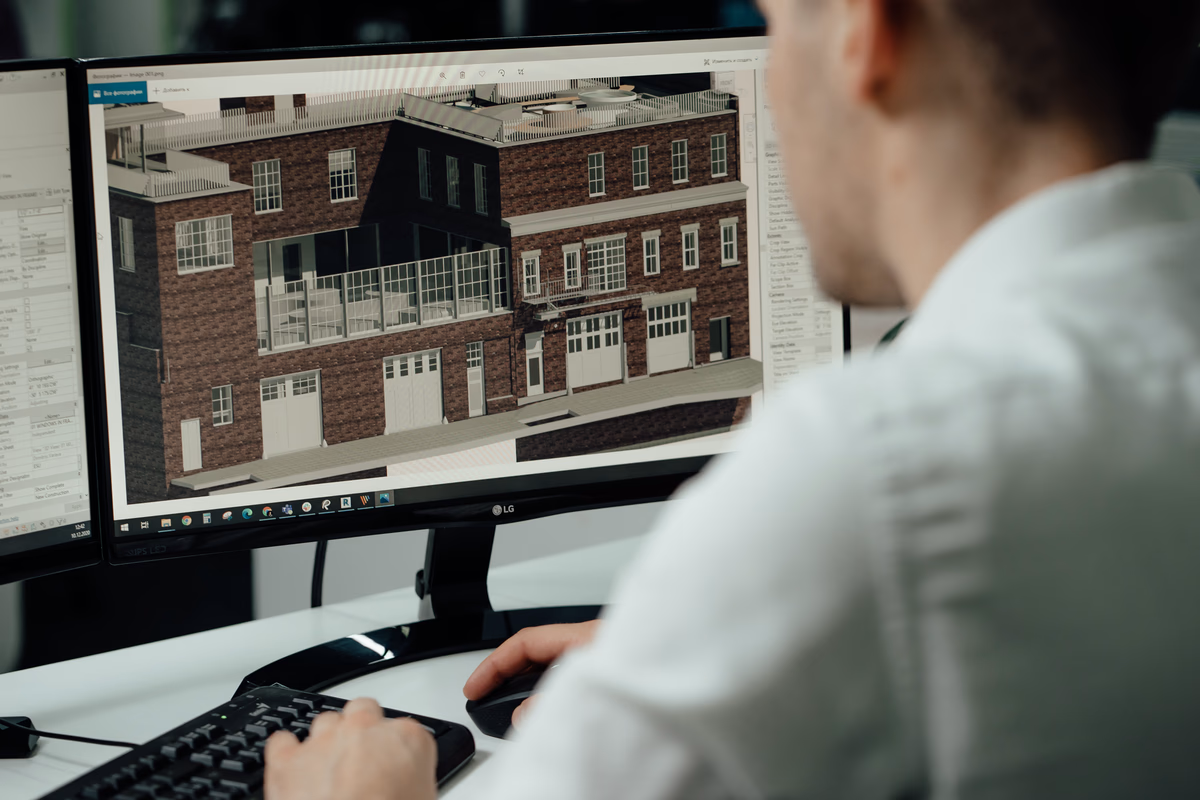
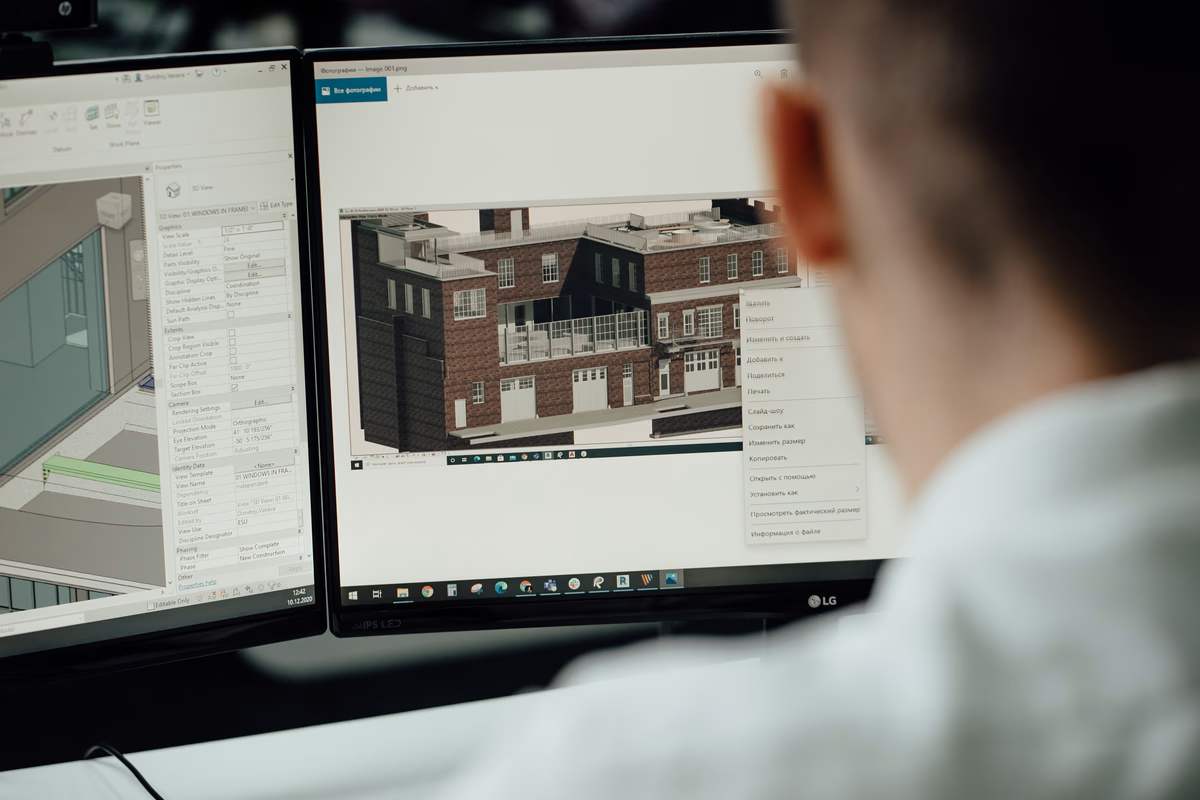
In our company, BIM model checking is a key part of the workflow. We convert 2D plans into detailed 3D models using software like Autodesk Revit, incorporating structural components and MEP systems. Clash detection helps us identify and resolve design conflicts before construction begins, ensuring compliance with project requirements and industry standards.
By integrating BIM model checking, we improve coordination among project participants, reduce design errors, and minimize rework. Our approach helps streamline construction workflows and enhances overall project efficiency.
Key Highlights:
- UK-based company with offices in Ukraine and the USA
- Specializes in Building Information Modeling (BIM) and Virtual Design & Construction (VDC)
- Works with architects, contractors, developers, and engineers
- Focuses on BIM model checking, clash detection, and compliance verification
- Uses software like Autodesk Revit for 3D modeling and coordination
Services:
- BIM modeling and coordination
- Scan-to-BIM and point cloud processing
- Automation and parametric design
- Prefabrication and fabrication modeling
- Structural detailing and MEP system integration
- Clash detection and design conflict resolution
Costs by Project Size
The total cost of BIM model checking depends on your project’s scale:
- Small Projects (e.g., residential homes): Expect $5,000–$20,000, covering basic software, a decent computer, and minimal training.
- Medium Projects (e.g., commercial buildings): Budget $20,000–$100,000, factoring in advanced tools, team training, and integration.
- Large Projects (e.g., infrastructure like bridges): Costs can exceed $100,000, driven by high-end workstations, complex integrations, and extensive consulting.
Outsourcing model checking to a BIM service provider can lower these costs, especially for one-off projects, by letting you tap into expertise without building an in-house setup.
Why It’s Worth the Price
The costs of BIM model checking – ranging from $5,000 for small projects to over $100,000 for big ones – might feel like a lot, but the payoff is huge. By catching errors early, like a pipe clashing with a structural beam or a room failing to meet building codes, you can save 20–30% on project costs by avoiding rework and delays. Plus, it streamlines collaboration, so your architects, engineers, and contractors are all working from the same accurate model. Whether you’re ensuring a gym meets strict regulations or keeping a skyscraper’s design clash-free, BIM model checking is like an insurance policy that saves time, money, and stress.
Tips to Keep BIM Model Checking Costs Down

Want to make BIM model checking budget-friendly without skimping on quality? Here are practical ways to save on costs while still getting the benefits of error-free, compliant designs:
- Try Before You Buy: Use free trials of BIM checking tools to test them on a small project, like a residential design, to see what works best without committing to a full license.
- Go Cloud-Based: Opt for cloud-based collaboration platforms to share and check models, reducing the need for expensive hardware upgrades like high-end workstations.
- Focus Training on Key Players: Train a few team members on model checking basics (think $200–$1,500 per person) instead of rolling out costly company-wide programs.
- Outsource Complex Checks: Hire BIM consultants for intricate projects, which can be more cost-effective than building and maintaining an in-house checking system.
- Get a Custom Estimate: Consult a BIM expert for a tailored cost breakdown, helping you balance quality and budget for your specific project needs.
Conclusion
BIM model checking is like having a superpower for your construction projects – it catches errors, ensures compliance, and keeps your team on the same page, all before the first shovel hits the ground. While the costs can range from $5,000 for a small residential project to over $100,000 for massive infrastructure builds, the investment pays off big time. By catching clashes, like a pipe running through a beam, or ensuring your design meets strict building codes, you can save 20–30% on project costs by avoiding rework and delays. From software licenses ($1,000–$6,000/year) to hardware ($2,000–$10,000+), training ($200–$10,000+), and ongoing maintenance ($2,000–$20,000/year), planning your budget upfront is key. To make it affordable, try free tool trials, focus training on key team members, or outsource complex checks to experts. Ready to get started? Reach out to a BIM consultant to get a custom cost estimate and make your next project a breeze!
Frequently Asked Questions
What’s included in the cost of BIM model checking?
BIM model checking costs cover software licenses (modeling tools at $2,500–$6,000/year, collaboration tools at $10–$40/user/month), hardware ($2,000–$10,000+ for computers or $50–$500/month for cloud services), training ($200–$3,000 per person or $10,000+ for teams), implementation ($5,000–$100,000 for setup and integration), and maintenance ($2,000–$20,000/year). These ensure your model is checked for errors like clashes or code violations.
Can small firms afford BIM model checking?
Absolutely! Small projects, like residential homes, can cost as little as $5,000–$20,000, especially if you use free trial versions of checking tools or cloud-based platforms to avoid pricey hardware. Outsourcing to BIM experts or training just one or two team members ($200–$1,500 each) can keep costs low while still delivering clash-free, compliant designs.
How does BIM model checking save money in the long run?
By catching issues early – like a non-compliant room size or a clashing HVAC system – BIM model checking prevents expensive construction fixes. Industry studies show it can cut project costs by 20–30% by reducing rework, delays, and material waste. It also improves team collaboration, ensuring everyone works from an accurate model, which saves time and headaches.
Do I need to buy all BIM tools upfront, or can I start small?
You don’t need to go all-in right away! Start with a free trial of a checking tool to test it on a simple project. Use affordable cloud-based collaboration tools ($10–$40/user/month) and train a few key staff members instead of a whole team. You can scale up as your projects grow, and consulting a BIM expert can help you pick the right tools for your budget.
Our Case Studies
We have handled 200+ BIM & VDC projects for commercial, industrial, and residential sectors.
Our work includes:
Formwork design automation
Our client from
California, USA
Suspended ceiling design automation
Our client from
New York, USA
Wall framing design automation
Our client from
California, USA