Have any questions? Contact us!
Join our team!
Request a free quote or consultation

Point Cloud to BIM services are used to turn laser-scanned data into accurate digital models of buildings or infrastructure. Whether for renovation, facility management, or documentation, the cost of this conversion can vary widely. Pricing depends on things like the size of the building, how detailed the model needs to be, and the quality of the scan data. Here’s a clear look at what goes into the cost and what to expect when budgeting for these services.
What Is Point Cloud to BIM and What Affects Its Cost?
Point Cloud to BIM refers to the process of converting 3D laser scan data into a digital Building Information Model (BIM). The scan, often generated by tools like terrestrial laser scanners or drones, captures millions of data points that represent the geometry of a real-world structure or space. These point clouds are then used to create accurate 3D models in software like Autodesk Revit, which include architectural, structural, and MEP elements depending on the project requirements.
This service is commonly used in renovation, facility management, historical preservation, construction planning, and design validation. Architects, engineers, surveyors, and contractors rely on Point Cloud to BIM workflows to visualize existing conditions, detect clashes, plan retrofits, or document as-built environments. The cost of Point Cloud to BIM conversion varies widely and depends on several key factors:
- Size and complexity of the space: Larger buildings or facilities with intricate features require more time and detail during modeling, increasing overall cost.
- Level of Detail (LOD): Higher levels of development (e.g., LOD 400 or 500) demand greater accuracy and include more information, which impacts labor and pricing.
- Quality of the scan data: Clean, well-structured point clouds reduce processing time. Poorly aligned or noisy scans often require extra effort before modeling can even begin.
- Project type: Residential buildings are typically simpler and cheaper to model compared to industrial facilities or historical structures with unique geometry.
- Modeling scope: Projects that require not just architectural elements, but also structural and MEP systems, come with higher costs due to the added complexity.
- Turnaround time: Urgent deadlines often require larger teams or overtime, which may lead to premium pricing.
- Deliverables and file formats: Whether clients need only a 3D model or additional 2D drawings and schedules will also influence the total fee.
Understanding these cost drivers helps teams plan budgets more accurately and ensures that the BIM output meets the specific needs of the project.
Inside Powerkh’s BIM Process: Turning Point Clouds into Actionable Models

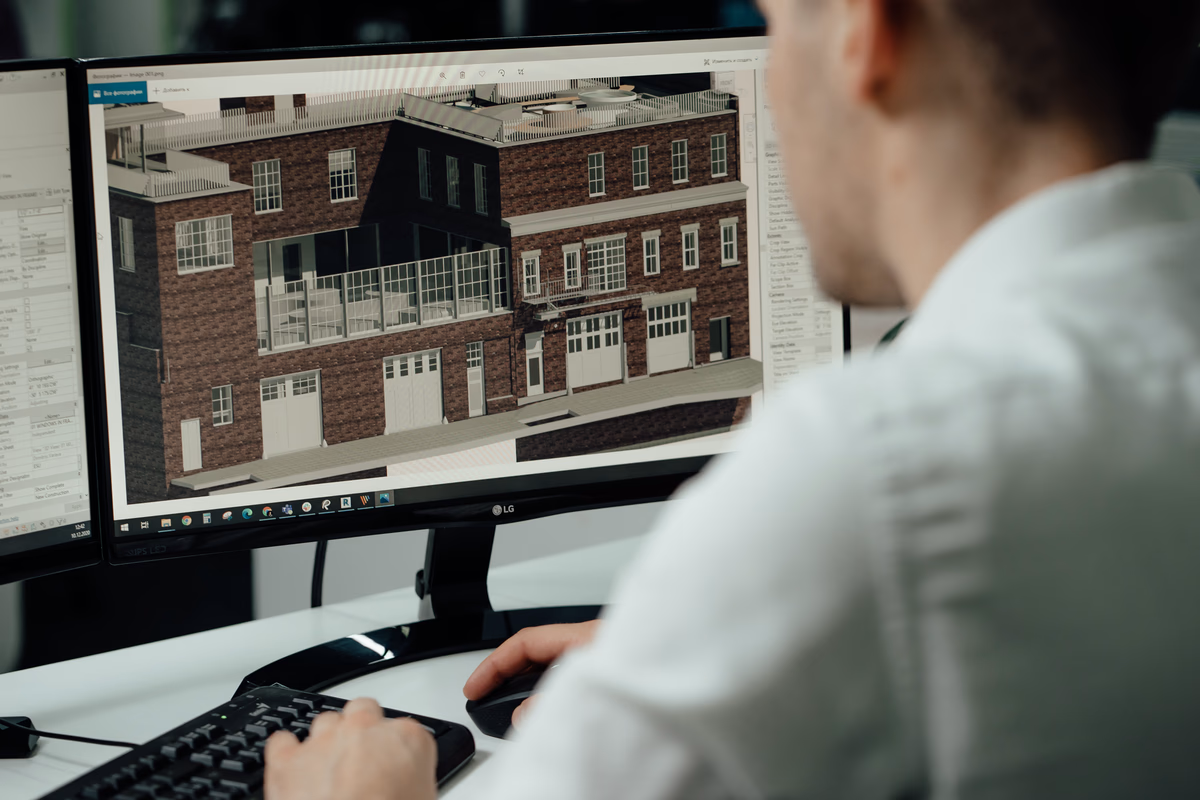
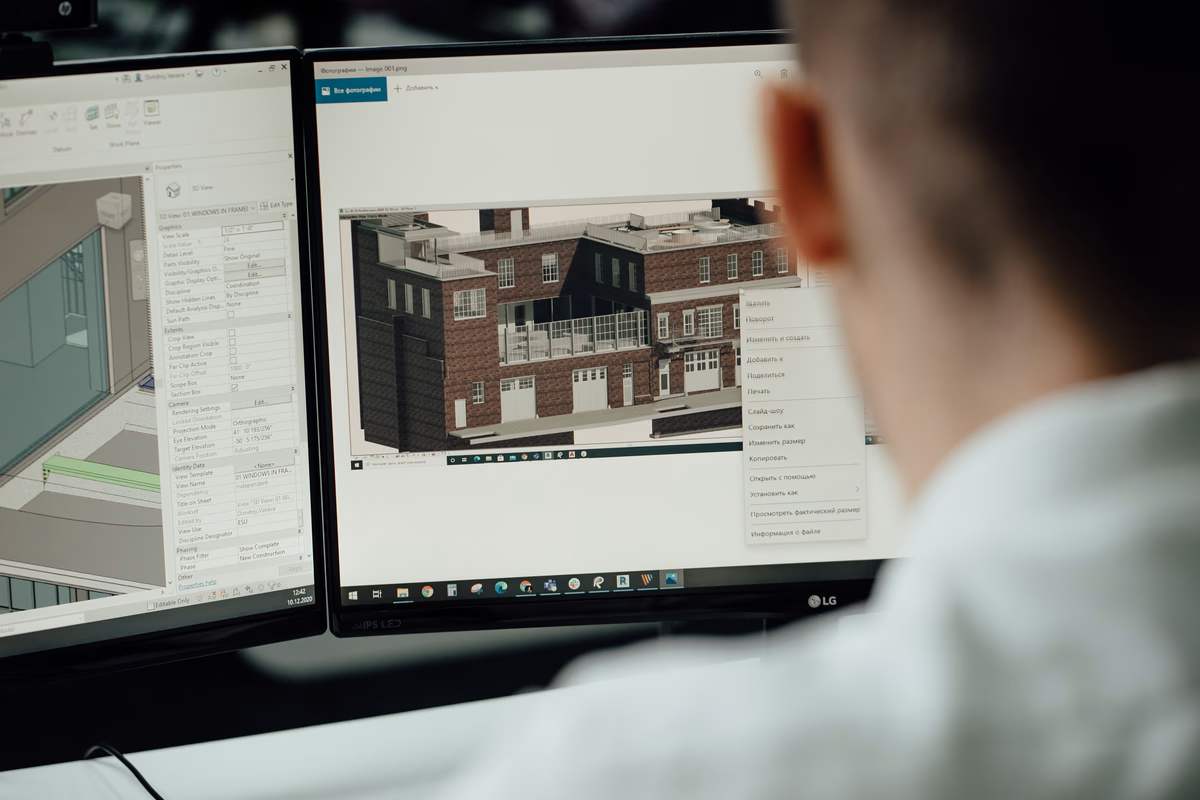
At Powerkh, a UK-based company with offices in Ukraine and the USA, we provide Point Cloud to BIM services, converting laser-scanned data into accurate 3D models using Revit. We work with data from industry-standard laser scanners, including Trimble, Leica Geosystems, and FARO, to create as-built models for architects, engineers, and contractors. Our models include architectural, structural, and MEP systems, supporting applications such as clash detection, refurbishment planning, and facility management.
Our workflow includes receiving Point Cloud data, defining project requirements, and importing the scans into Revit for precise alignment. We process and refine raw data into structured 3D BIM models, with optional 2D as-built drawings. Depending on project needs, we develop models at various Levels of Development (LOD 100 to LOD 500). Our services improve accuracy, optimize collaboration through cloud-based platforms, and reduce turnaround times.
We focus on precise data processing, structured workflows, and efficient project execution. Our Scan to BIM services support digital modeling for construction, renovation, and building management, ensuring reliable project delivery.
Typical Price Ranges by Project Type
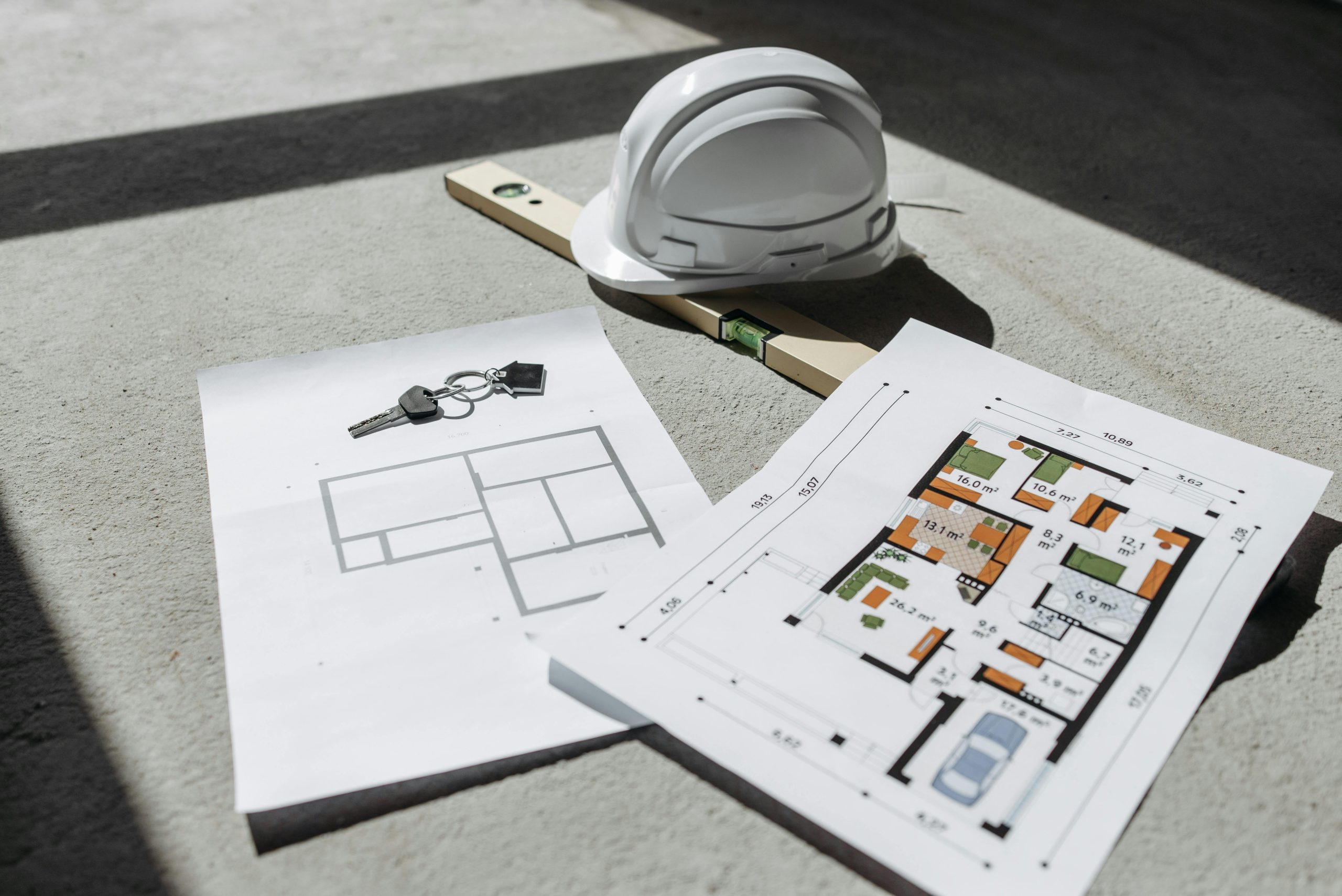
The cost of Point Cloud to BIM services is usually calculated based on project type, building size, and required detail. Below are typical price estimates to give a general sense of what to expect. These ranges are based on industry averages but may vary depending on scope, region, and provider.
1. Small Residential Projects
These include houses, apartments, and interior-only scans of small spaces.
- Estimated Cost Range: $1,000 – $3,000
Includes:
- 3D modeling of walls, doors, windows, and basic furniture
- LOD 200-300, depending on scope
- Limited MEP or structural detailing
2. Medium-Sized Commercial Buildings
This category covers office buildings, retail stores, schools, or multi-family buildings.
- Estimated Cost Range: $3,000 – $10,000
Includes:
- More detailed architectural modeling
- Optional structural and MEP components
- Increased scan area and complexity
- LOD 300 or higher depending on client needs
3. Large or Complex Industrial Facilities
These are factories, warehouses, power plants, hospitals, and buildings with complex equipment or piping systems.
- Estimated Cost Range: $10,000 – $30,000+
Includes:
- Full architectural, structural, and MEP systems modeling
- Detailed modeling of equipment, pipework, ducts, and supports
- High LOD (often LOD 400 or LOD 500)
- May include as-built documentation or clash detection support
4. Heritage or Historical Structures
Projects that involve old buildings, monuments, or culturally significant structures with non-standard geometry.
- Estimated Cost Range: $5,000 – $20,000+
Includes:
- High-detail surface modeling
- Accurate representation of irregular forms
- Often requires more manual work due to unique elements
Cost Breakdown by Level of Development (LOD)
The Level of Development (LOD) determines the accuracy and amount of detail in a BIM model. As the LOD increases, so does the modeling complexity, labor time, and overall project cost. Below is a breakdown of how costs change depending on the required LOD.
LOD 100 – Conceptual Representation
This is the most basic level, used primarily for early-stage massing and volume studies.
- General shapes and sizes only
- No detailed elements or precise dimensions
- Suitable for zoning, feasibility, and high-level planning
- Cost impact: Low
LOD 200 – Approximate Geometry
At this level, elements are modeled with estimated size, shape, and position.
- Includes walls, floors, roofs, and key architectural elements
- Used in schematic design and general coordination
- Provides a basic but useful model without full precision
- Cost impact: Moderate
LOD 300 – Precise Geometry and Placement
Models include accurately sized and located components that align with design intent.
- Detailed representation of walls, windows, doors, and building systems
- Often used for construction drawings and coordination
- Suitable for clash detection and design approval
- Cost impact: Medium to High
LOD 400 – Fabrication-Level Detail
This level includes all elements required for manufacturing or installation.
- Full modeling of MEP components, connections, brackets, and assemblies
- Used for off-site fabrication and construction sequencing
- Requires higher precision and deeper coordination
- Cost impact: High
LOD 500 – As-Built Conditions
The most detailed level, used to document actual built conditions verified in the field.
- Represents real-world dimensions and locations of installed elements
- Used for facility management, asset tracking, and lifecycle planning
- Often based on post-construction scans and field validation
- Cost impact: Very High
Common Use Cases for Point Cloud to BIM
Point Cloud to BIM services are widely used across architecture, construction, and facility management when accurate, up-to-date models of existing conditions are needed. Below are some of the most common scenarios where this conversion plays a critical role:
- Renovation and Retrofit Projects: Before modifying an existing structure, having a precise 3D model helps architects and engineers understand the building’s layout, avoid conflicts, and plan new work without surprises on-site.
- Facility Management and Operations: For building owners and operators, a BIM model created from a point cloud scan can serve as a reliable digital reference for ongoing maintenance, equipment tracking, and space management.
- Historical Preservation and Documentation: When working with heritage buildings or culturally significant sites, point clouds enable the capture of irregular geometries and fine details, which are then translated into models for restoration planning or archival purposes.
- Construction Verification and As-Built Documentation: Contractors use Point Cloud to BIM to compare what was built versus what was designed. This allows teams to validate progress, detect discrepancies, and create accurate as-built records.
- Clash Detection and Coordination: In projects where multiple disciplines (architectural, structural, MEP) are involved, BIM models from scan data help coordinate systems and reduce the risk of costly design conflicts during construction.
These use cases show how Point Cloud to BIM supports a wide range of project goals from early design to long-term building operations by offering a clear and measurable view of real-world conditions.
How to Get an Accurate Quote for Your Project
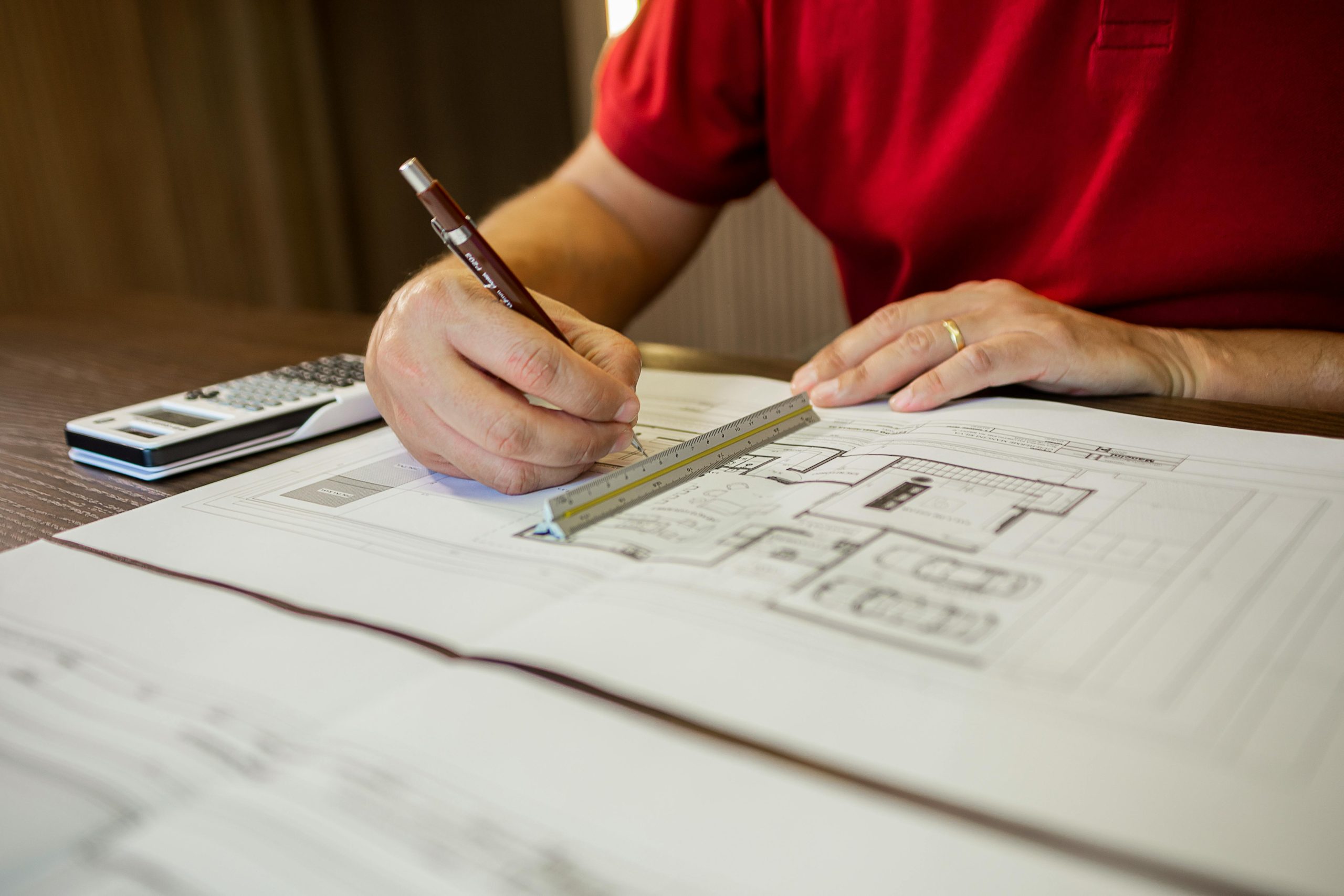
To receive a reliable quote for Point Cloud to BIM services, the first step is to clearly define the scope of your project. This includes specifying the area to be modeled, the type of building (residential, commercial, industrial), and the required Level of Development (LOD). The more precise you are about what you need whether it’s just architectural modeling or a full model with structural and MEP systems the easier it is for providers to estimate time and cost. Sharing sample files or even a small portion of the point cloud can also help vendors evaluate data quality and potential challenges in advance.
It’s also useful to outline your expected deliverables and timeline. Do you need a 3D model only, or are 2D as-built drawings part of the package? Is the deadline flexible, or do you require a fast turnaround? These details affect team size, workflow planning, and ultimately the price. Most experienced providers will offer a detailed breakdown based on your inputs, so having everything ready before requesting a quote speeds up the process and helps avoid unexpected costs later on.
Cost-Saving Tips Without Sacrificing Quality
Keeping costs low during Point Cloud to BIM conversion is possible with a few strategic choices. These tips help reduce expenses without compromising the quality of the final model:
- Limit the LOD to what’s actually needed: Avoid over-modeling by focusing higher detail (e.g., LOD 300-400) only in areas that require it, while keeping the rest at a simpler level.
- Define scope and priorities clearly: Be specific about which elements must be included architectural only, or also structural and MEP. This prevents unnecessary work and cost.
- Use clean and accurate scan data: Well-captured and registered point clouds are easier and faster to model from. Poor data increases processing time and complexity.
- Work with experienced providers: Teams that specialize in Scan to BIM can optimize workflows, reuse templates, and reduce manual effort, which all help lower the final price.
- Avoid rush deadlines when possible: Tight turnarounds often lead to premium rates. If your schedule allows, plan for standard delivery timelines to avoid extra charges.
- Provide reference materials: Floor plans, sections, or old CAD files (if available) can speed up modeling and reduce the need for back-and-forth clarification.
Conclusion
The cost of Point Cloud to BIM conversion depends on several factors, including building size, required Level of Development (LOD), data quality, and the scope of modeling. Prices can range from a few thousand dollars for small residential scans to over $30,000 for large industrial projects with full architectural, structural, and MEP detail.
By understanding what drives the cost and communicating clear project requirements, teams can better plan budgets and avoid unnecessary expenses. Choosing the right LOD, sharing clean scan data, and working with experienced providers all help keep costs under control while ensuring a reliable final model.
FAQ
1. What’s the average cost for a small Point Cloud to BIM project?
For small residential spaces or interior scans, prices typically range from $1,000 to $3,000, depending on the required level of detail and modeling scope.
2. What’s the most expensive part of the process?
The highest costs usually come from modeling detailed MEP systems or producing high-LOD models (LOD 400-500), especially when data quality is low or geometry is complex.
3. Can I reduce cost by lowering the LOD?
Yes, limiting the LOD to just what’s necessary for your goals is one of the most effective ways to reduce costs without affecting usability.
4. How does data quality affect pricing?
Clean, properly aligned point clouds require less processing and manual adjustment. Poor-quality scans increase the workload and may raise the total price.
5. Do I always need structural and MEP modeling?
Not always. If your project only needs architectural layout or general floor plans, excluding MEP and structural components can significantly lower the cost.
Our Case Studies
We have handled 200+ BIM & VDC projects for commercial, industrial, and residential sectors.
Our work includes:
Formwork design automation
Our client from
California, USA
Suspended ceiling design automation
Our client from
New York, USA
Wall framing design automation
Our client from
California, USA