Have any questions? Contact us!
Join our team!
Request a free quote or consultation

Understanding Point Cloud to BIM: How 3D Scans Become Intelligent Building Models
Point cloud to BIM is a process that converts 3D laser scans of physical spaces into digital models used in architecture, engineering, and construction. By using scanning technology to capture real-world structures and turning that data into detailed BIM models, teams can plan renovations, document existing conditions, and coordinate projects with greater accuracy. This approach helps bridge the gap between what’s built and what’s designed, making it easier to manage complex buildings over time.
What Is Point Cloud to BIM?
Point Cloud to BIM is the process of turning 3D laser scan data into a Building Information Model. A point cloud is a set of data points collected by scanning the surface of a building or structure. These points capture the shape and size of physical elements with precise spatial coordinates.
The point cloud is imported into BIM software commonly Autodesk Revit where it’s used as a reference to build a digital model. This model reflects the actual conditions of the site, including walls, floors, pipes, and other components. The result is a detailed, measurable 3D model used for design, renovation, documentation, or coordination.
How Powerkh Delivers Accurate BIM from Point Clouds

At Powerkh, a UK-based company with offices in Ukraine and the USA, we provide Point Cloud to BIM services, converting laser-scanned data into accurate 3D models using Revit. We work with data from industry-standard laser scanners, including Trimble, Leica Geosystems, and FARO, to create as-built models for architects, engineers, and contractors. Our models include architectural, structural, and MEP systems, supporting applications such as clash detection, refurbishment planning, and facility management.
Our workflow includes receiving Point Cloud data, defining project requirements, and importing the scans into Revit for precise alignment. We process and refine raw data into structured 3D BIM models, with optional 2D as-built drawings. Depending on project needs, we develop models at various Levels of Development (LOD 100 to LOD 500). Our services improve accuracy, optimize collaboration through cloud-based platforms, and reduce turnaround times.
We focus on precise data processing, structured workflows, and efficient project execution. Our Scan to BIM services support digital modeling for construction, renovation, and building management, ensuring reliable project delivery.
How the Point Cloud to BIM Process Works
The Point Cloud to BIM process involves three main stages: capturing the existing environment, processing the scan data, and building the BIM model. Here’s a breakdown of each step:
1. Data Capture with 3D Laser Scanners
The process starts with scanning the site using 3D laser scanners or LiDAR devices. These scanners record millions of data points that represent the surfaces of buildings, objects, or infrastructure. The output is a point cloud file that contains X, Y, and Z coordinates of all captured points.
2. Importing Point Cloud into Modeling Software
Next, the raw scan data is cleaned and imported into point cloud processing or modeling software. At this stage, noise and irrelevant data are removed, and the point cloud is aligned with the project’s coordinate system. The cleaned file is then prepared for use in BIM-authoring tools.
3. Creating the BIM Model
The processed point cloud is brought into BIM software such as Revit. Modelers use it as a visual reference to trace and recreate structural, architectural, and MEP elements. Depending on the project needs, the model can be built to a specific Level of Detail (LOD) and include relevant metadata. The final output is a structured, accurate BIM model ready for design, documentation, or coordination.
Tools and Technologies Used
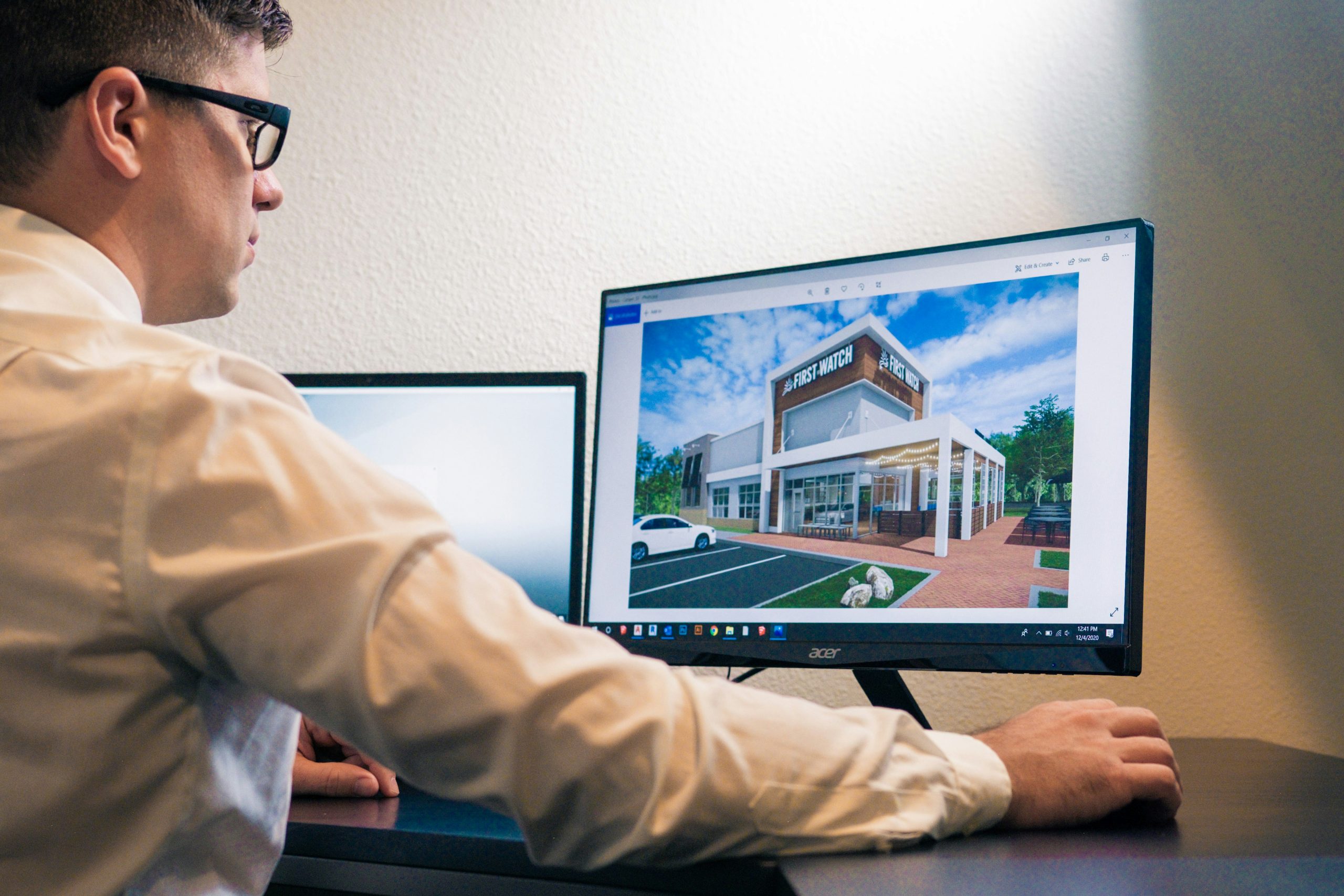
Several tools and technologies are involved in the Point Cloud to BIM process from scanning hardware to modeling software. Each plays a specific role in capturing, processing, and converting scan data into a usable BIM model.
1. 3D Laser Scanners and Surveying Equipment
Laser scanning devices are used to collect point cloud data on-site. They vary depending on the size, complexity, and location of the project.
Common types include:
- Terrestrial laser scanners – tripod-mounted, used for detailed interior and exterior scans.
- Mobile mapping systems (e.g., NavVis VLX) – suitable for large floor areas and quick scanning.
- LiDAR sensors – often mounted on drones for scanning roofs or large sites.
2. Point Cloud Processing Software
After scanning, the raw data must be processed before importing it into BIM software.
Examples of processing tools:
- FARO Scene
- Leica Cyclone
- Trimble RealWorks
- VirtuSurv
These programs help clean, segment, and align the point cloud data.
3. BIM Authoring Software
This software is used to convert the point cloud into a detailed 3D model that includes architectural, structural, and MEP elements.
Most used BIM tools:
- Autodesk Revit – widely used for architectural and MEP modeling.
- ArchiCAD – supports point cloud import and modeling.
- AutoCAD – used for 2D drafting and basic point cloud visualization.
- Navisworks – useful for model review, clash detection, and coordination with point cloud data.
4. File Formats and Conversion Tools
Point clouds are saved and shared in specific formats that need to be compatible with BIM platforms.
Common file formats include:
- .rcs and .rcp (Autodesk)
- .e57 (neutral vendor format)
- .pts, .las, and .xyz (raw or text-based formats)
Conversion tools are often required to optimize these files for modeling performance.
Where Point Cloud to BIM Is Used
Point Cloud to BIM is primarily used in renovation, retrofit, and facility management projects where accurate as-built data is needed. Scanning an existing building or site allows project teams to work with precise measurements instead of relying on outdated drawings or manual surveys. This is especially useful for older structures, historical buildings, or complex facilities where documentation is incomplete or missing.
The process is also applied in construction coordination, helping detect clashes between new designs and existing structures early in the project. In facility management, the BIM model created from point cloud data supports maintenance planning, system upgrades, and space management. Because the model reflects real-world conditions, it improves decision-making across different stages of the building lifecycle.
Why Point Cloud to BIM Matters: Key Advantages
Using Point Cloud to BIM brings several practical benefits for construction, renovation, and building management workflows. Here are the main reasons teams choose this method:
- Accurate as-built documentation: Laser scans capture real-world conditions with high precision, providing a reliable basis for modeling existing buildings or infrastructure.
- Faster site surveys: Scanning a site takes significantly less time than manual measuring and reduces the number of return visits needed to collect missed data.
- Early detection of design issues: The scanned model helps identify structural conflicts or mismatches before construction begins, reducing the risk of errors and rework.
- Better coordination across disciplines: Architects, engineers, and contractors can work from a shared model that reflects actual conditions, improving communication and reducing misalignment.
- Support for renovation and retrofits: Point cloud models make it easier to plan updates in complex or outdated spaces where original plans no longer match what exists.
- Cost and time savings: By improving accuracy and reducing on-site work, scan to BIM helps lower overall project costs and speeds up timelines.
What to Watch For: Common Challenges in Point Cloud to BIM

While Point Cloud to BIM is a powerful method, it comes with technical and practical challenges that need to be managed carefully:
- Large file sizes: Point cloud data can be very heavy, especially for large or detailed scans. This can slow down software performance and complicate file handling if not optimized properly.
- Alignment and coordinate accuracy: If the scan data isn’t correctly aligned with the project’s coordinate system, the resulting model may not match real-world conditions, leading to errors in design or fabrication.
- Noise and irrelevant data: Raw scans often contain unnecessary elements like people, furniture, or equipment. Cleaning and filtering the data is necessary before modeling begins.
- Software compatibility and format issues: Different scanners and software use various file formats, so teams need to ensure proper conversion and compatibility with their BIM tools.
- Modeling complexity: Recreating detailed structures from point clouds requires skilled modelers and often manual tracing. Automated tools can help but aren’t always reliable for complex geometry.
How to Work Smarter with Scan to BIM: Practical Tips
Getting good results from Scan to BIM requires more than just the right tools; it also depends on how the process is planned and executed. Here are some practical ways to make the workflow more efficient and reliable:
Focus the scan on what matters
Start by defining what parts of the building need to be modeled and at what level of detail. Scanning everything without a plan creates unnecessary data and slows down the process.
Keep your coordinates aligned
Make sure the point cloud is set up using a consistent coordinate system. This helps avoid problems when placing the model into a larger project environment.
Clean up the data early
Before importing the point cloud into modeling software, remove irrelevant objects like furniture or equipment. A clean point cloud is easier to work with and reduces confusion.
Split the model into zones
Divide large or complex scans into sections like floors or systems. This keeps the model organized and easier to manage during development.
Use reference materials
Photos, existing drawings, or markups can help double-check what’s shown in the scan, especially in unclear or cluttered areas.
Optimize file size
If the full resolution of the scan isn’t needed, reduce the file size by downsampling. This speeds up performance without sacrificing necessary detail.
Automate where possible
Some software tools can automatically detect pipes, walls, or other elements in the scan. Use these features when they’re reliable and they save time on repetitive tasks.
Conclusion
Point Cloud to BIM is a practical method for turning real-world conditions into accurate digital models. By using 3D laser scanning to capture existing structures and converting that data into a Building Information Model, teams can work with reliable, up-to-date information during design, renovation, or facility management. The process helps reduce errors, saves time on site, and improves coordination across project stages. While it comes with technical considerations, the benefits in terms of precision and efficiency make it a valuable tool in many construction and engineering workflows.
FAQ
1. What is Point Cloud to BIM?
It’s the process of converting 3D scan data from a building or structure into a detailed BIM model used for design, documentation, or renovation.
2. What is a point cloud?
A point cloud is a set of data points collected by 3D laser scanners that represent the shape and surface of physical objects.
3. Which software is used for Point Cloud to BIM?
Common software includes Autodesk Revit for modeling, along with tools like Navisworks, AutoCAD, ArchiCAD, and point cloud processing platforms like FARO Scene or Leica Cyclone.
4. When is Scan to BIM typically used?
It’s often used in renovation, retrofit, facility management, historical preservation, and projects that require accurate as-built documentation.
5. How accurate is the BIM model created from point clouds?
Accuracy depends on the quality of the scan and modeling process but is typically much higher than manual measurements, especially for complex or irregular structures.
Our Case Studies
We have handled 200+ BIM & VDC projects for commercial, industrial, and residential sectors.
Our work includes:
Formwork design automation
Our client from
California, USA
Suspended ceiling design automation
Our client from
New York, USA
Wall framing design automation
Our client from
California, USA


